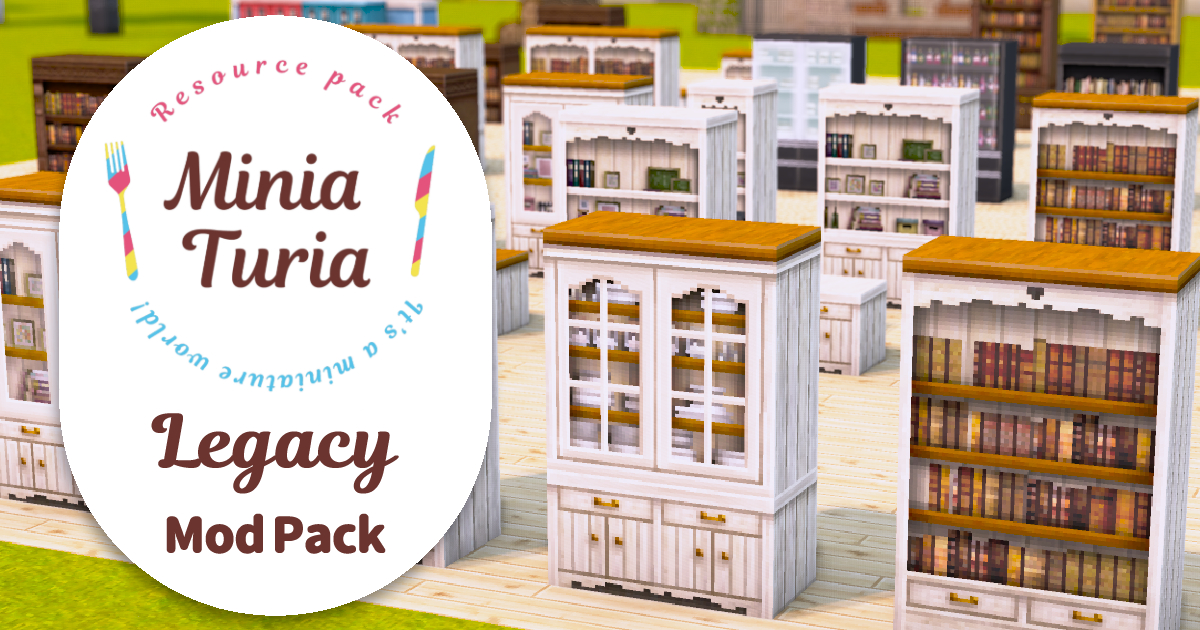
The Original MiniaTuria Textures Are Back!
MiniaTuria 1.7.10 (Resource Pack edition) first appeared six years ago. Now, with almost all textures preserved as they were, it’s back as a mod called MiniaTuria Legacy!
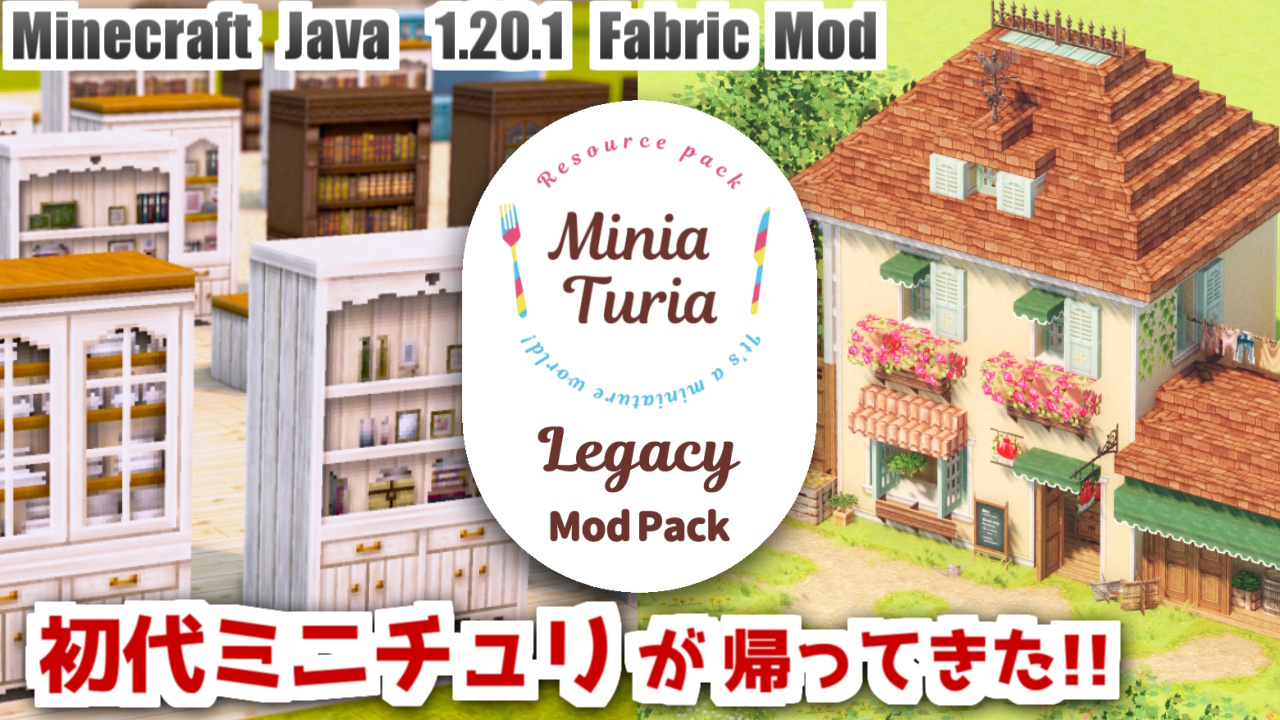
MiniaTuria 1.7.10 (Resource Pack edition) first appeared six years ago. Now, with almost all textures preserved as they were, it’s back as a mod called MiniaTuria Legacy!

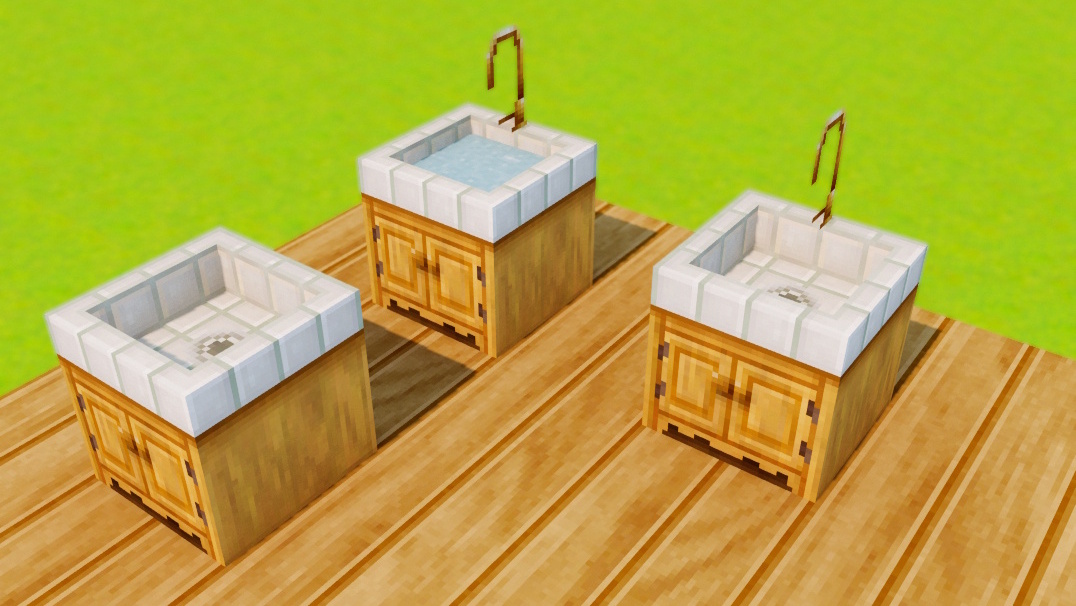
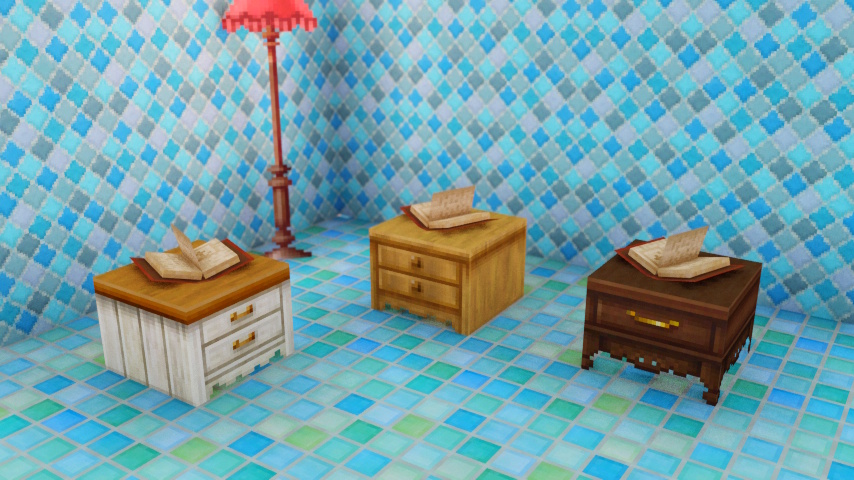
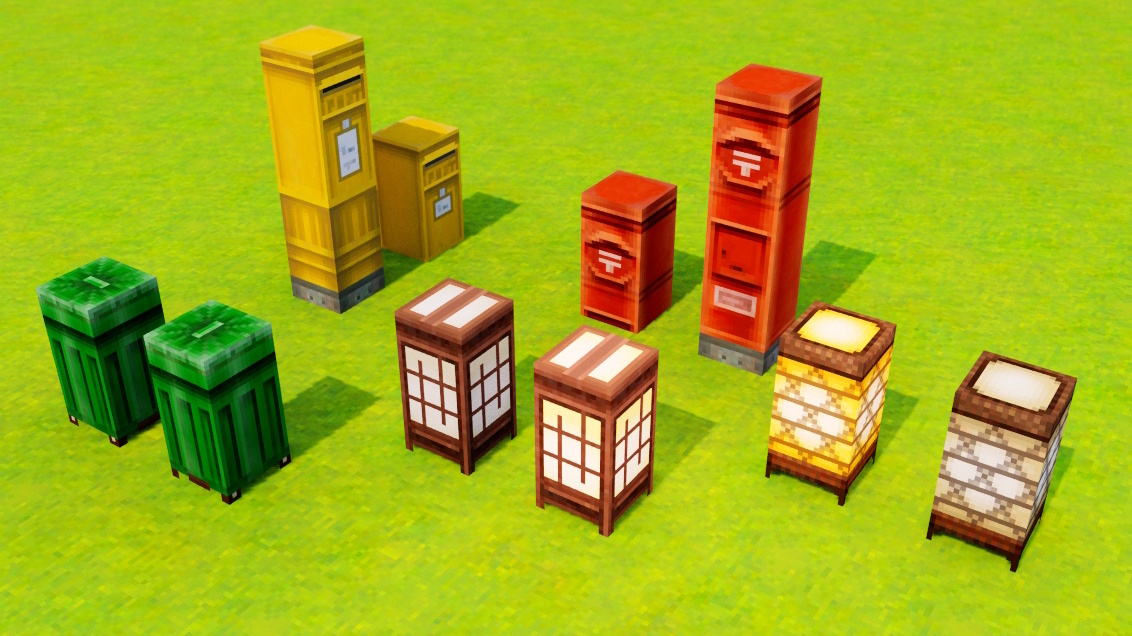
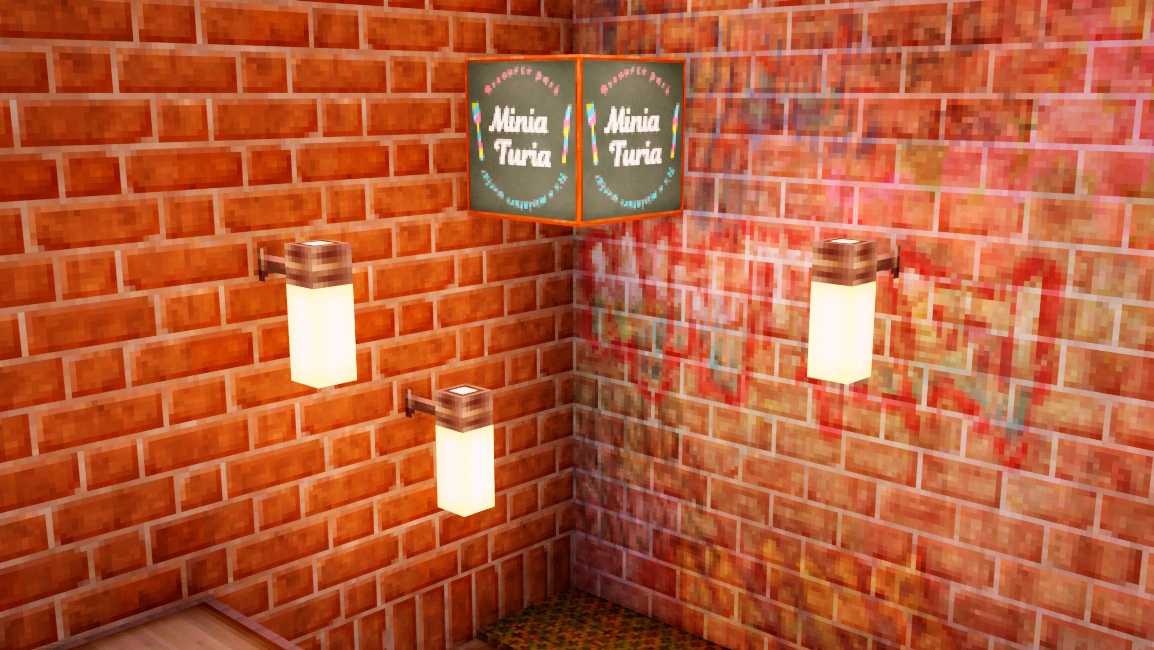
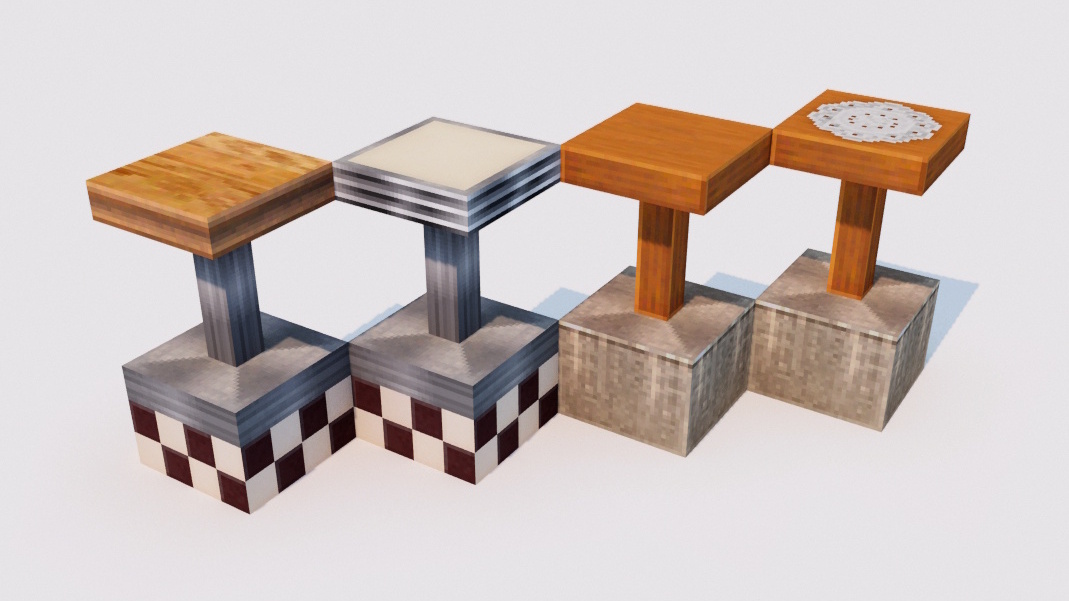
The huge number of blocks that used to be expanded via metadata is now made possible through the power of a mod. About 1,500 blocks in total! A sample world with blocks laid out in ID order is also included! It has building samples and assembly examples for special connected blocks, so please make good use of it!
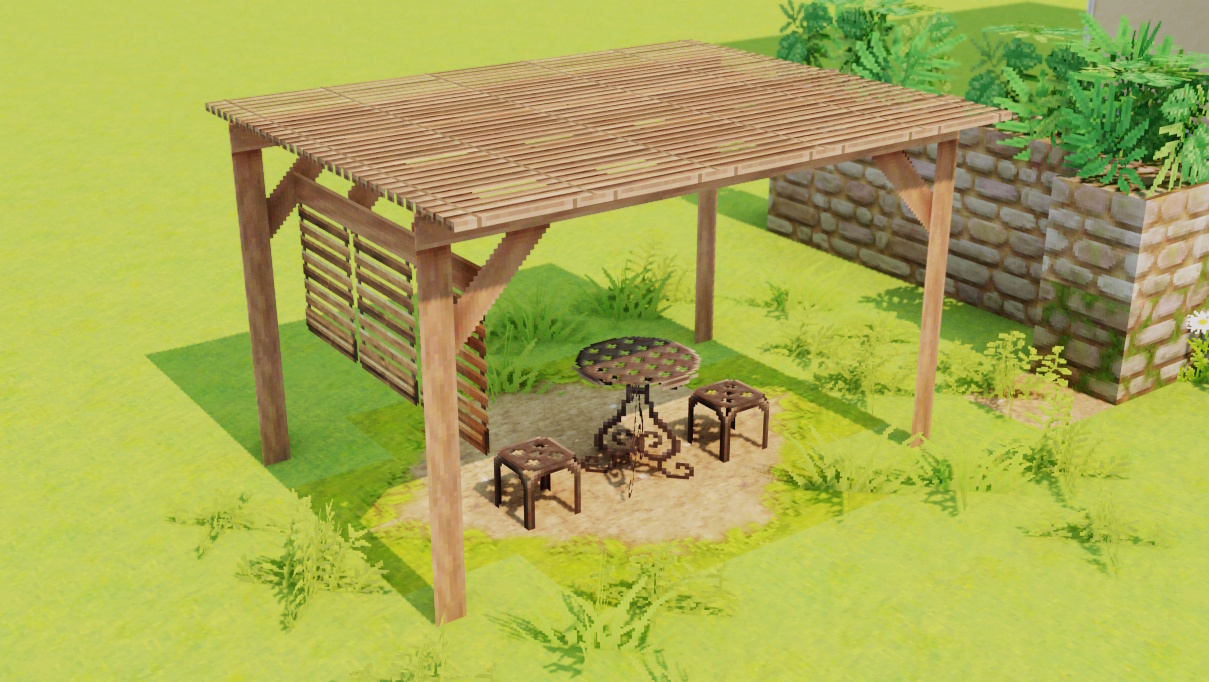
Legacy uses Minecraft’s built-in block models. With connected textures, blocks are designed to look more 3D! No extra models are added, so the mod stays lightweight!

The familiar “MiniaTuria Hammer” from the 1.12.2 edition. In Legacy, the hammer behaves similarly to the old “Meta Cycler” from the 1.7.10 era. Left/right-click with the hammer to cycle through block variants rapidly! For some blocks, you can also switch to special variants by sneaking + using the hammer.
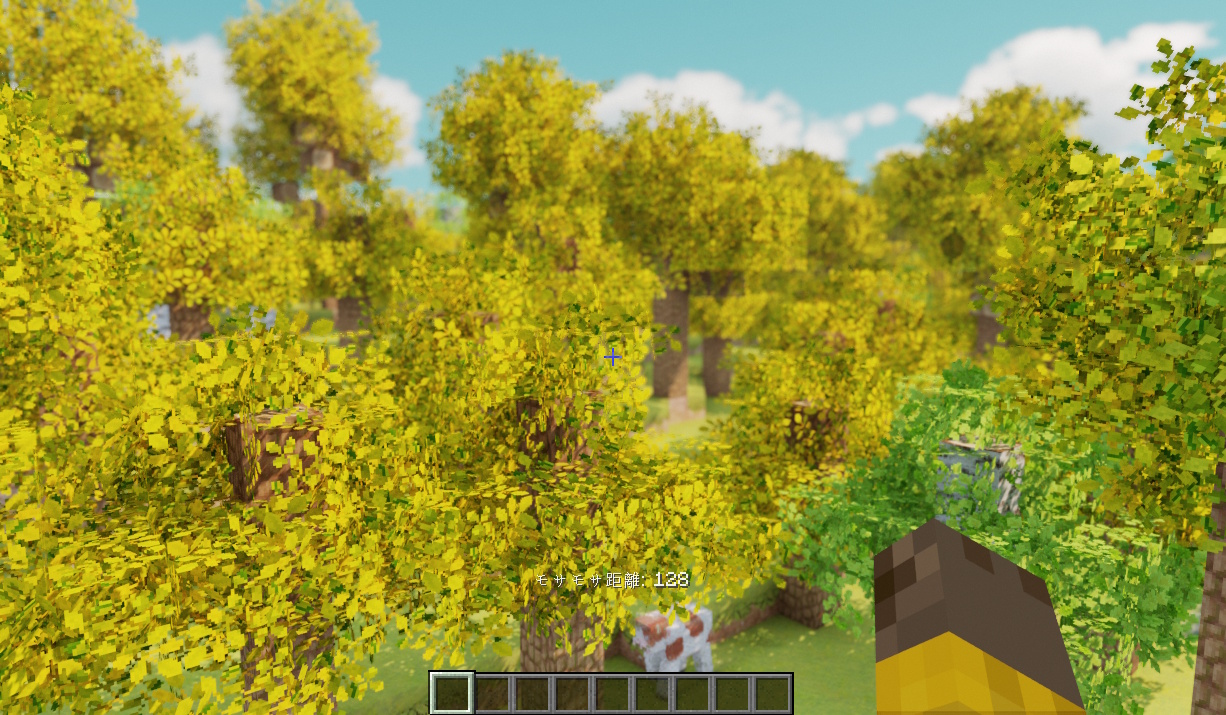
Leaf blocks gain a natural fluffy look! Rendering too many on-screen at once would be heavy, so the effect only appears near the player. You can also adjust the fluffy distance with the - and ^ keys!
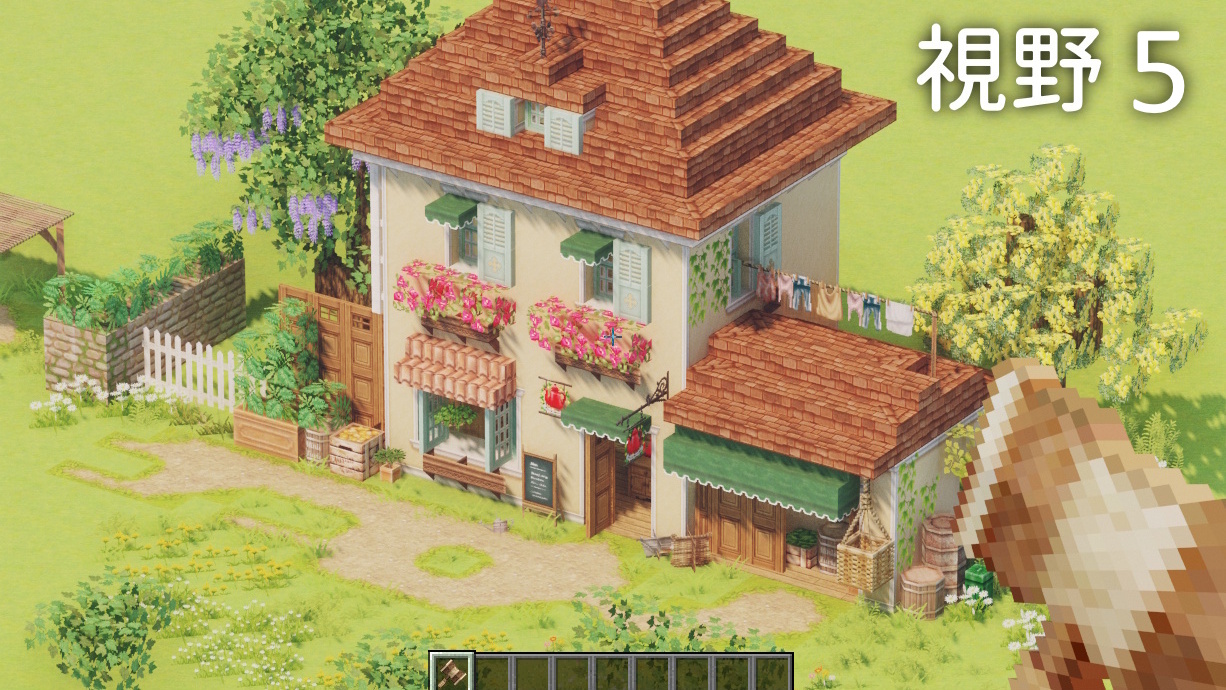
Extends the “FOV” range in video settings from the usual 30–110 to 5–150. You can even capture miniature-style shots like this! With just this one mod, you can take satisfying photos of your builds!
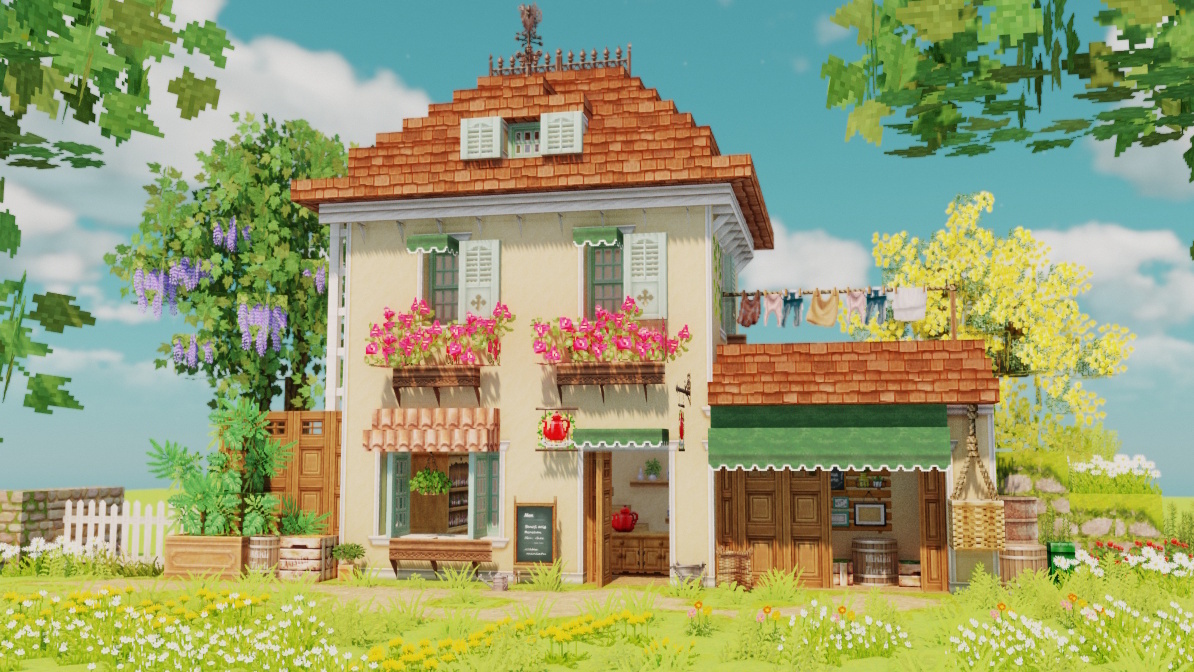
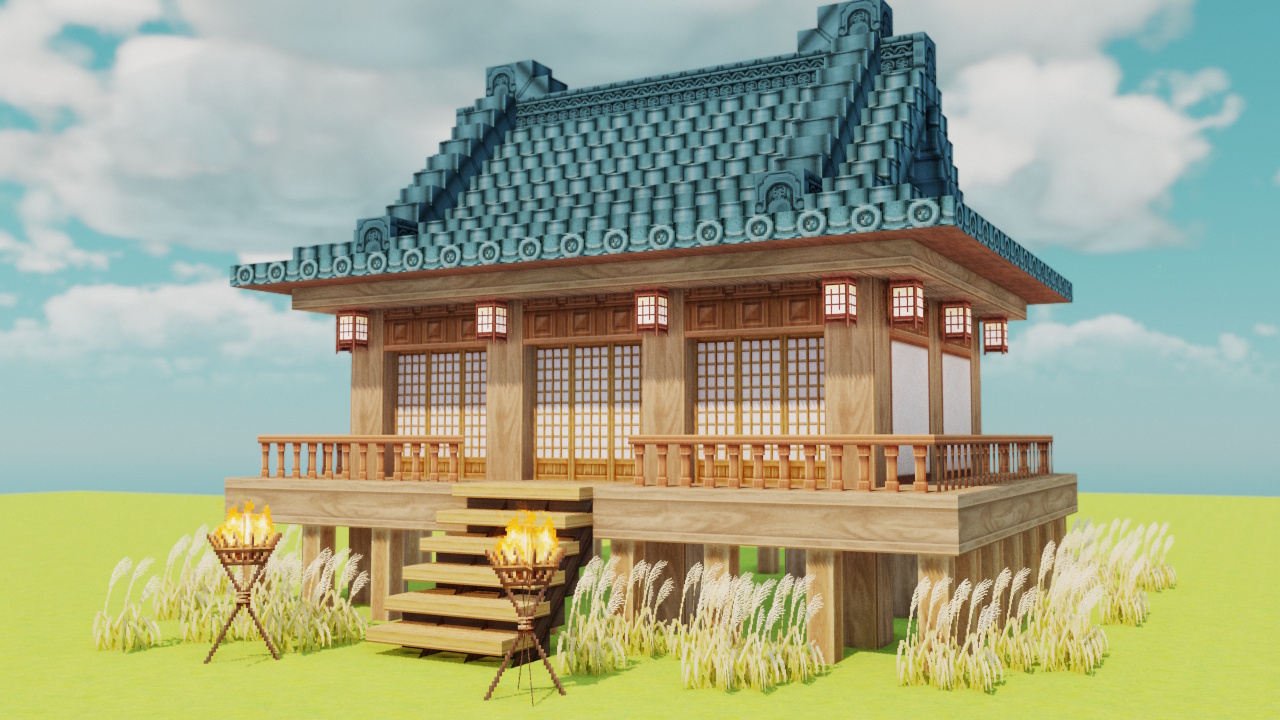

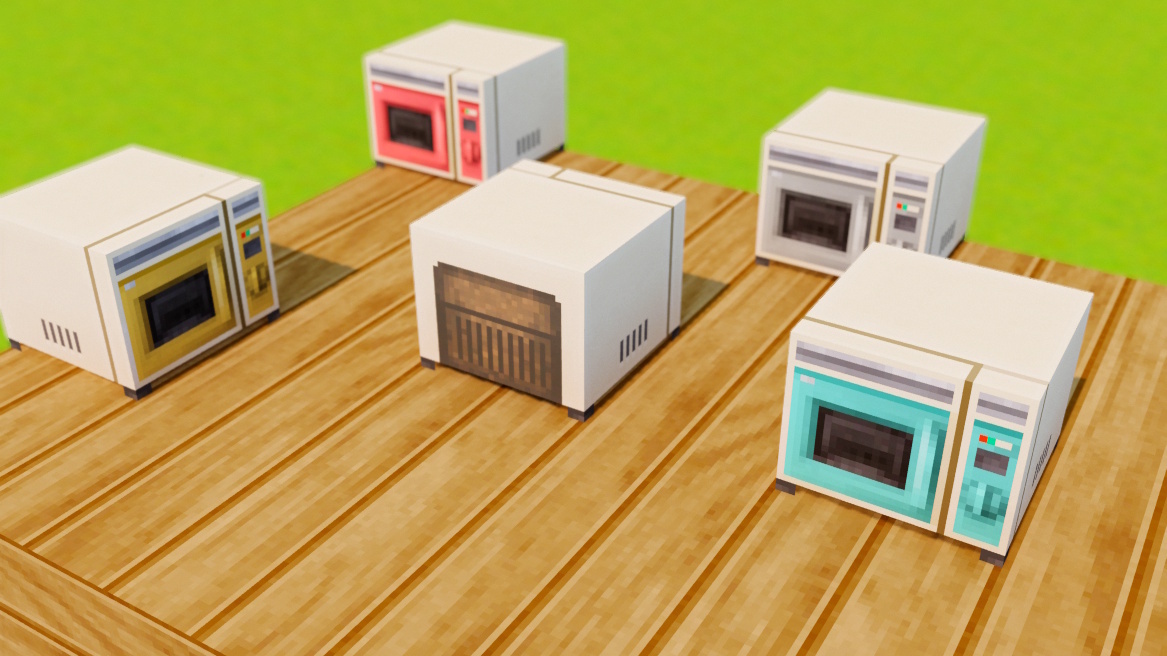
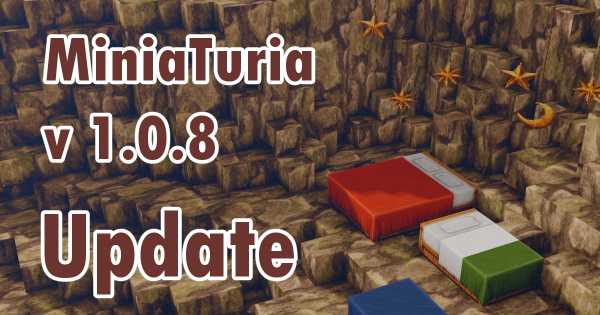
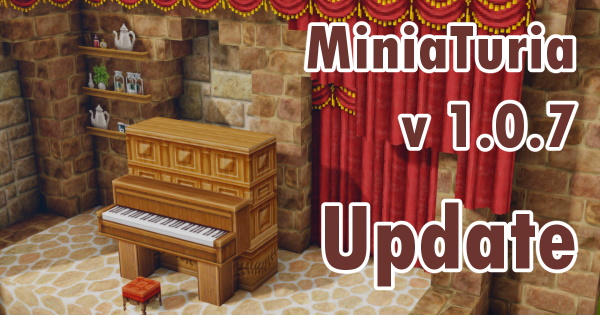
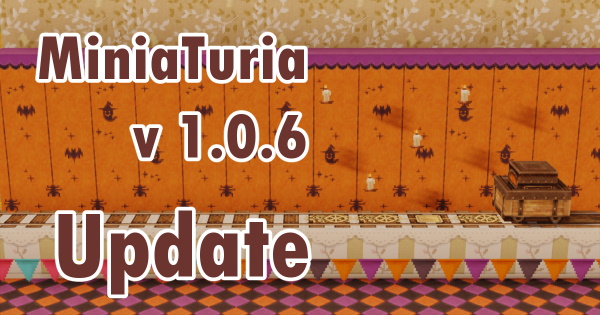
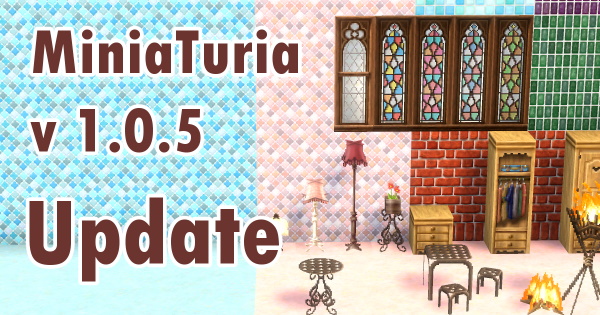
📌 The full installation steps are explained in detail on the next page
Required to run mods: Fabric Installer / Fabric API Required to load connected textures: Continuity / Sodium / Indium
📌 This is a resource pack, not a mod, so check out the guide at the link below
📌 MiniaTuria Legacy mirrors the metadata and biome data from the original resource-pack era and uses them directly as block IDs. That means the 1.7.10 catalog works perfectly to browse the full lineup of extra blocks! Be sure to check it out~