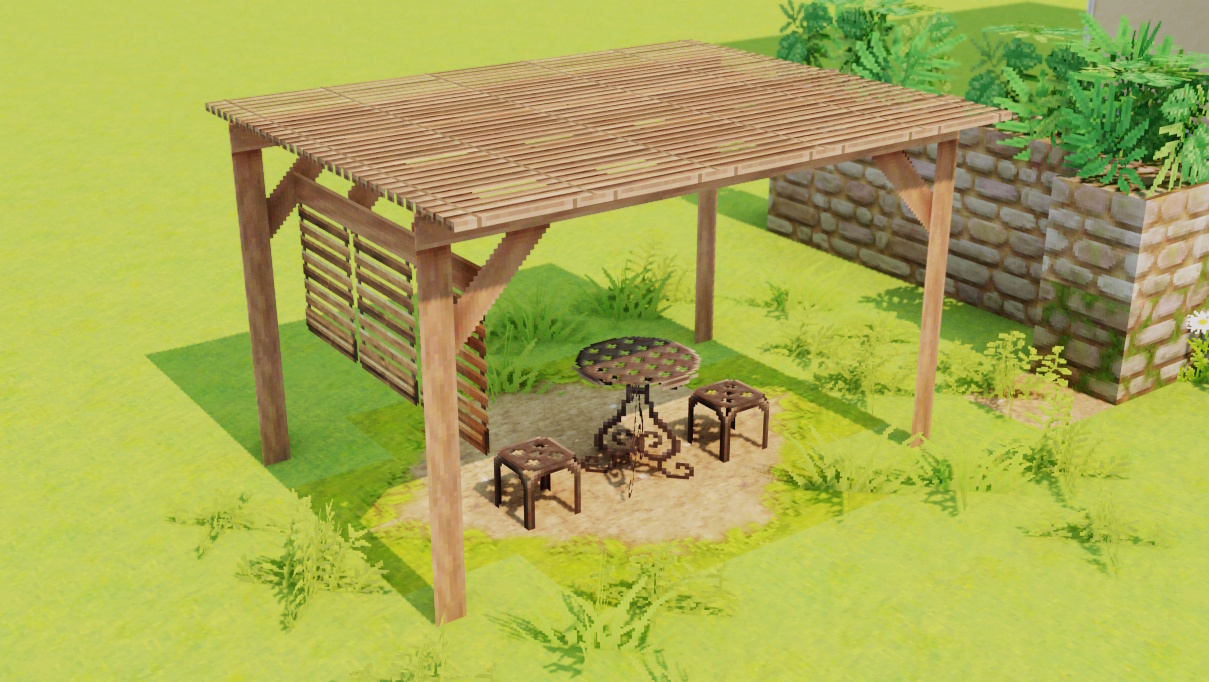
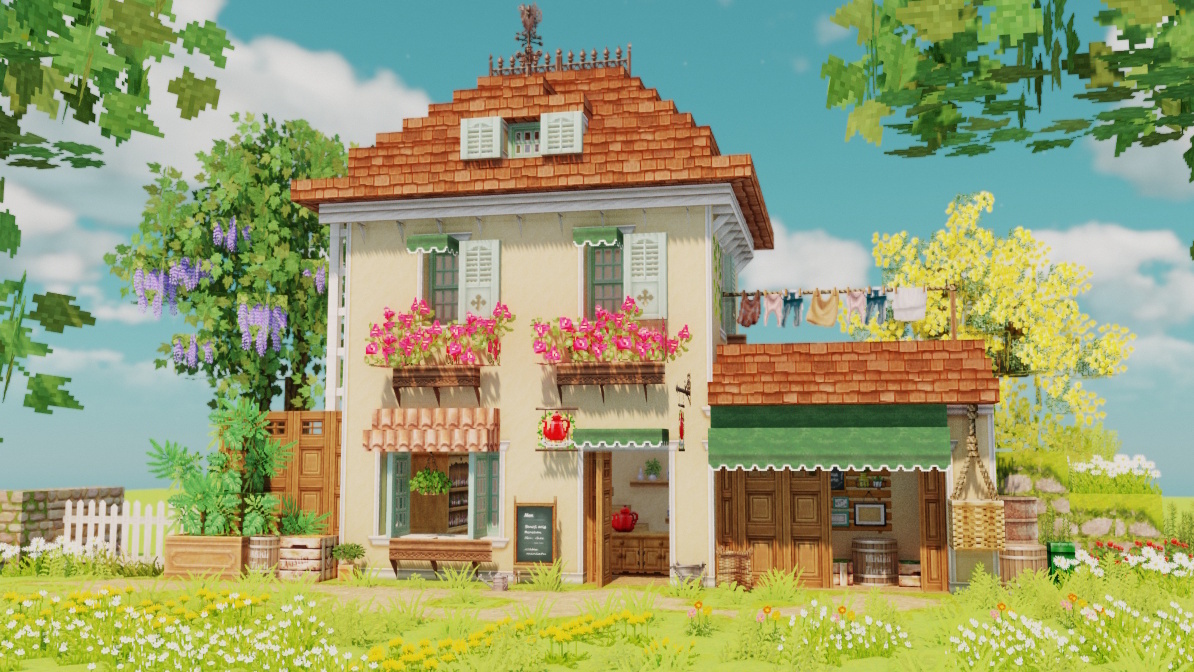
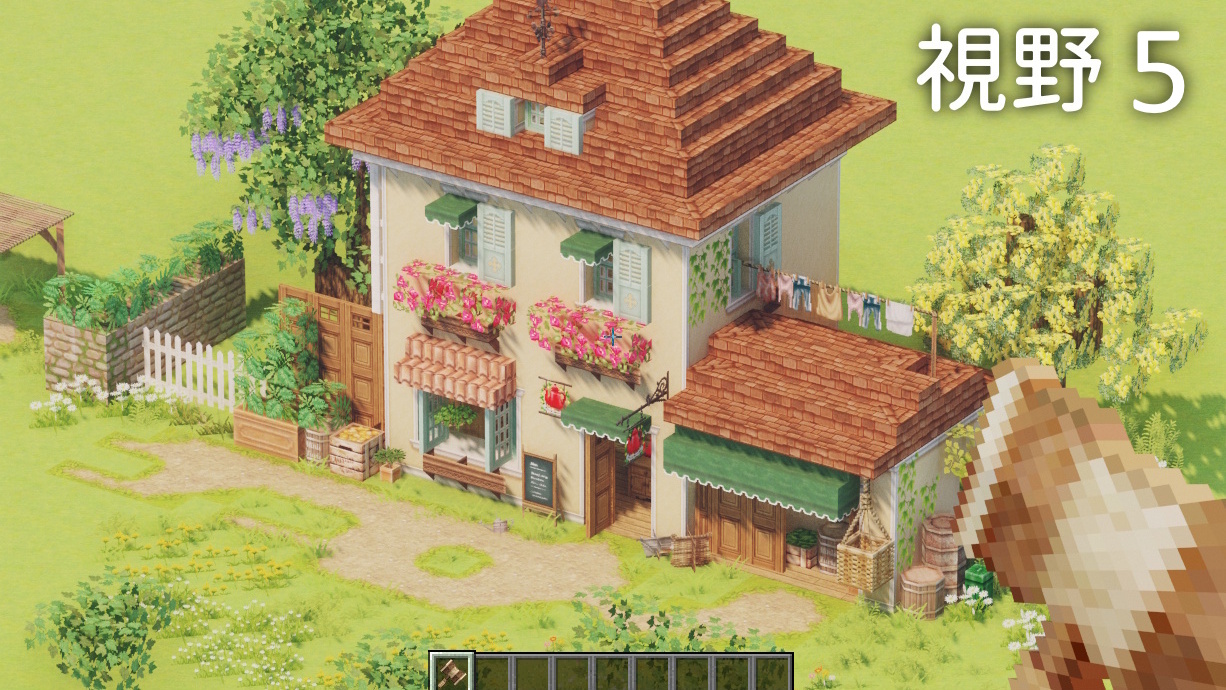
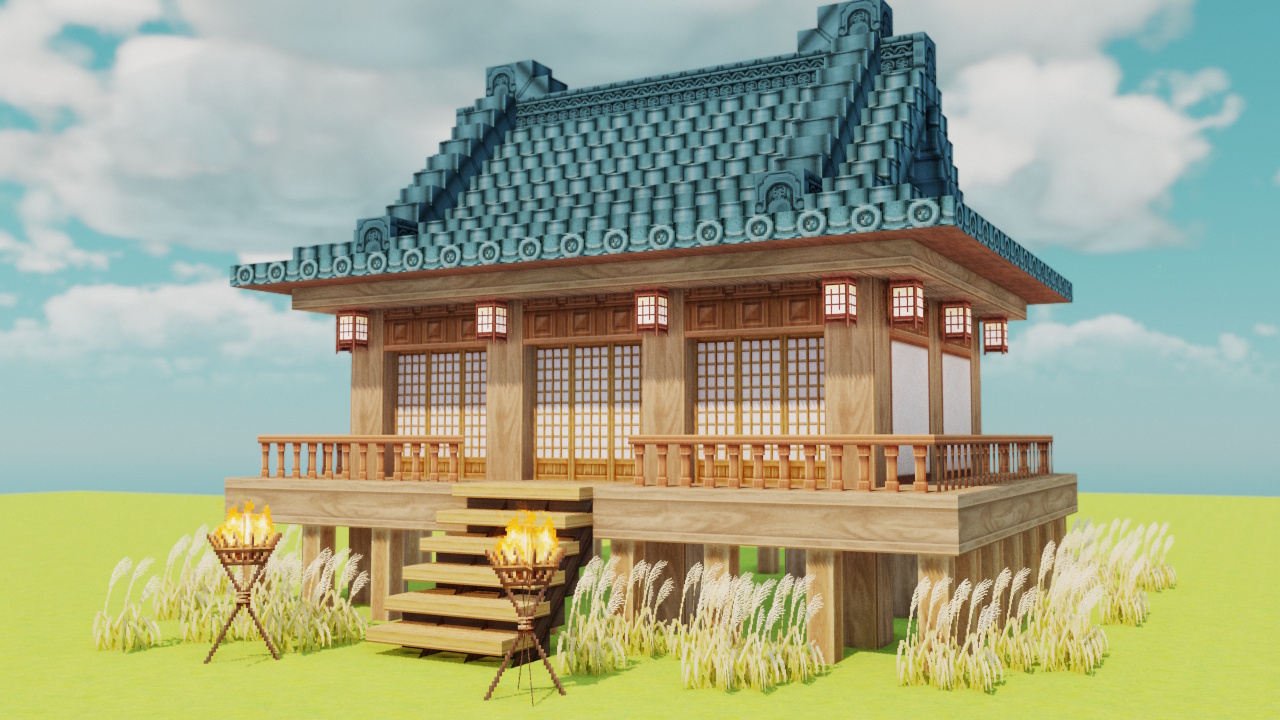

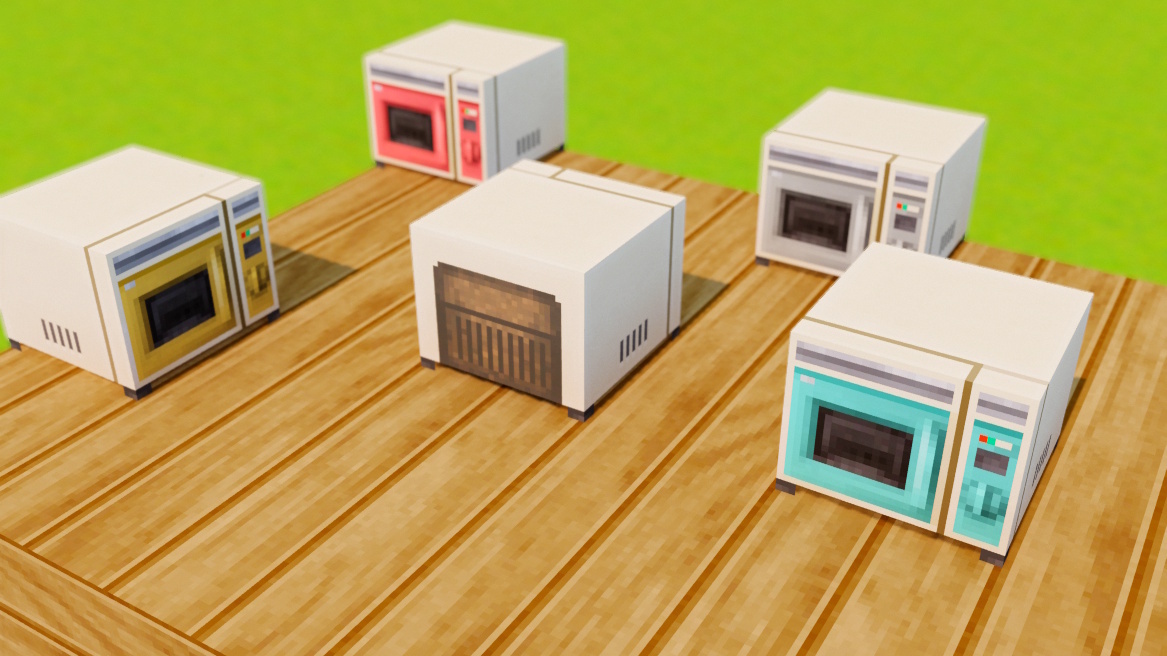
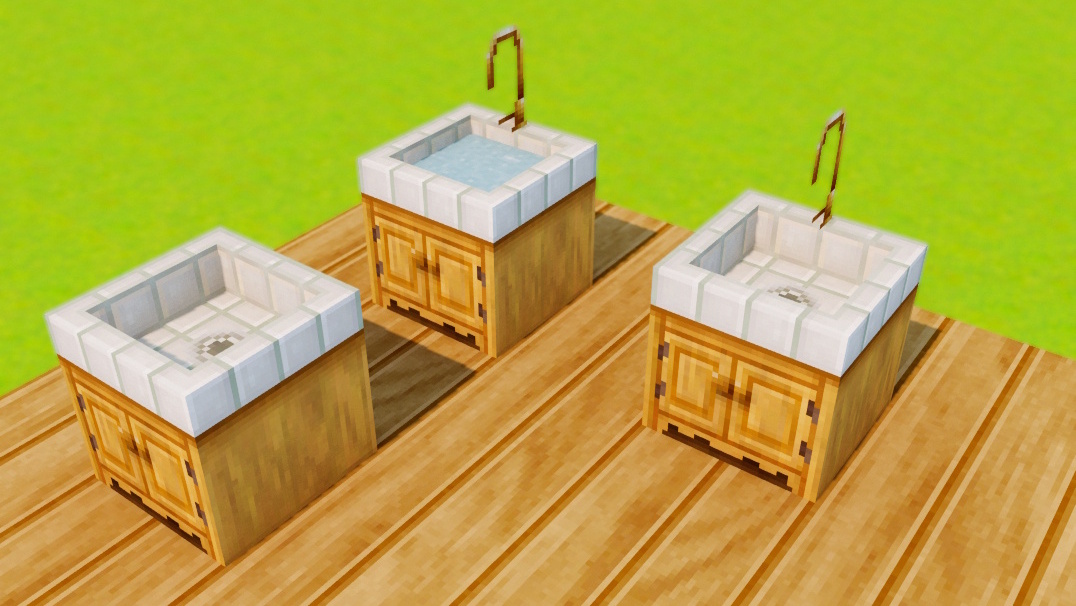
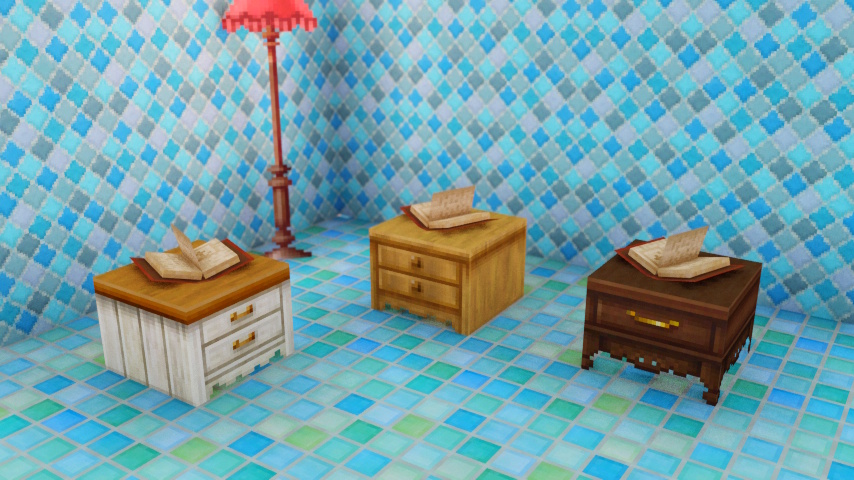
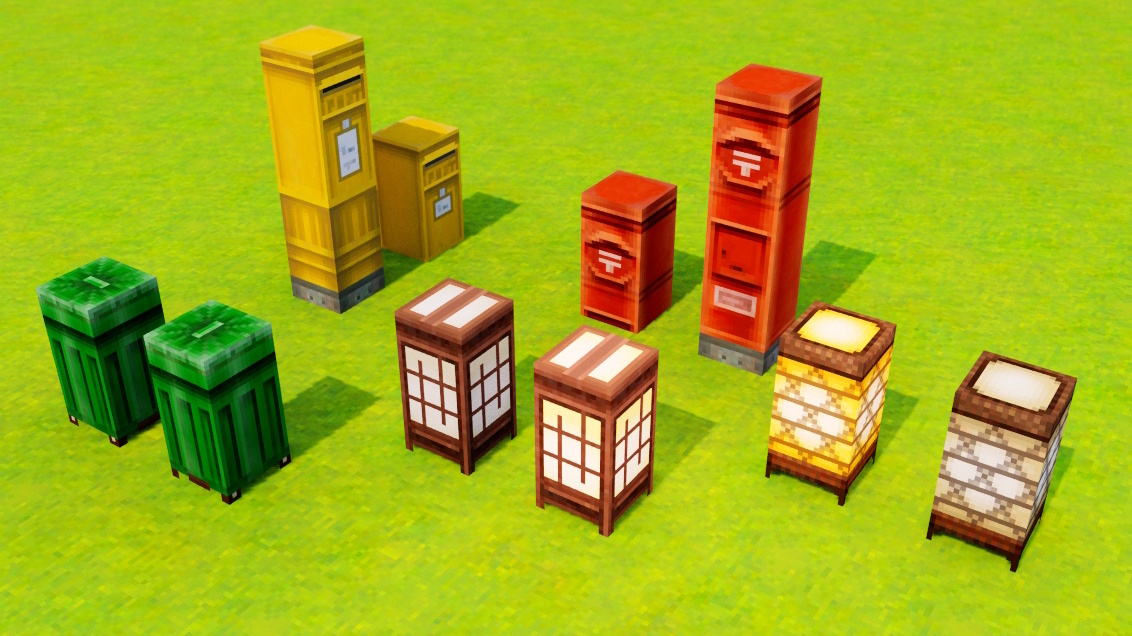
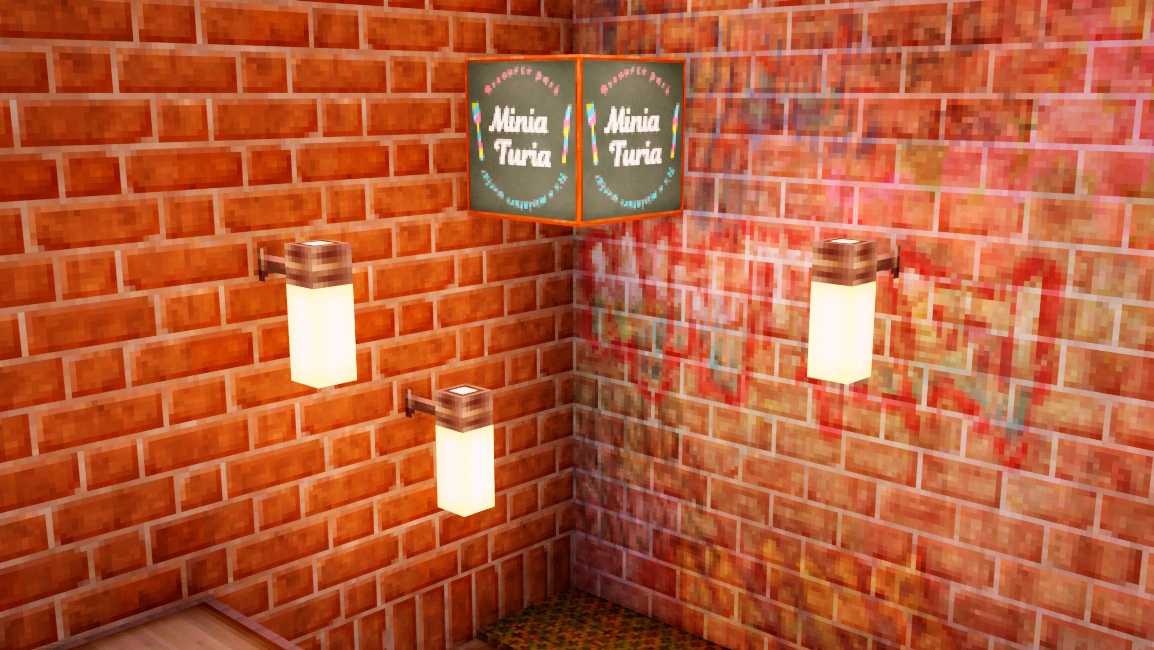
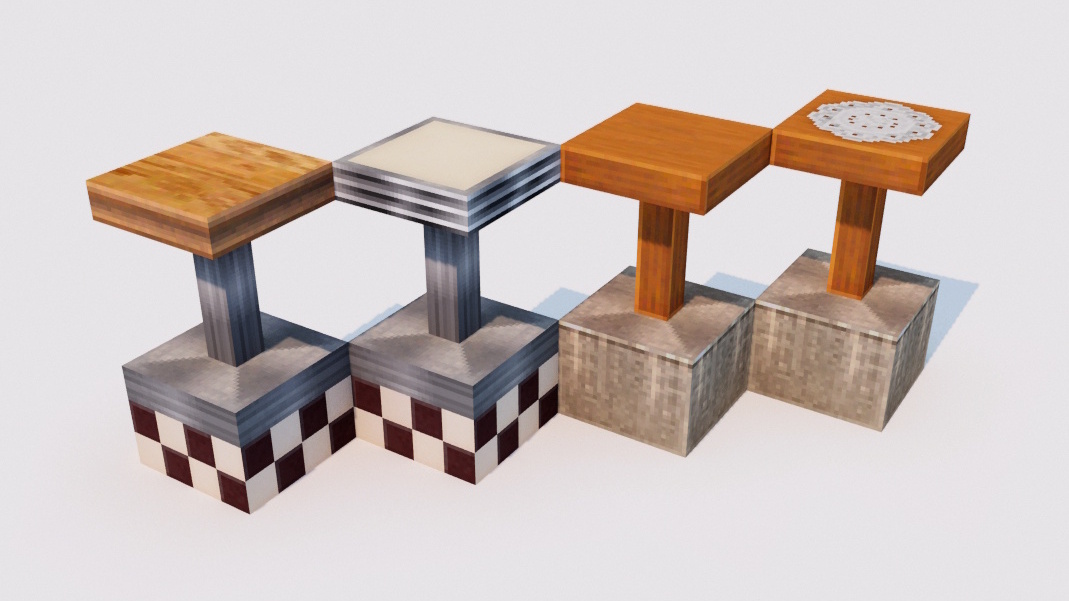
📌 MiniaTuria Legacy brings back decorative blocks from the old MiniaTuria 1.7.10 resource-pack era—now recreated as a mod that adds blocks. Currently supported: Fabric 1.20.1.
About this Mod
Required to run mods: Fabric Installer / Fabric API Required to load connected textures: Continuity / Sodium / Indium
Java
Fabric Mod
v1.20.1
4 GB RAM+
Requires Fabric API
Requires Continuity
Requires Sodium
Requires Indium
Requires Continuity
Not supported in Survival Mode
FAQ
I clicked the file download button, but the agreement button on the Terms of Use screen remains disabled and I’m stuck.
- Cannot click the agreement button on the Terms of Use → Please read the terms and scroll all the way to the bottom; then the agreement button will become clickable.
When I reach the Linkvertise ad page, it says “Whoops!” and I can’t proceed to the file download.
- Retrying with a different browser (for example, Firefox if Chrome doesn’t work) often solves the problem.
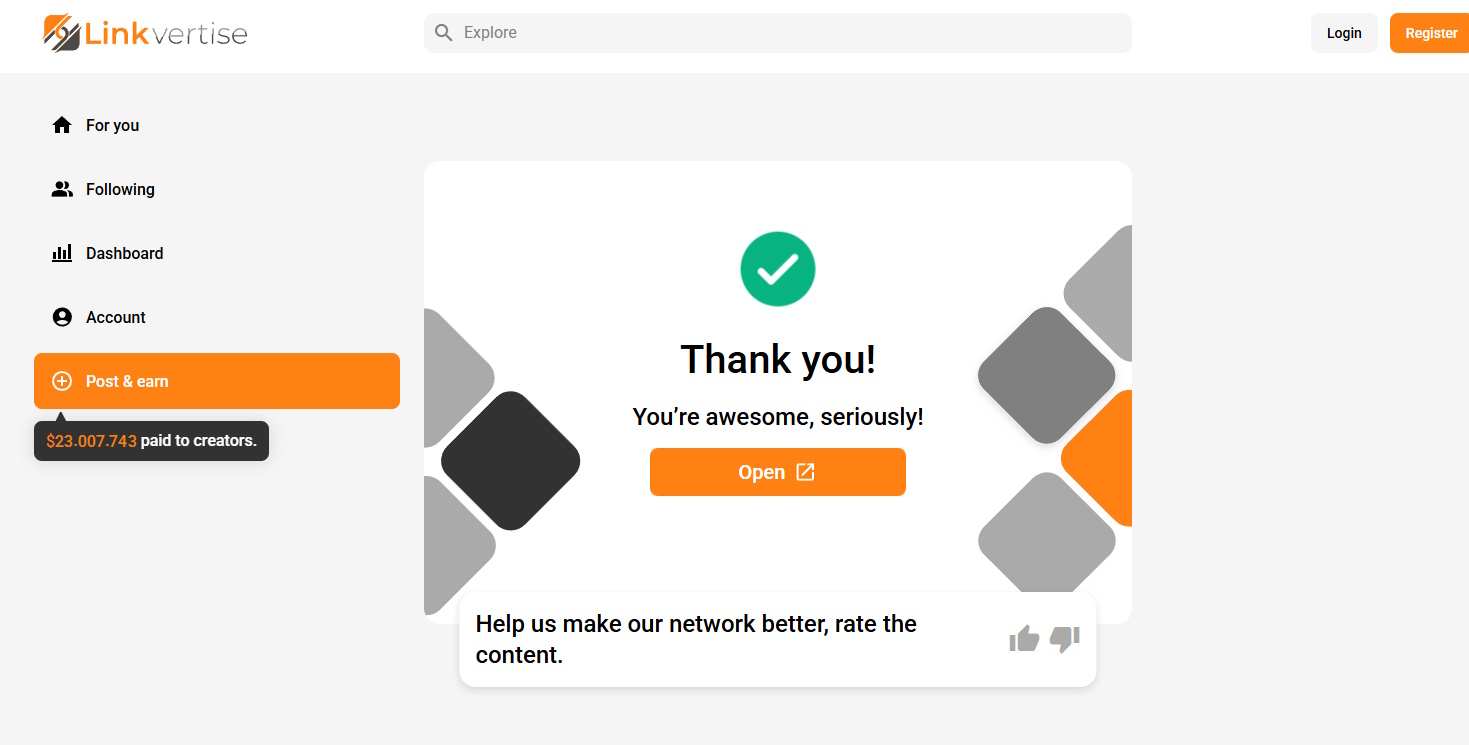
- If you cannot or do not want to change browsers, restart the ad process from the beginning. When you reach the point where you are supposed to click the orange button, do not click it; instead, click the small “Skip Ad” link shown at the bottom right of the ad. This will allow you to proceed, so then click “Open” to move on to the file download page.

I installed Continuity, but textures still won’t connect
- You may be missing Sodium and Indium, which are required dependencies for Continuity.
- Continuity won’t work with only Sodium—Indium is also required.
- For details, read this guide → “How to install Fabric and Continuity”
Can I play this in Survival Mode?
- No… This mod is purely for enjoying Creative building.
Are there blocks that still use vanilla textures?
- Yes—some do. The texture set for vanilla blocks isn’t fully complete yet, so please wait a bit longer 🙏 (as of August 2025)
Even with the “MiniaTuria Hammer,” I can’t show the pillow/sheet textures on the “Bed Block,” or the frill texture on the “Awning Tent (Half)”
- The MiniaTuria Hammer has extra interactions besides normal left/right click: you can also left/right click while sneaking (holding Shift). The Bed Block and Awning Tent can be changed using that trick too.
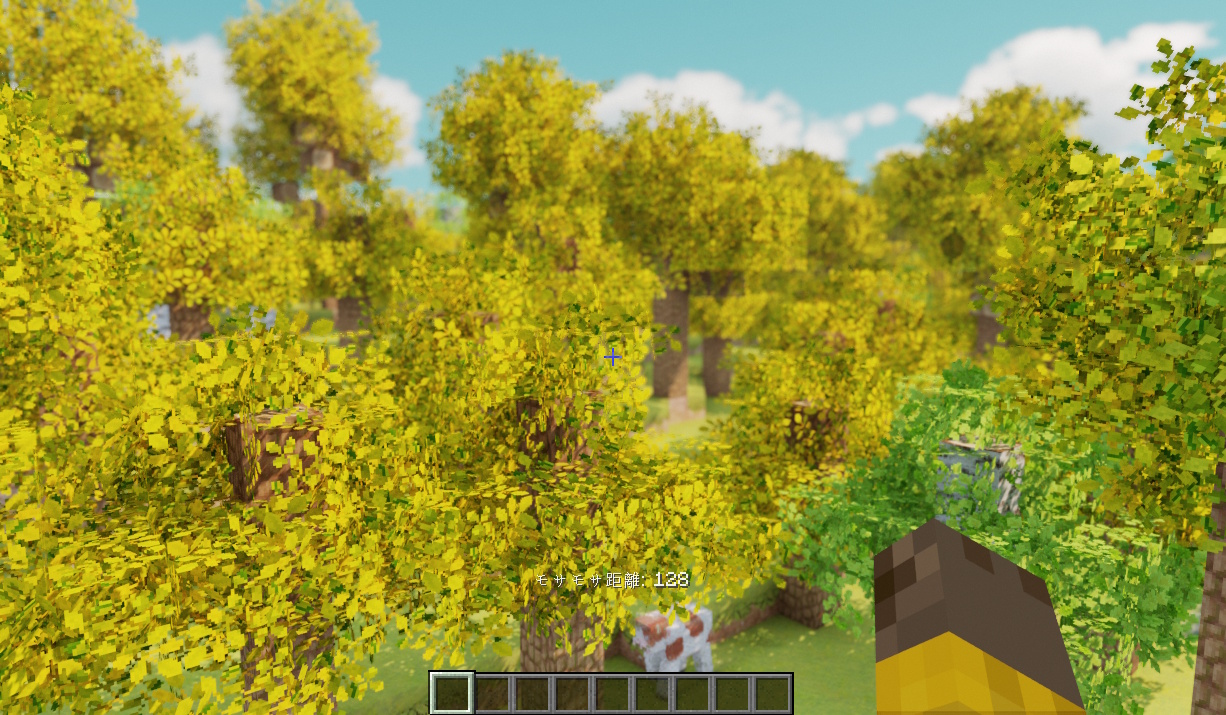
The fluffy leaf effect is heavy and causes lag—can I disable it?
- No.
- However, you can adjust the effect range:
-: decrease range ^: increase range - This range setting resets every time you log into a world because there is no config system for it. If your screen freezes due to performance, please hold - after entering the world to reduce the range to 0.
- To play MiniaTuria Legacy, please allocate at least 4 GB of RAM to Minecraft (not the default 2 GB). If you’re unsure how, read this guide → “How to install Fabric and Continuity”
Will there be a Forge version?
- There are no plans at the moment (as of August 2025).
- This mod is essentially a remake of the 1.7.10 version, and we consider it sufficient if it can be reproduced in an environment where the original CTM (connected textures) can be reused (= Continuity).
- Thanks to user reports, it’s been confirmed that you can also play in a Forge environment by using the following mods:
Embeddium / Continuity (Forge version) / Forgified Fabric API / Sinytra Connector