📌 A mod + resource pack that adds a huge variety of building materials and decorative blocks, as well as a system that lets you shift block positions after placing them. Java Edition 1.12.2 — Creative mode only.
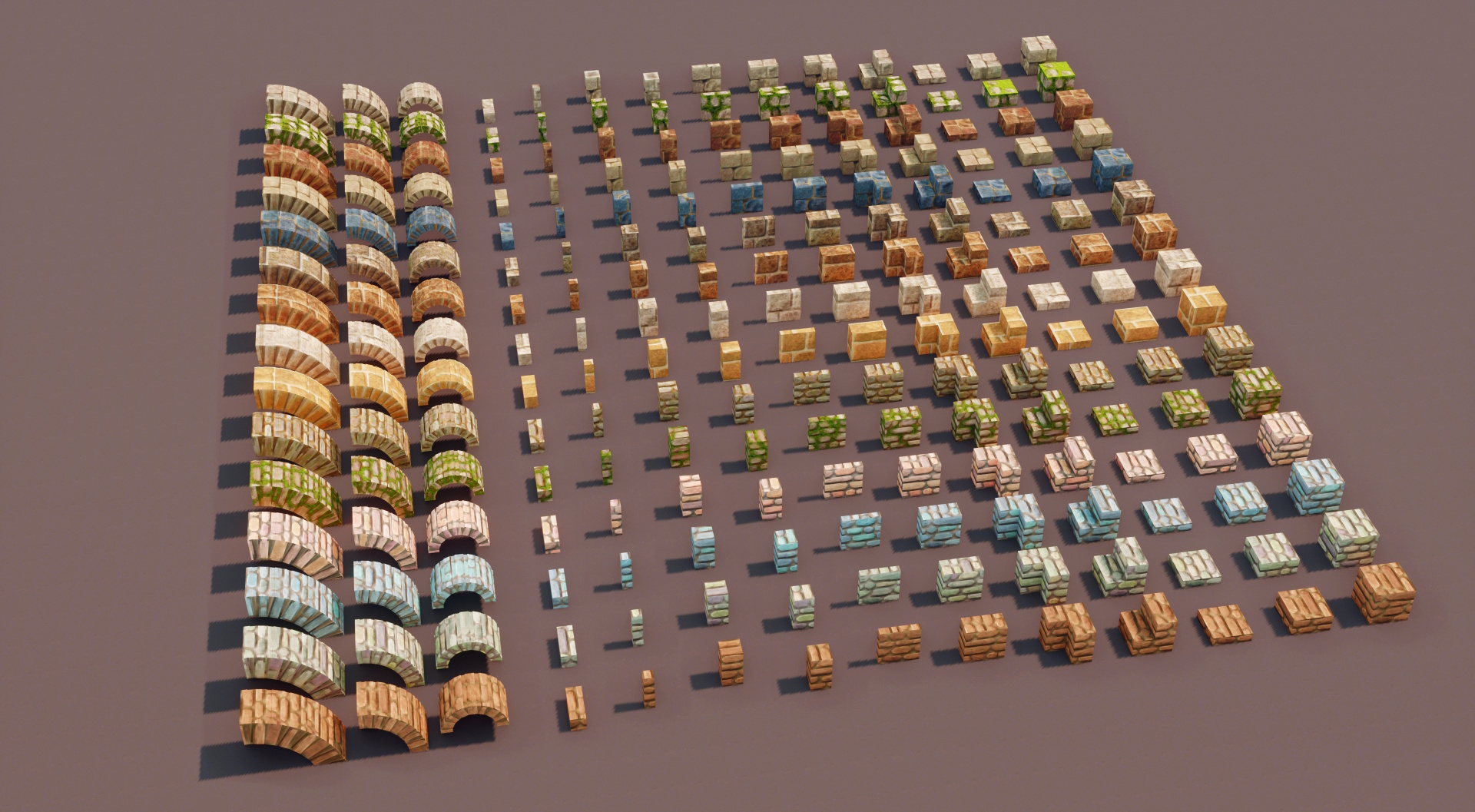
About 6,000 extra blocks!
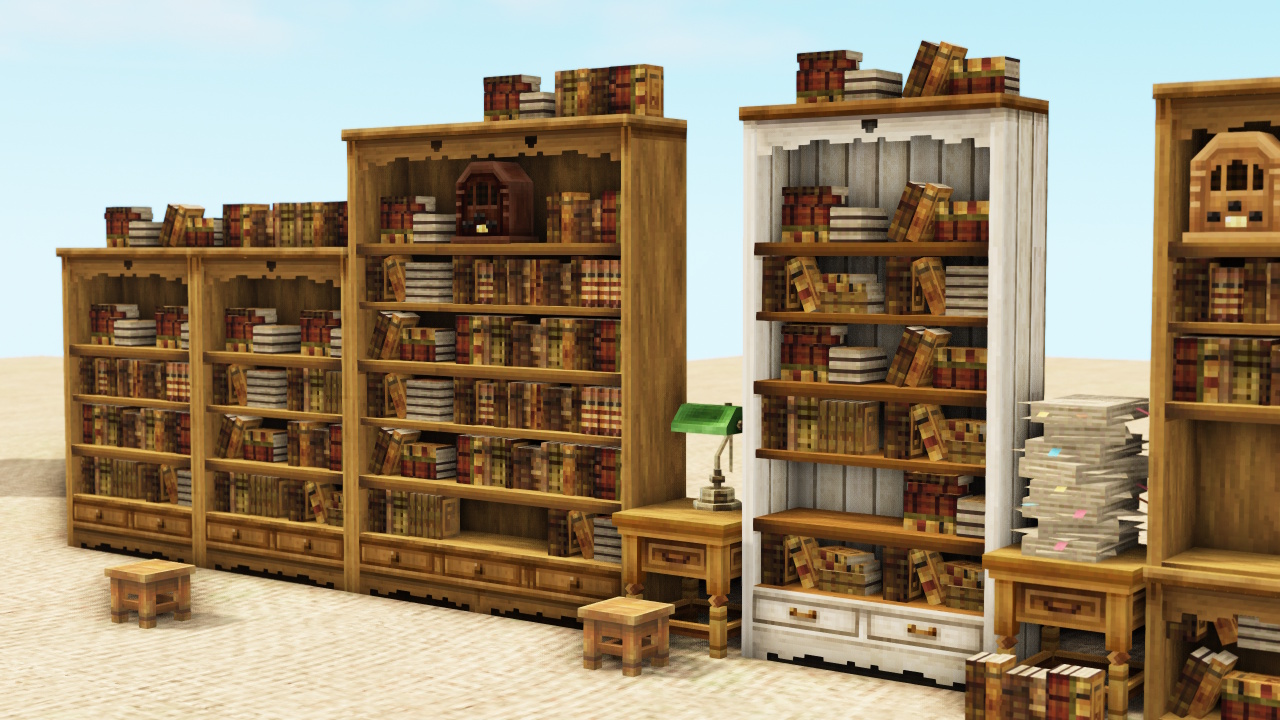
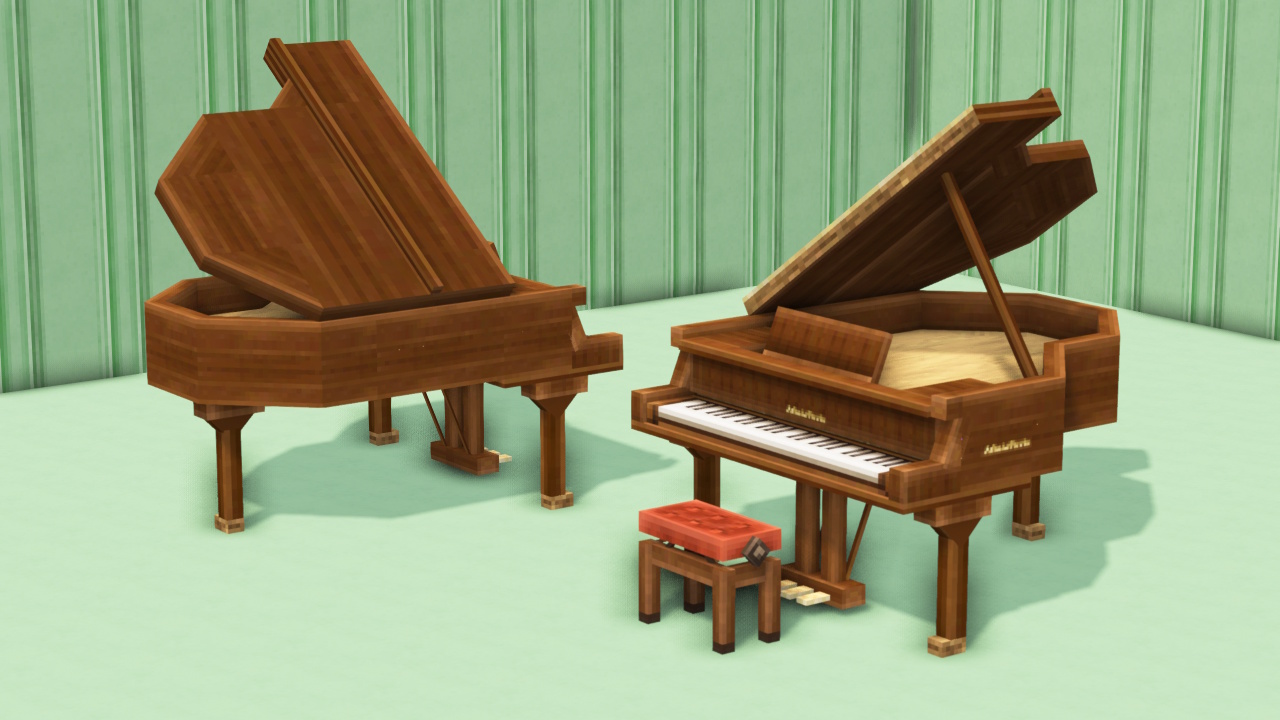
For building materials, a single texture comes with many shapes—slabs, vertical slabs, side stairs, poles, arches, and more. Plus, there are tons of decorations and furniture items too!
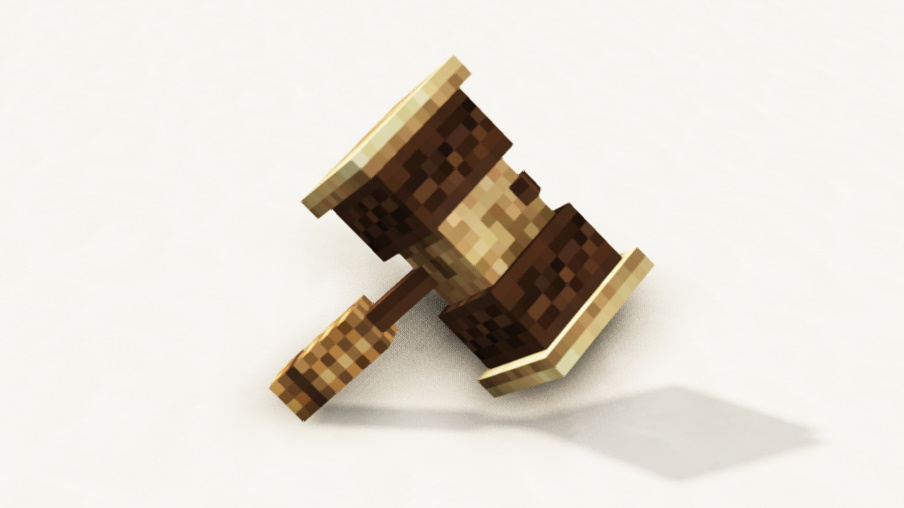
“MiniaTuria Hammer”
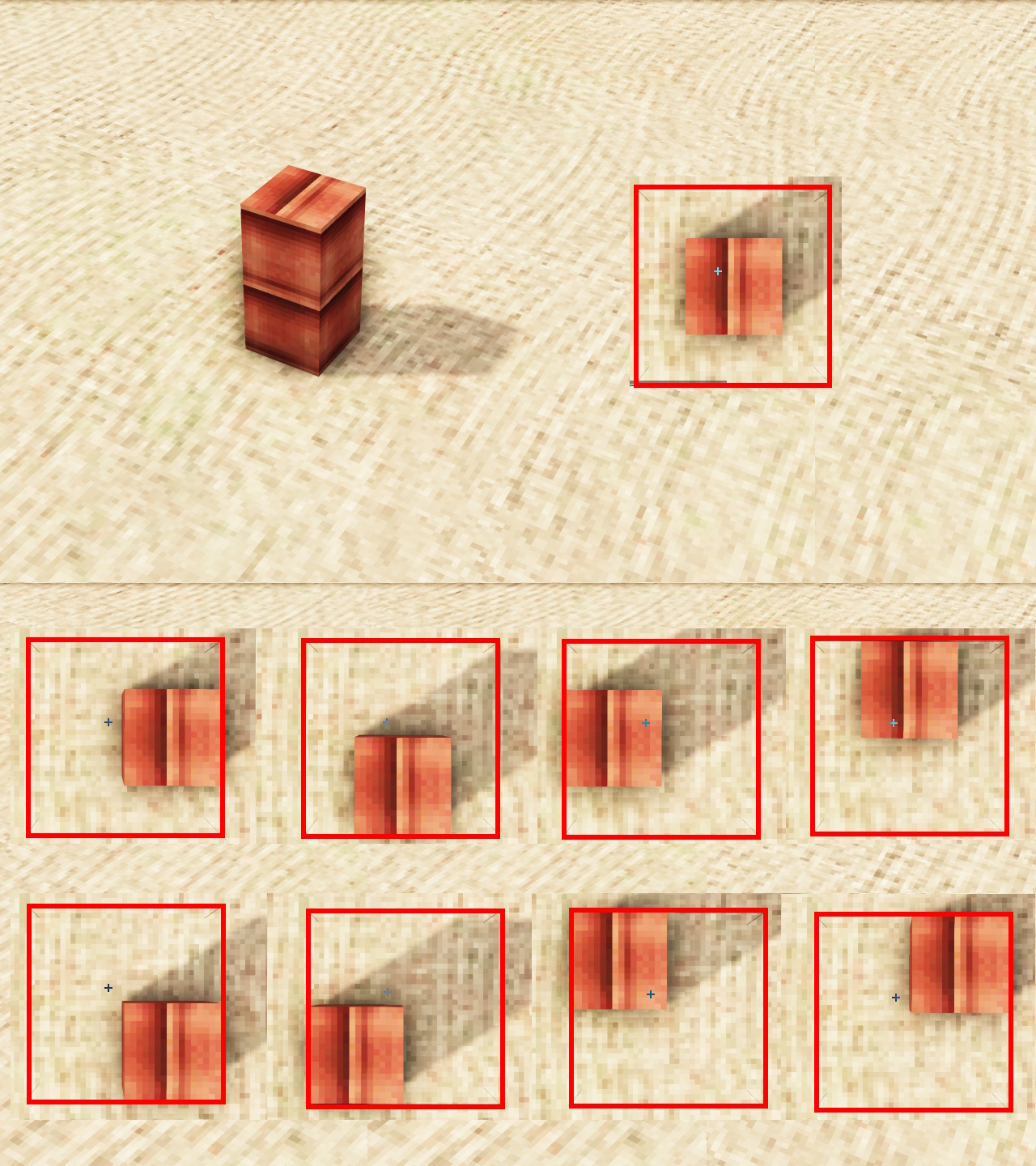
Extra blocks aren’t just for placing—you can build in special ways too! This item makes that possible.
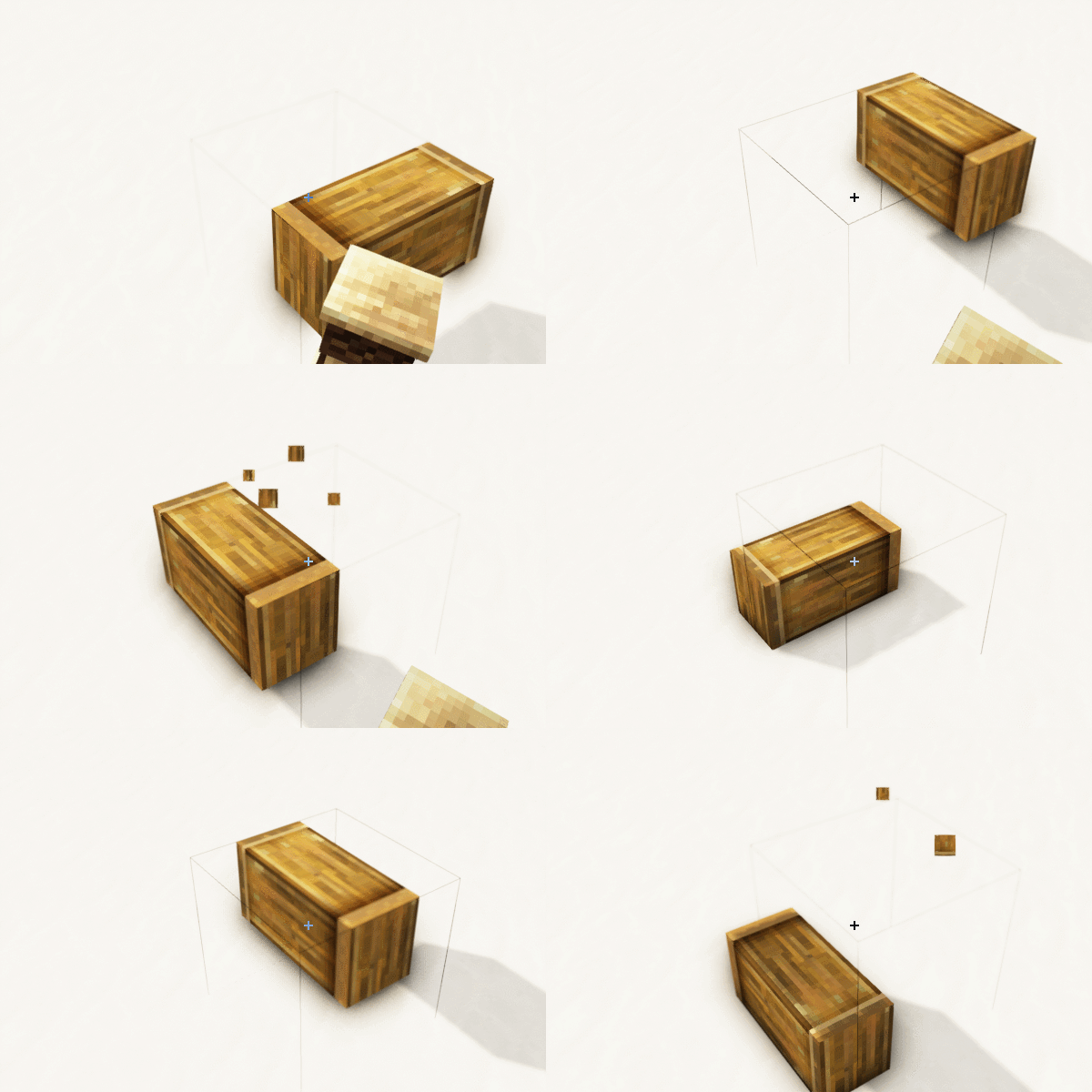
You can: “shift” “push in” “rotate” “tilt” and “change the variant”!
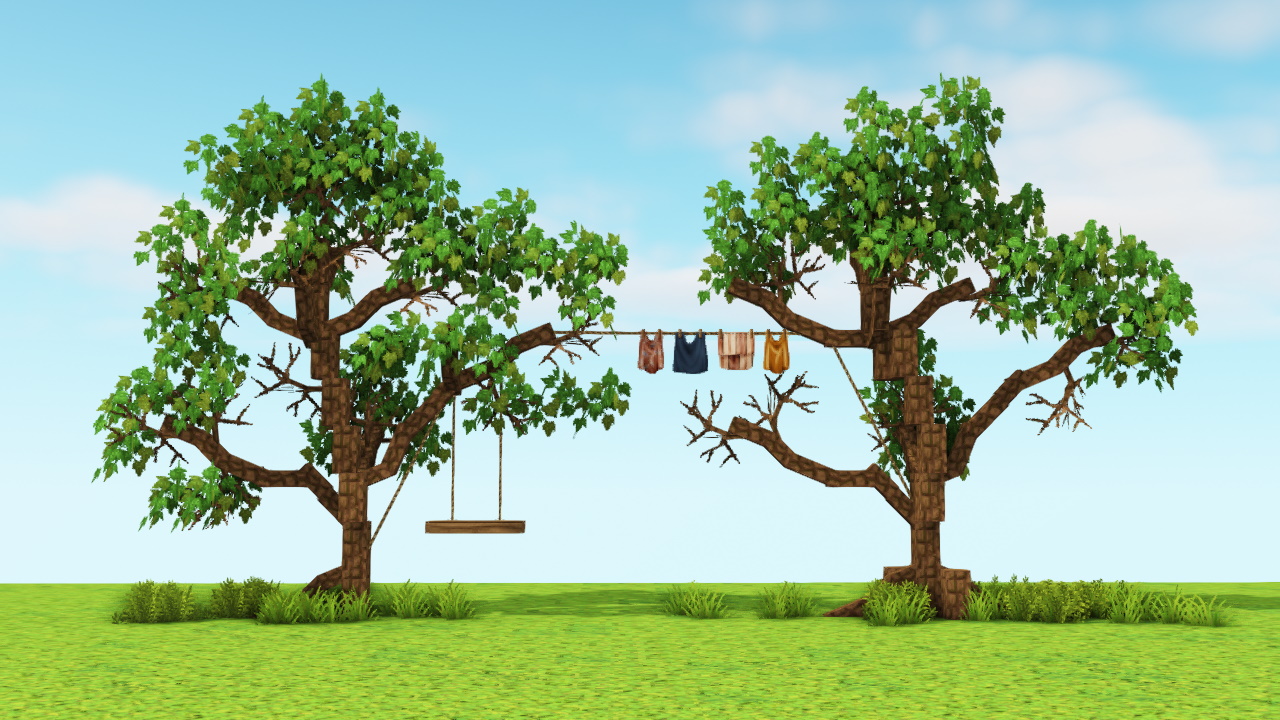
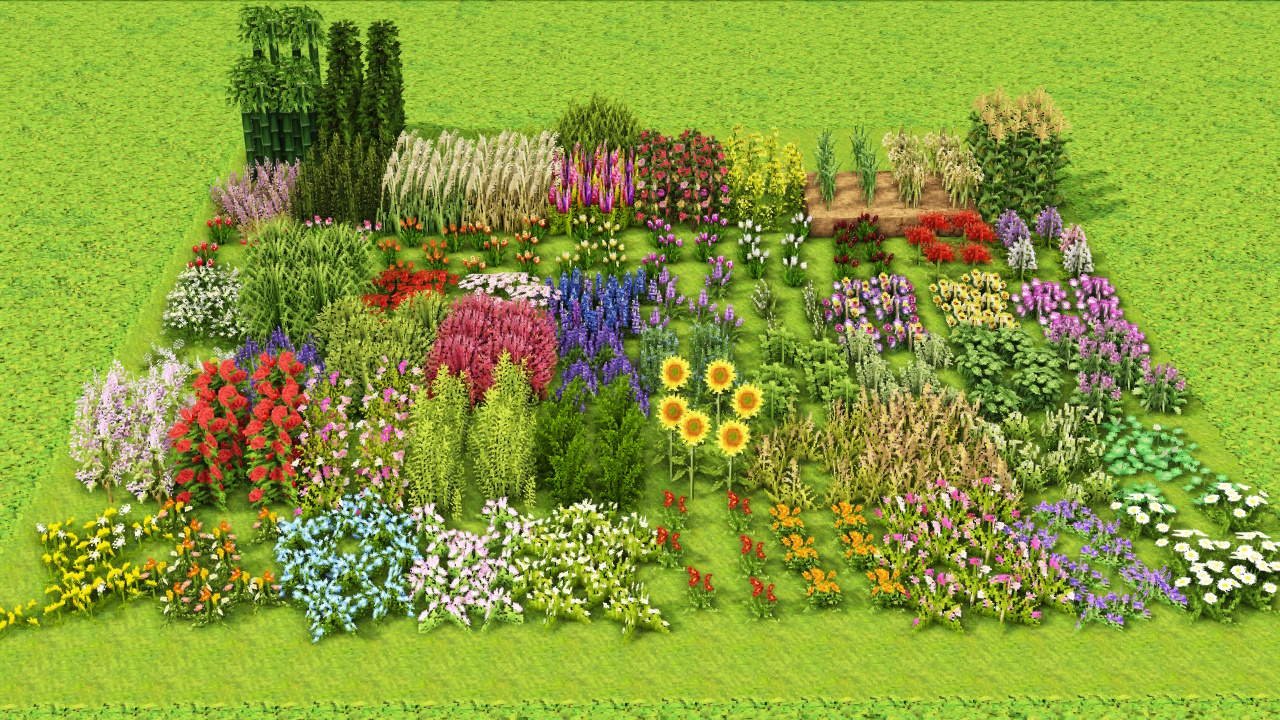
Plenty of plants, too
You can freely assemble trunks and branches!
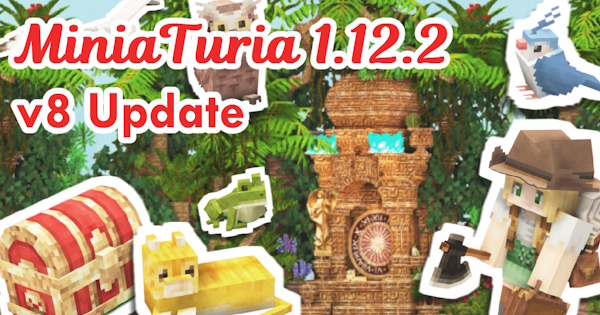
- Fixed uneven "Obsidian" and "Black Marble" textures (resource pack fix only)
- Reduced texture count for: "Sand", "Red Sand", "Yellow Sand", "Coal Block", "Cobblestone", "Mossy Cobblestone", "Black Cobblestone", "Cobblestone with Dirt", "White Cobblestone", "Mossy Stone Bricks"
- Fixed a bug where "TV", "Vase", "Cash Register", and "Game Table" would not sit on top of the "Low Table"
- Brightened the color tone of all textures
- Optimized the code that handles block offsetting - a load-reduction change with no noticeable visual difference 💦
- Changed "Photo Frame A" and "Photo Frame B" so their random appearance now alternates between A and B
- Increased the model size of "Ship's Wheel (Brown)" and "Ship's Wheel (White)"
- Fixed a crash that occurred when left-clicking "Miscellaneous / Basket (Hanging, Offset)" and "Miscellaneous / Basket (Offset)" with the hammer (hammer left-click has been disabled for these)
- Partially changed the texture design of the "Trapdoor"
- Changed the design of the "Iron Door"
- Fixed a bug where the "Torch" base had no texture applied
- Changed the "Redstone Lamp" to a red candle to distinguish it from the "Torch"
- Changed the texture of "White Stained Glass"
- Changed most textures of "Terracotta" and "Colored Terracotta" to prioritize overall balance
- Adjusted the color tone of "Red Sand" and the various red sandstones to match the color of "Terracotta (Rock)"
- Changed Steve to have no beard
- Reduced the hardness of all mod blocks to about that of cobblestone
- Successfully removed the dark shadow bug that appeared on parts sticking outside a single block space, such as "Offset Pillar" and "Cornerstone"
- Renamed the "Item/Building Aid" tab to "Useful Items/Costume"
- Added a new "Animals" tab
- Moved the carriage "Horse" from the "Transportation" tab to the "Animals" tab
- Moved "Plush Toys" from the "Interior" tab to the "Animals" tab
- Changed "Plush Toys" so they can be worn on the head and carried on top
- Removed the collision box of "Ivy"
- Fixed the flat, washed-out color tone of leaf-block-type blocks by drawing in shading
- Changed the tree trunk texture that appeared when connecting two segments of "Palm Leaves"
- Fixed "Waterfall" so it reflects sunlight when shaders are in use
- Renamed some blocks within the "Tile" tab to organize the arrangement
- Moved "Namako Wall" from the "Plaster Wall" tab to the "Special Building Materials" tab
- Changed the edge texture of "Fantasy Black Roof"
- Moved the 4 "Present Box" variants from the "Exterior" tab to the "Interior" tab
- Changed the "Desktop Set" series so it can be placed not only on half blocks but on top of all chairs and low tables
- Moved the trapdoor that was in the "Industrial" tab to the "Door/Shutter/Curtain" tab
- Removed the collision box of "Drape (Green)" and "Bamboo Blind"
- Fixed the color and texture of "Drape"
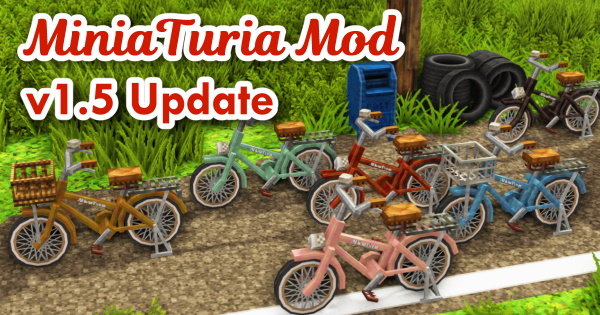
- Removed the support post on "Bicycle Basket" so it is easier to use as an interior item as well
- Renamed some blocks within the "Vehicles" tab to organize the arrangement
- Fixed a bug where "Swim Ring" would not show the correct block for its metadata when placed on water
- Fixed a missing texture that appeared when connecting "Car Front A"
- Changed the interior color of tire covers and doors from silver to white
- Changed floor-standing lamps (including the "Campfire") so they can be placed not only on half blocks but on top of all chairs and low tables
- Renamed items within the "Pendant Light" tab to organize the arrangement
- Darkened the color of the "Wheel Chandelier"
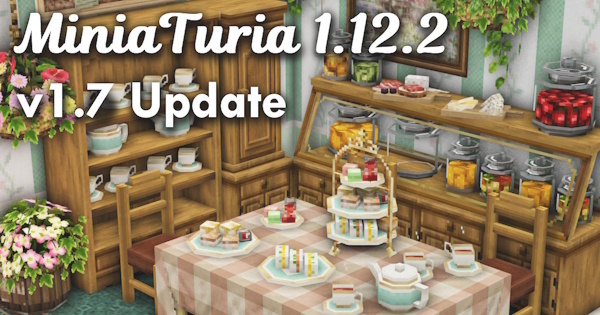
- Fixed an error where placing a "Shulker Box" next to added full blocks such as the "Shop Wall" or "Wood-framed Wall" would crash Minecraft and make the world unable to be reopened afterward
- Changed the color of the "Chest"
- Redrew the icons of previously added items as needed
- Continuing from the last update, reorganized block names throughout so items line up more clearly within each tab
- Removed the "Oriental" tab and moved its contents to other tabs
- Changed the icon of the "Special Building Materials" tab
- Changed the icon of the "Table" tab
- Moved the "Log Bench" to the "Plants/Planter" tab
- Changed the "Shutter (Narrow)" to a design with gaps
- Changed the "Tub" and "Bucket" so plants and flowers can be planted in them
- Fixed the "Retro Game Console" so food, drinks, and small items can be placed on top of it
- Made all 4 metadata variants of the "Cutting Board" visible
- Changed the color of the second glass of juice when two "Drink/Tropical Juice A" are placed out
- Fixed an issue in the "Stone Bricks" tab where the name of "Rounded White Stone Bricks (Stairs)" was not displaying
- Fixed the top-panel color of the wood-framed wall (Yellow, Vertical Board) to Dark Oak
- Darkened the wire color of "Garland Light" and "String Lights"
- Fixed the texture of "Floor Lamp Pole (Black)"
- Fixed the pipes in the "Iron/Industrial" tab so their cross-sections look like actual pipes
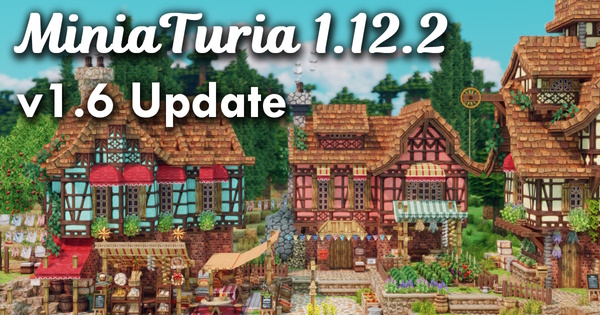
- Fixed an issue where the "Legacy Wood-framed Wall" texture overlapped with blocks such as "White-framed Bricks"
- Changed the color of "Wine" to a deeper shade
- Fixed a bug where "Movie Camera", "DSLR Camera", and "Camera Tripod" always faced the same direction (if already placed in a world, these will need to be replaced, sorry for the inconvenience)
- Reworked the tab layout and reorganized the order of items within each tab
- Changed the texture of "Mossy Cobblestone"
- Replaced the texture of "Nether Bricks" (a revival of the original MiniaTuria bricks)
- Also changed the texture of "Nether Bricks" in the Stone Bricks tab, and renamed the original "Nether Bricks" series to the "Red Stone Bricks" series
- Changed almost all cobblestone-type and stone-brick-type blocks to receive a grass-block overlay
- Changed the textures of "Crazy Paving (Beige)", "Crazy Paving (Gray)", and "Crazy Paving (White)" in the Cobblestone tab
- Changed the color of "Glowing Particles" to match the four crystal colors
- Changed the top face of "Flower Bed (Thin Brick)" from grass to dirt
- Added a knot where vertically-connecting "Rope" segments meet
- Changed the model of "Native Wall/Floor Tile" so it can also be used as a rug! Renamed to "Native Wall/Floor Tile That Can Also Be a Rug"
- Strengthened the rounding on the four corners of the widening cylinders in the "Plants/Planter" and "Special Building Materials" tabs
- Changed the texture of the "Sanitary Box" to all-wood, and renamed it to "Case with Lid"
- Darkened the color of "Pine" leaf blocks
- Changed the grass texture of "Farmland" to the basic one
- Fixed an issue where placing a block on top of "Farmland" left a transparent gap
- Reduced the number of twigs on "Branch" and adjusted the model so it also works naturally as a potted plant
- Removed the hanging bracket from "Window Box" so it can be placed on the ground more easily
- Fixed all flowers and plants so they can be placed on top of low tables and low benches
- Changed the design of the "Tripod"
- Fixed part of the texture connections on all colors of the "Arch Window"
- Changed all "Crystal" variants to lighter colors
- Reduced the saturation of the green on wrought-iron items such as streetlamp poles
- Fixed an issue where the "Moon Ornament" always faced the same direction
- Added a wood grain texture to window frames
- Changed laundry items to lighter colors
- Changed the color of the checkered tablecloth
- Reduced the saturation of textures on items such as the sofa
- Changed the model of "Ramen" so the spoon is on the left
- Fixed a GUI glitch with the "Saddle"
- You can now place mod-added small items on top of vanilla bed blocks
- Adjusted the height at which interior knick-knacks sit when placed on chairs
- Fixed wheels so they also sit correctly on top of half blocks
- Widened the hitbox of fences and fence slopes to make them easier to place
- Fixed a transparency bug on the "Shop Facade" block. Resolved an issue where the face touching the following blocks would turn transparent: cylindrical blocks, fence slopes, glass, stained glass, beacons, slime blocks, and trapdoors
- Changed the contents of "Furnace B" to "Furnace (Iron)"; renamed "Furnace A" to "Furnace (Stone)" accordingly
- Adjusted the color tone of "Graffiti Concrete" in the Cobblestone/Pavement tab
- Darkened the texture of iron and the mod-added steel-silver series; dispensers and similar blocks were adjusted to match
- Changed the white of sheets and bedspreads (tablecloths) to a cream color
- Renamed "MiniaTuria 1.12.2" to "MiniaTuria Mod", in preparation for the release of the resource-pack version of MiniaTuria
- Compressed the 3D models to lighten the overall load
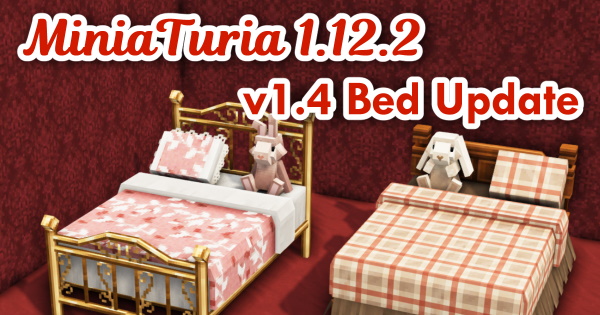
- Added a new "Curtain/Shutter" tab
- Added a new "Bed/Bedding" tab
- Changed the design of "Native Wall/Floor Tile"
- Changed the design of "Floor Lamp Pole"
- Made the back side of "Curtains" match the front, so the top and bottom stay connected even when the width changes
- Adjusted the color tone of "Dining Table (Red Cross)"
- Fixed a missing texture on the "Coffee Pot"
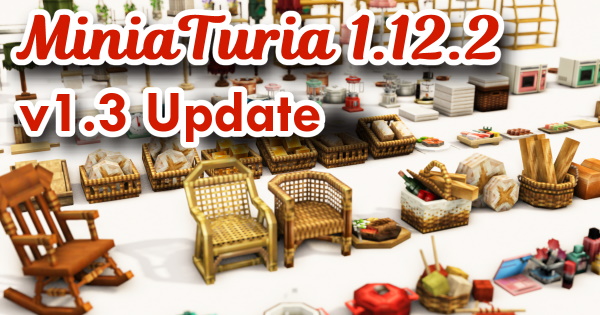
- The existing "Crystal" in the Mod's Nature tab will be replaced by "Crystal Block". Please take care if you already have it placed in your world
- Reordered most non-building-material tabs alphabetically by name (so the order doesn't get jumbled with every update)
- Reorganized tabs: the "Setup" tab now holds only food and was renamed to "Food & Drink"; everything else was moved to the "Interior" tab
- Split the "Chair" tab and the "Table" tab apart
- Internal changes were made to the "Bench", so, sorry for the trouble, but it will need to be replaced if already placed in your world
- Changed "Anvil-like Decoration" so it also sits on top of half blocks
- Fixed "Anvil-like Decoration" so the hammer now works on it
- Moved the "Market Box" series from the storage tab to the food & drink tab
- Moved the food & drink items from the Oriental tab to the Food & Drink tab
- Changed the design of the "Stove" from a single burner to three burners
- Changed the 4-color lineup of the "Range"
- Fixed an issue where "Wall Sign" could not be placed facing certain directions
- Moved "Wooden Box" and similar items from the furniture storage tab to the decoration tab
- Changed the dirt texture to a coarser one (same as the dirt in 1.7.10)
- Changed the texture design of sandstone
- Improved the grass block texture and fixed it so OptiFine's "Better Grass" now works correctly
- Made "Glowing Particles" three-dimensional
- Reduced the saturation of the "Drape" texture
- Simplified the CTM textures of "Strawberry Roof" and "Pine Roof" to reduce file size
- Fixed the back-side texture connections on "Ranma (Transom)" so they connect correctly
- Changed the model of "Noren (Door Curtain)" so a rod shows on the sides
- Attempted to reduce load on several blocks by decreasing the number of connected-texture variants
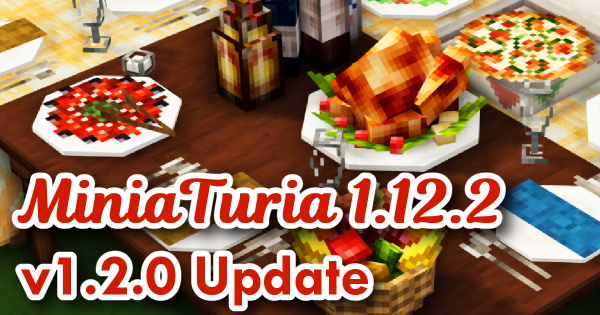
- Removed "Houseplant (Benjamin)" (mt_8stackplants_b) and added a new houseplant under a different ID (as a result, sorry, but any Benjamin already placed in your world will disappear)
- Fixed "Smoke (White)", "Smoke (Black)", "Waterfall", "Falling Water", "Stalactite (Upward)", and "Icicle (Upward)" so they also sit on top of half blocks. The upward-facing stalactite and icicle can now also be placed with a half block above them. As a result, the "coming soon" metadata variants are gone
- Renamed the "Food/Drink" tab to "Storage & Table Setup", and moved back into it decorations that can be used to set up not just food but storage, desks, and tables for many purposes
- Removed the automatic wall-backing placement behavior from shelves and cabinets, making them easier to place freestanding
- Fixed all mod-added full blocks so they no longer show a flowing-water texture on their sides underwater
- Adjusted the color tone of "Granite" and "Andesite" textures
- Fixed a gap that appeared between the fence and the "Chain That Connects to Iron Fence (Slope)" / "Rope That Connects to Iron Fence (Slope)"
- Removed the inaccurate "shifts to match half blocks above and below" description from the "Corbel Awning"
- Renamed "Wooden Sign" to "Wall Sign" and redesigned it with 3D pixel art
- Fixed a texture bug on the "Wall Shelf"
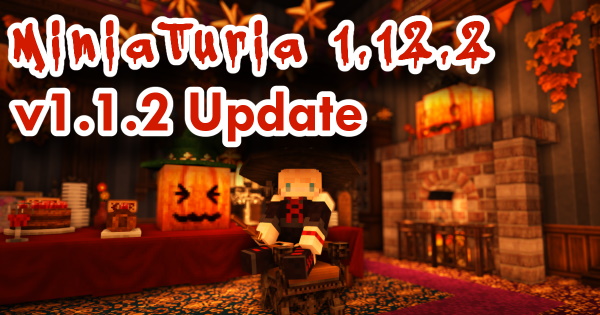
- Added a new "Decoration" tab
- Fixed "Garland (Halloween)" so the block does not turn into a missing texture when picked up as an item
- Renamed the "Decorative Building Materials" tab to "Special Building Materials"
- Fixed "Small Glass Bottle" so it no longer sways under shaders
- Adjusted the color tone of bottles and glasses
- Fixed the texture of the "Sink"
- Changed the design of the "TV"
- Fixed pumpkins so they sit correctly on top of wallpaper blocks
- Fixed pumpkins so they sit correctly on top of the "Dining Table"
- Fixed pumpkins so they sit correctly on top of furniture and storage
- Fixed the texture of "Pine Tile"
- Fixed a labeling mistake on "Slanted Entrance Door (Wood, Dark Brown, Height 3)"
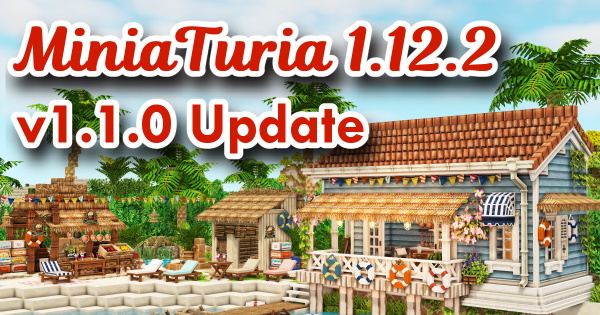
- To reduce load, removed item-display blocks mainly from interior items (this will cause a display error in mods that show item blocks, such as LotTweeks, but will not affect gameplay)
- All mod-added full blocks can now transmit redstone and switch/lever power (doors can now be opened with a switch)
- Changed the shape of the "Propeller"; added 2 new metal variants
- Changed the "Microwave" and "TV" so they fit inside shelves
- Reduced the size of "Documents/Manila Envelope"
- Added a new "Food/Drink" tab
- Fixed the GUI tab design
- Changed the gravel texture (both vanilla and mod)
- Changed the glass texture
- Fixed thin tree-trunk-style "Vertical Pole That Can Also Be a Wall" blocks so they no longer react to leaf blocks (to make it easier to build trees)
- Fixed a texture bug in the inventory display of the Acacia cupboard
- Fixed a bug where the dining table turned transparent when placed on top of a shop facade block
- Fixed a transparency bug on slanted doors
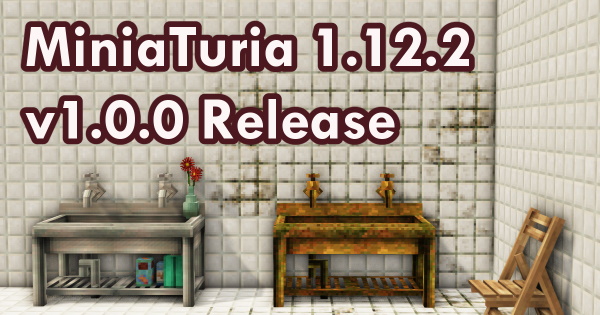
- Fixed the iron stairs so the hammer now works on them. You can now get the "Iron Stairs That Can Also Be a Slope"
- Fixed an issue where the texture connected unnaturally when a brick flower bed placed on top met one placed below
- Fixed an issue where a campfire would not ignite when adjacent to certain blocks
- Fixed an issue where the face of an undecorated cylinder turned transparent when a block touched its top or bottom
- Improved the horizontal board texture to look more like actual boards, and changed it so it no longer connects visually with other wood types
- Fixed an issue where the shop wall series turned transparent on the face touching vanilla leaf blocks
- Fixed a mistake on the striped steel plate half block where the stripe texture appeared on the sides instead of the top and bottom
- Changed the GUI and button design
- Fixed several mistakes in block name labels
- Completed the English (US) translation
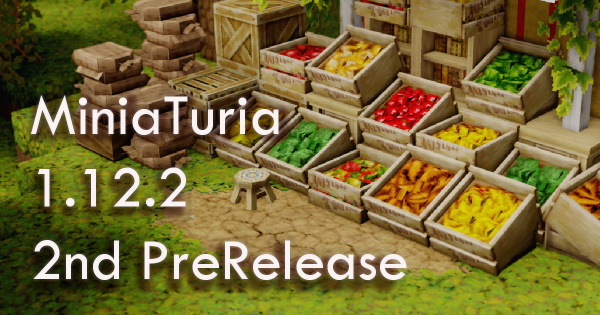
- Changed sign text color to black
- Enlarged the roses on the rose bush
- Renamed the "Plants/Planter" tab to "Plants/Gardening"
- Moved "Slatted Board", "Railway Sleeper", and "Tub" to the "Plants/Gardening" tab
- Fixed an issue where vertically-connecting plants would not sit on a mini flowerpot
- Made vertically-connecting plants placeable in mid-air (in preparation for hanging plants to be added later)
- Changed the specification of the "Mini Flowerpot": it is now a directional block, split into two block types (white and rattan), and can be stored on shelves
- Decided not to adopt the "auto-connecting roof"
- Fixed an issue where the MiniaTuria Hammer did not work on ladders
- Made it possible to choose between 2 patterns when placing a single-width "Window Frame Side" or "Cornerstone" (switch with hammer right-click)
- Made it possible to place torches and similar items on top of "Upper Wall Decoration B" and "Bracket"
- Changed "Upper Wall Decoration B" so it shifts up and down to match half blocks placed above it
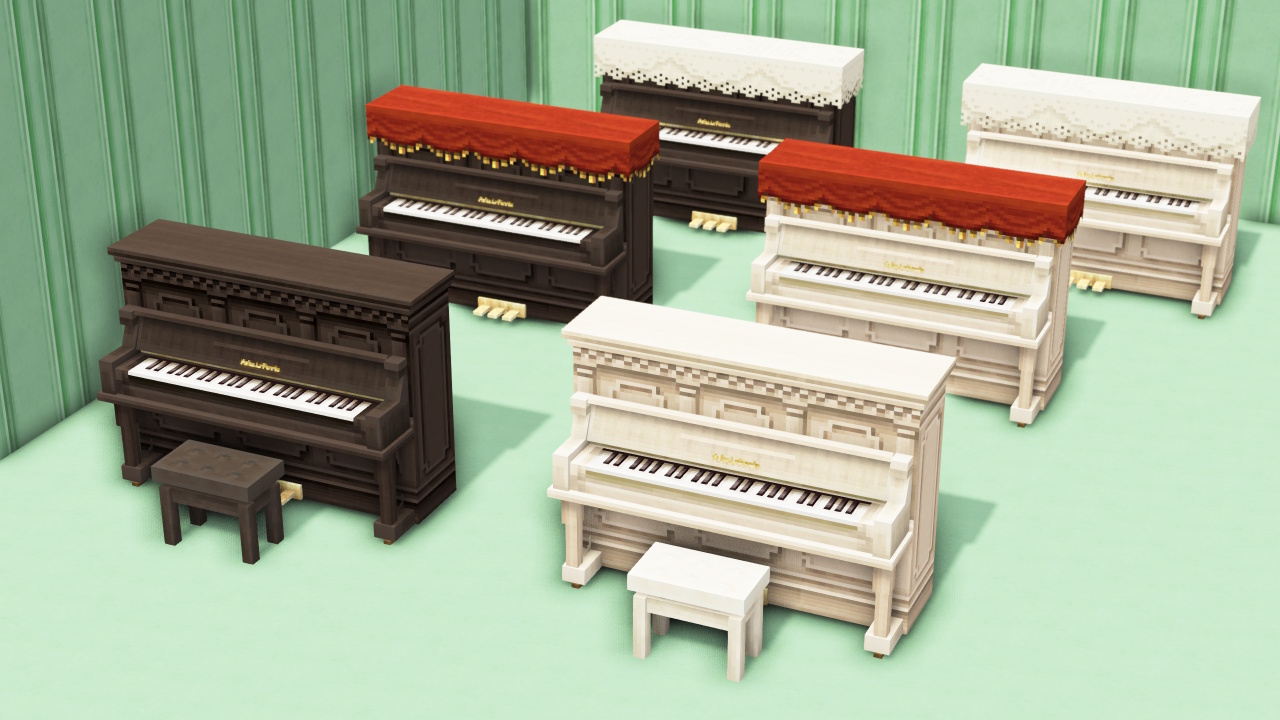
- Moved the "Upright Piano" and "Grand Piano" (all variants) to the "Interior Miscellaneous Goods" tab
- Renamed the "Furniture" tab to "Furniture/Storage"
- Changed the "Street Lamp" from switch-operated to light-sensor operated
- Fixed all lighting so it responds to levers and redstone input
- Added a new "Oriental" tab
- Moved "White Gravel" and "Karesansui (Zen Rock Garden) Gravel" to the "Oriental" tab
- Lightened the "Gravel" texture (reduced file size)
- Lightened the "Dirt" texture (reduced file size)
- Lightened the "Concrete" texture (reduced file size)
- Fixed a missing texture on "Iron Bars"
- Fixed an issue where a transparent gap appeared when a block was placed on top of grass-fence-type mod blocks
- Fixed a crash that occurred when left-clicking a fence slope with the hammer
- Improved the internal processing of fences to reduce load
- Fixed an issue where the "Vintage Shutter" texture did not connect correctly
- Shifted the side of the "Window Frame" so its texture no longer overlaps with adjacent blocks
- Fixed a texture display error on roof stair blocks in the inventory
- Fixed a texture error on the back of the "Overhanging Floor"
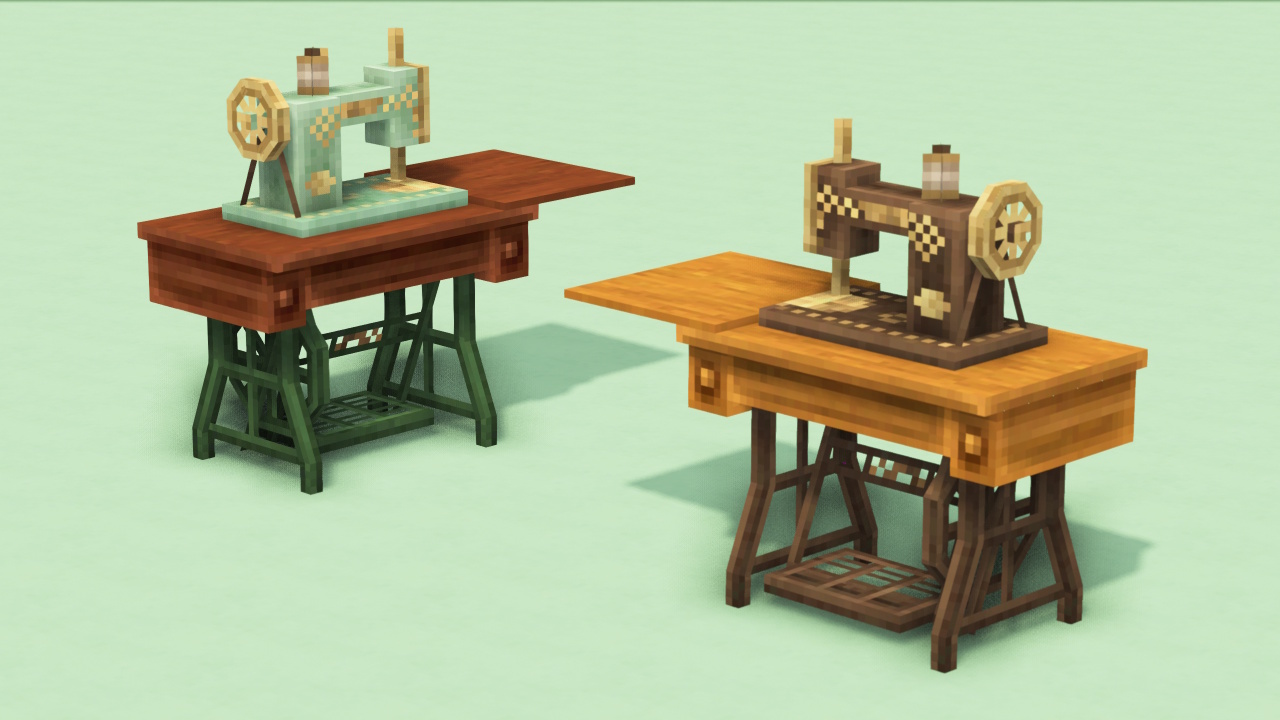
- Fixed a missing texture on the "Sewing Machine"
- Addressed a shadow bug on several blocks, including the "Dollhouse"
- Fixed an issue where pressure plates could not be placed on top of "White Gravel" and "Karesansui Gravel" blocks
- Fixed all stair block types so the back face is no longer drawn when touching another block (this helps reduce load)
- Lightened the "Lap Siding Wall" texture (reduced file size)
- Lightened the "Peeling Painted Wood" texture (reduced file size)
⚠️ The downloaded ZIP file contains both the mod and the resource pack, so please make sure to install both. ⚠️ Playable without issues on Intel(R) Core(TM) i7-8700 CPU @ 3.20GHz 3.19 GHz / NVIDIA GeForce GTX 1660 Ti (a higher-spec PC is recommended).
Getting Started on Java 1.12.2
📌 You’ll need to set up Minecraft Forge and OptiFine first. The following page explains how to install the mod.
Can I play in Survival mode?
- MiniaTuria Mod cannot be played in Survival. This is because the number of added blocks is enormous, and there are no crafting recipes set up for crafting tables and similar methods.
I don’t know how to install the mod.
- Please check “How to install the mod” for a step-by-step guide.
- There are also YouTube videos made by others explaining how to install MiniaTuria, so feel free to use them as a reference!
I don’t know how to install both OptiFine and Forge!
- Please check “How to install the mod” for a step-by-step guide.
I installed the mod, but I can’t launch Minecraft (or it launches, but it’s very laggy and heavy).
- You might not have allocated enough memory to Minecraft. MiniaTuria will run out of memory with the default Minecraft setting (2 GB RAM), which can cause stuttering and lag!
- You must change the settings, so please read this: “How to install the mod”
- If your PC’s memory (installed RAM) is only 4 GB or 8 GB, it may be difficult to play MiniaTuria…
- It can also help to check whether your monitor is properly connected to your graphics card.
I installed the mod, but the textures don’t connect smoothly.
- With MiniaTuria Mod, installing only the mod (the JAR file) is not enough for seamless textures. Make sure the resource pack is also installed properly: “How to install the mod”
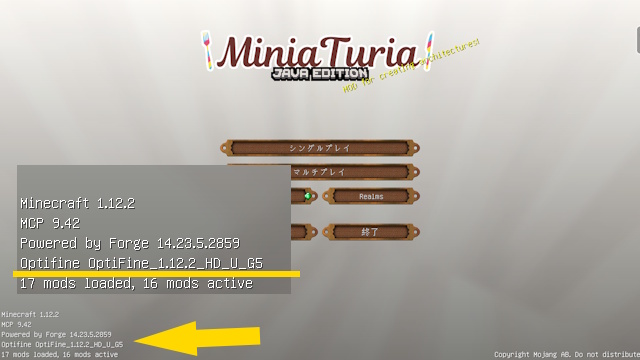
- Check that OptiFine is installed (if it is, you can tell from the Minecraft title screen!).
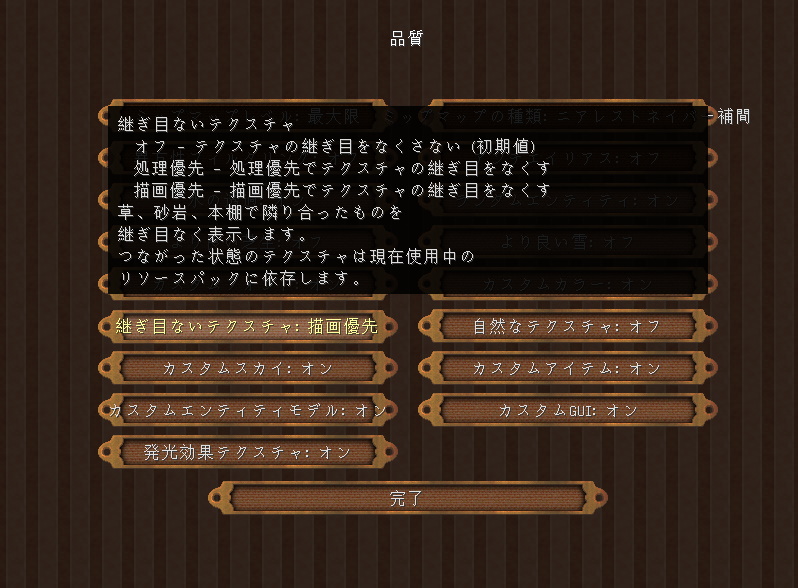
- If OptiFine is installed, open “Options” > “Video Settings” > “Quality,” and set “Connected Textures” to “Fancy.” This feature is commonly called CTM (Connected Textures Mod).
The textures changed to MiniaTuria, but the extra blocks don’t appear.
- The mod isn’t installed. Please follow the instructions here: “How to install the mod”
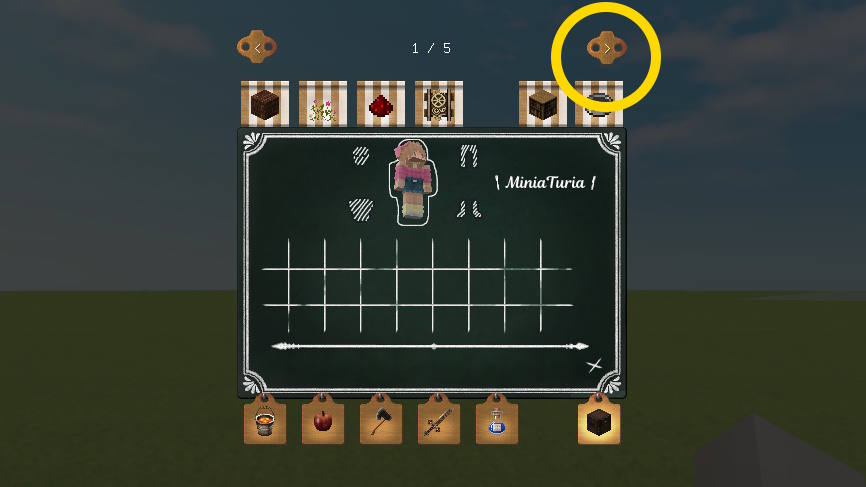
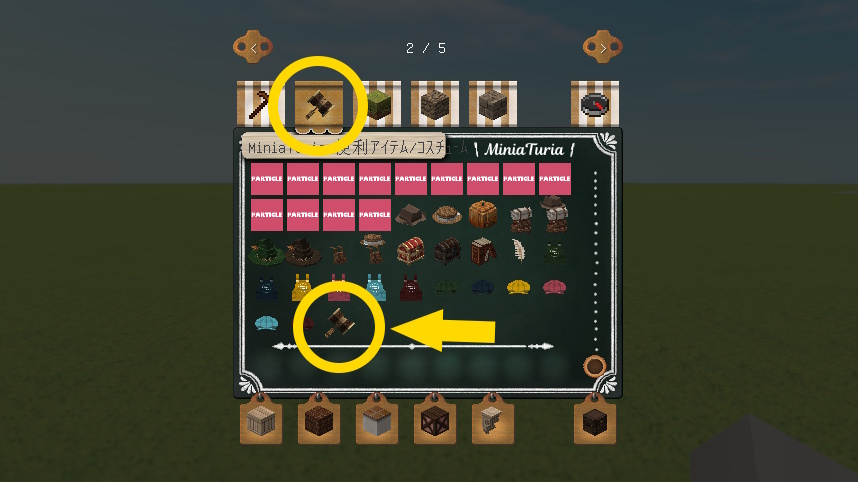
- When the mod is installed correctly, you’ll see arrows in the area shown in the images. Click them to flip through the tab pages—the hammer is on the next page!
Are there blocks that still use vanilla textures?
- Yes, there are… Some vanilla block textures are not finished yet, so please wait a little longer 🙏 (as of April 2025)
Do I need the JEI (Just Enough Items) mod?
- It’s a mod that removes the block ID limit, but unless you’re using MiniaTuria together with other block-adding mods, you don’t need it just for MiniaTuria alone.
When I use shaders, MiniaTuria’s textures look weird.
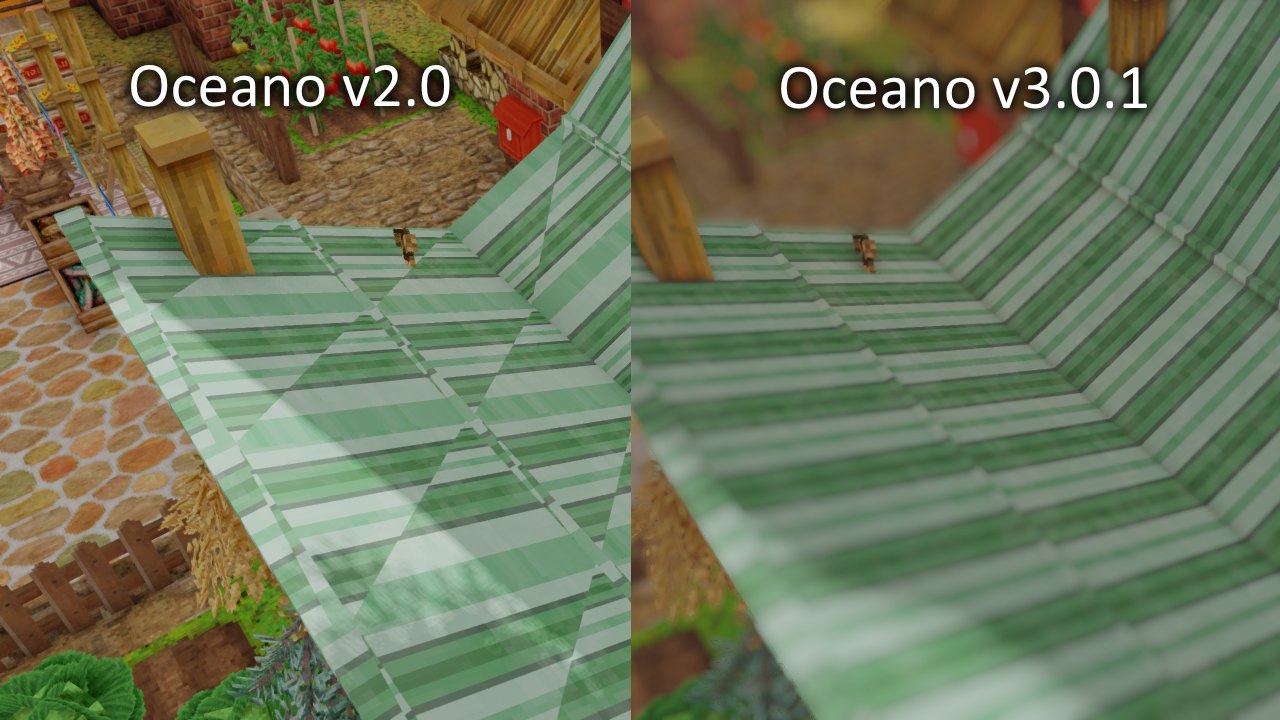
- If you use an old shader version, there is a known issue where textures get cut diagonally. Try using a relatively new shader. (For example, KUDA is a great shader, but it’s not recent, so the textures may glitch…)
Will you port it to newer Minecraft versions?
- I want to!
- However, the mod is extremely large and would take a huge amount of development time, so it’s hard to commit. To understand how much work it would take, in August 2025 I tried porting MiniaTuria 1.7.10 to Minecraft 1.20.1. That project is MiniaTuria Legacy!
- The content of MiniaTuria Mod is about five times larger than MiniaTuria 1.7.10… I don’t know if I can recreate everything exactly, but I’d like to gradually port it over in the future.