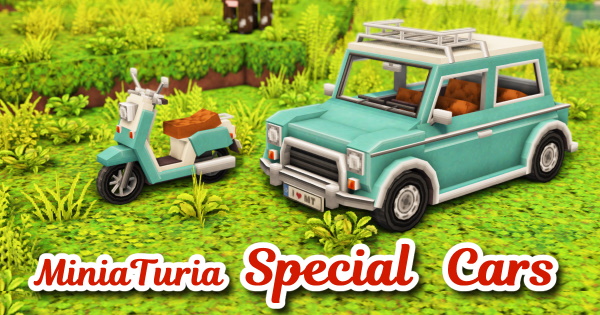
📌 Adds colorful and cute car and scooter objects. Check out the video for how to use them! (They can be placed, but they can’t be moved.)
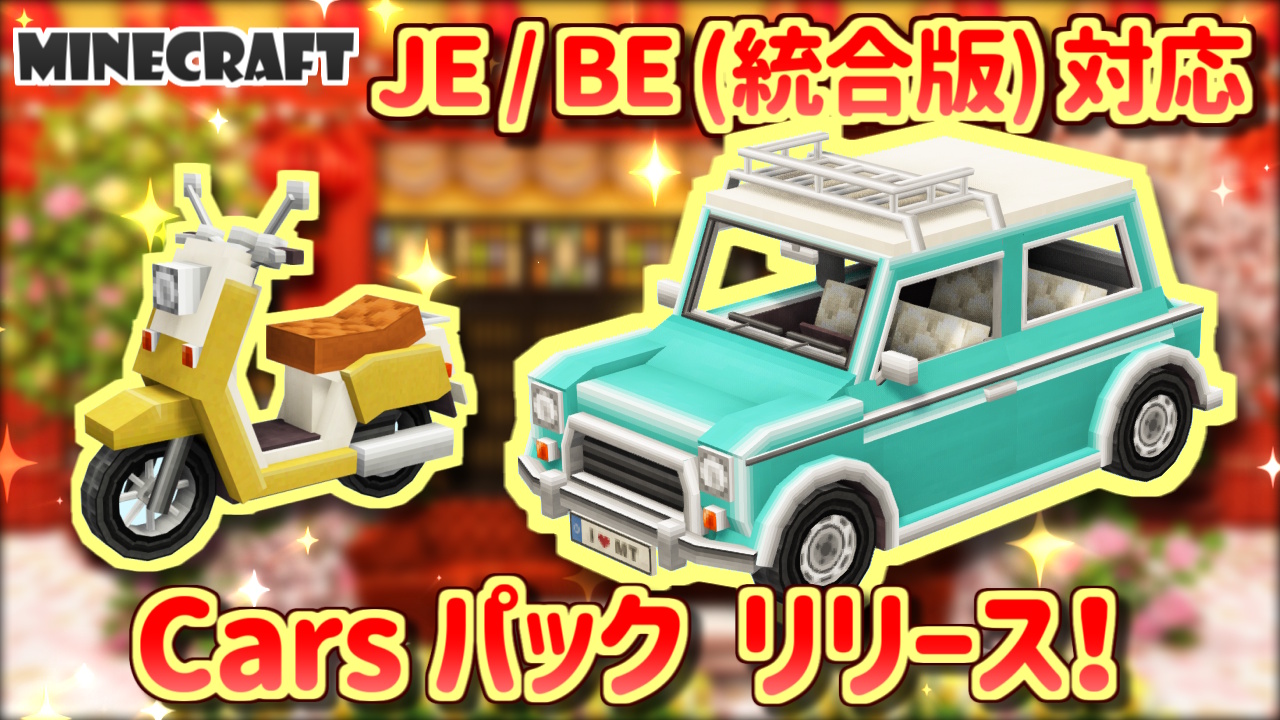
📌 Adds colorful and cute car and scooter objects. Check out the video for how to use them! (They can be placed, but they can’t be moved.)
⚠️ The Java Edition version requires OptiFine as a prerequisite mod. ⚠️ Due to changes in Minecraft’s official specifications, the Bedrock Edition add-on is currently unavailable. Sorry about that! Only the Java Edition version is currently available for download. Thank you for your understanding.
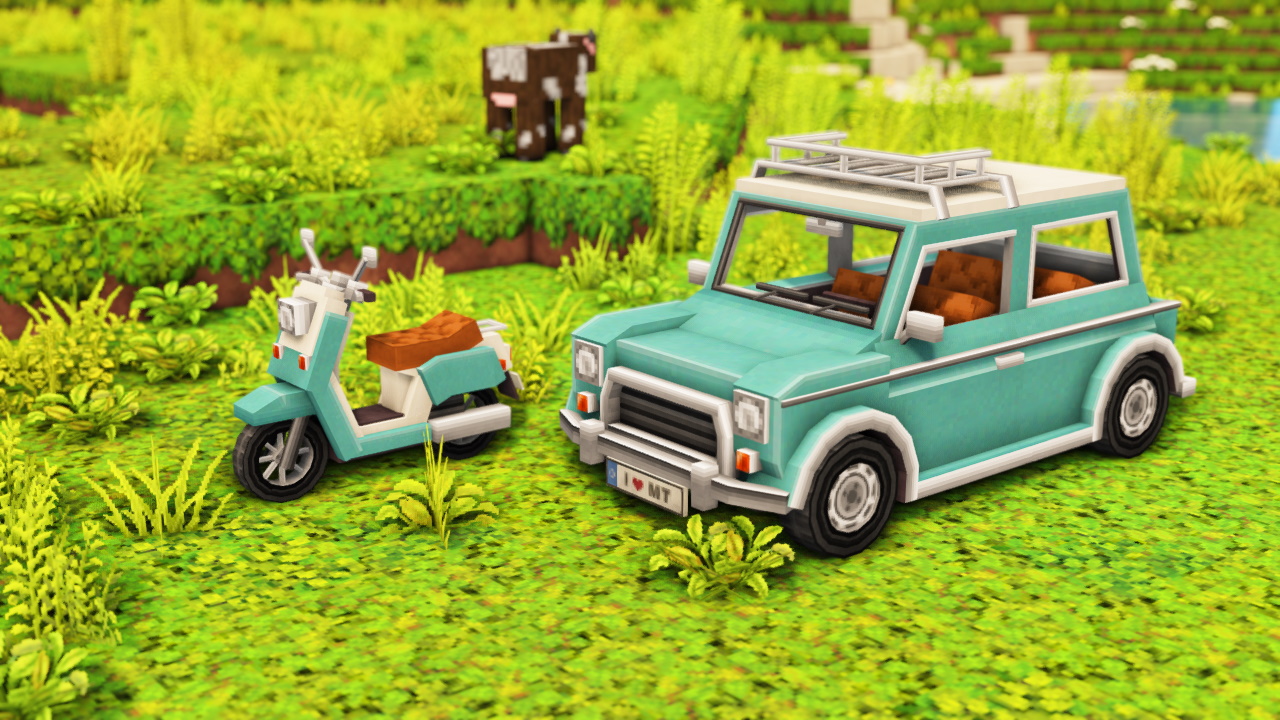
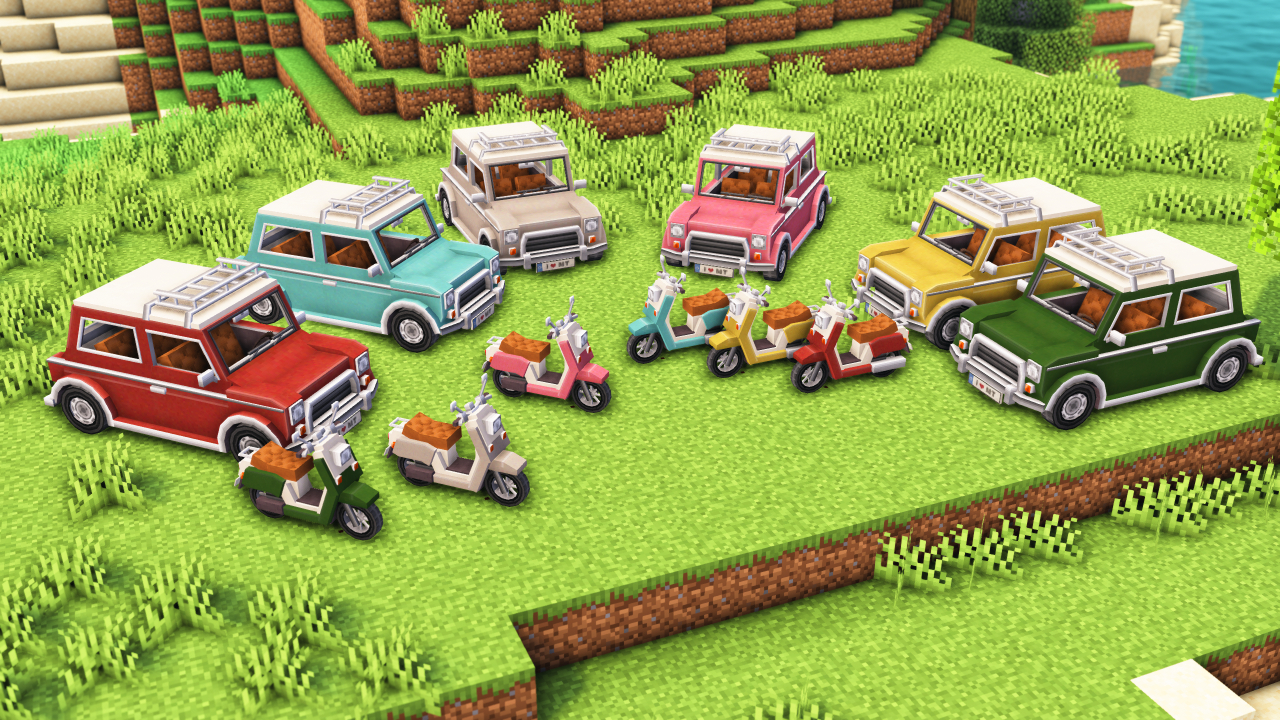
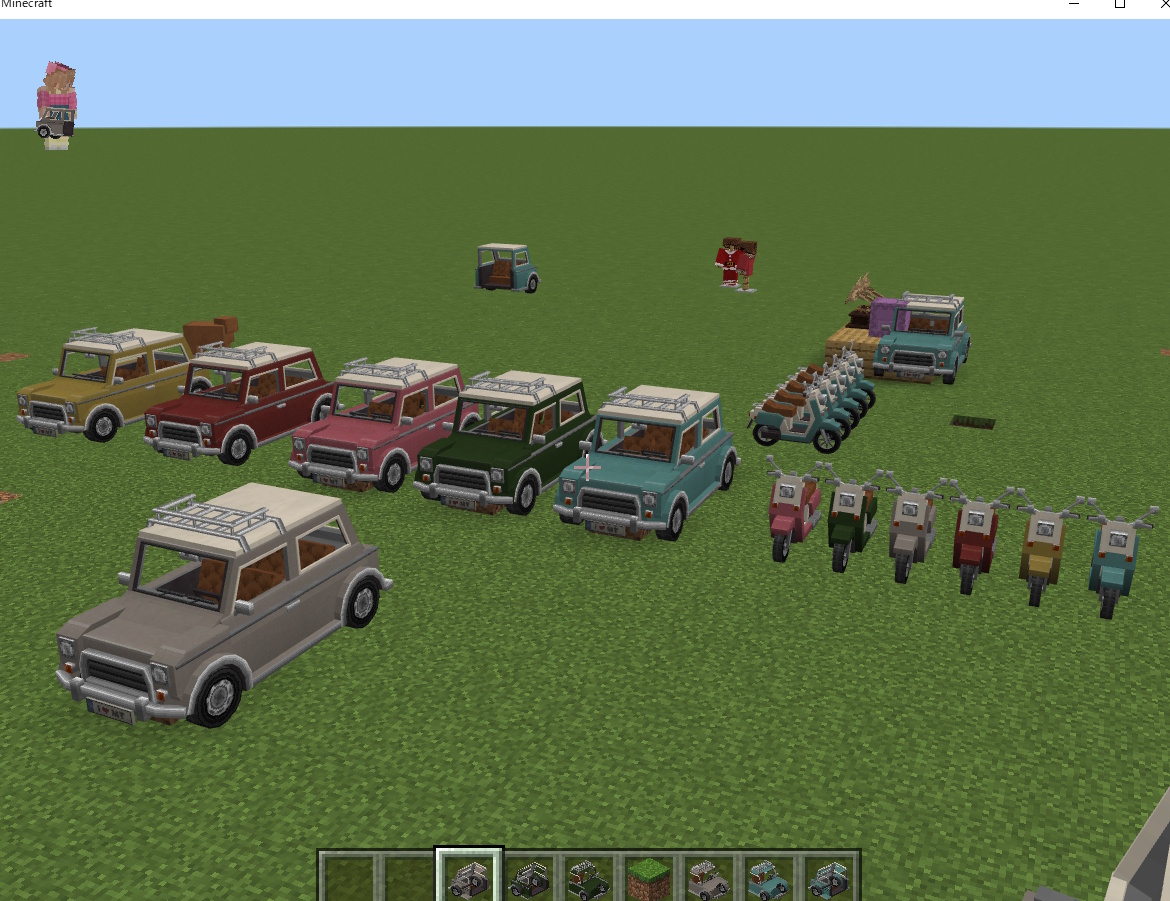
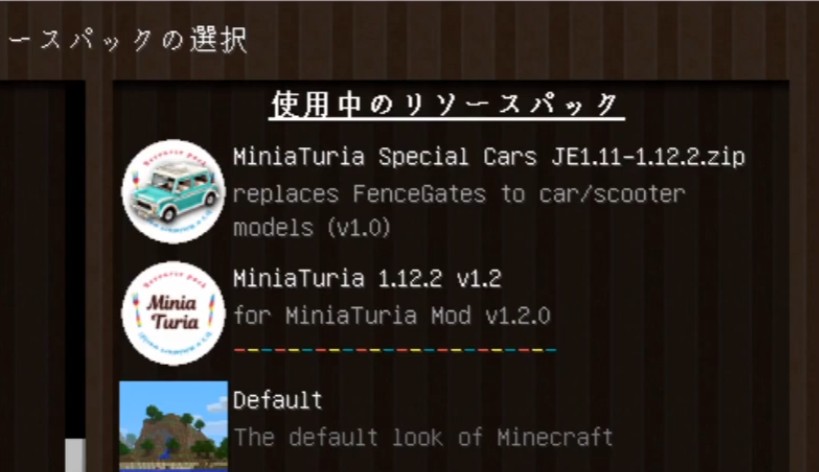
First, install the rendering mod OptiFine. Then load the resource pack you downloaded so it’s ranked above your other packs.
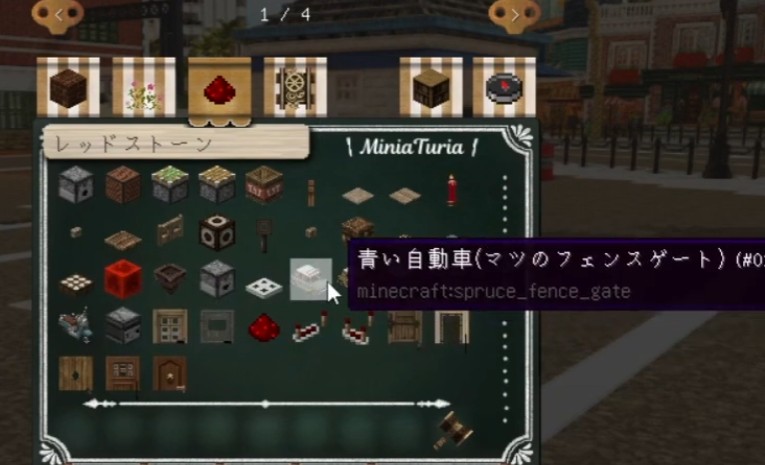
Once the pack is installed correctly, the “fence gate” that comes with Minecraft by default will turn into a car or motorcycle icon!
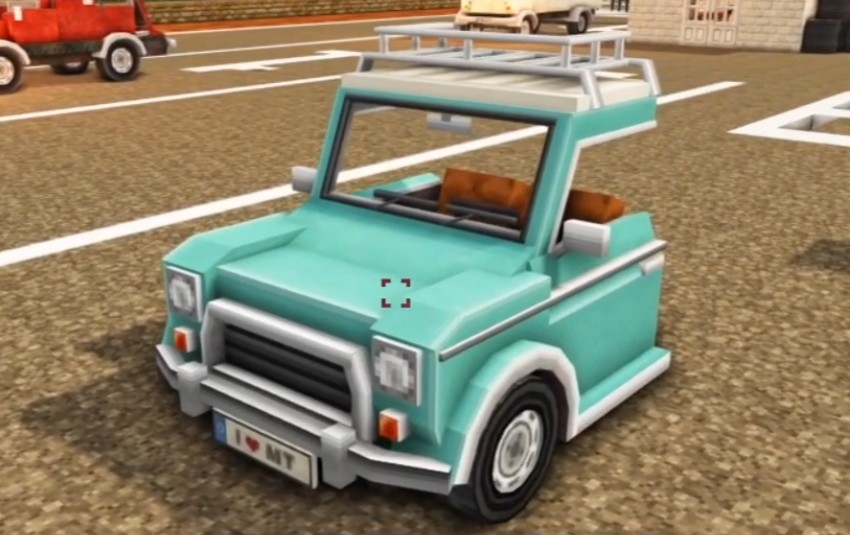
Because of the model size, the car’s 3D model is split into a front and back half. Right-click the fence gate to open or close it and switch between the front and back.
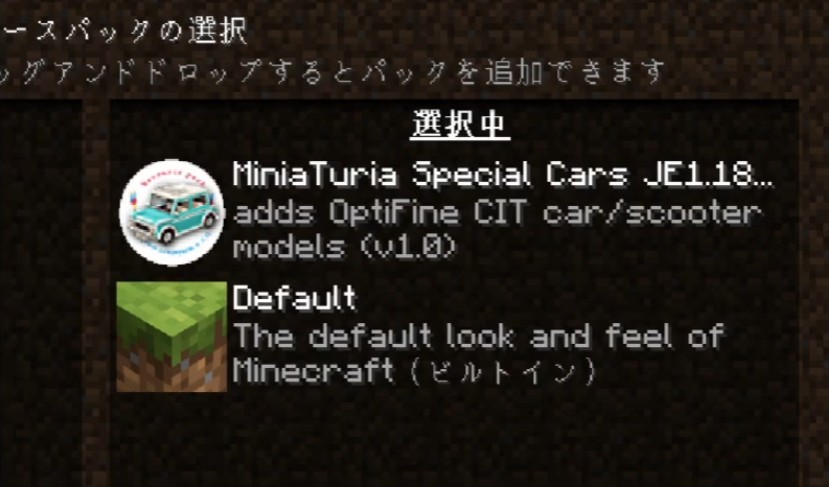
This version uses “CIT” (Custom Item Textures), an OptiFine feature, to display the car and motorcycle 3D models. First, load the resource pack so it’s ranked at the very top.
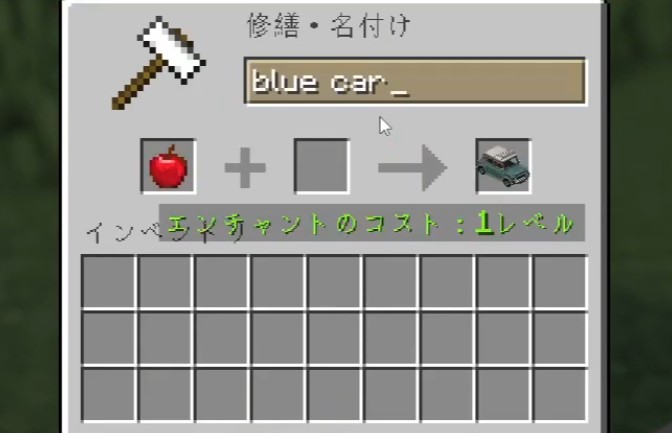
For example, to spawn a blue car, put an “apple” in an “anvil” and rename it “blue car” The apple will then turn into a car!
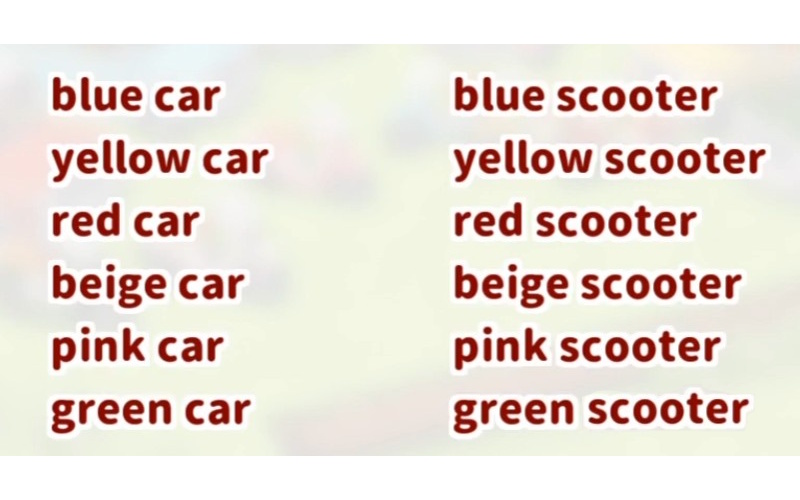
Here’s the full list of names you can use.
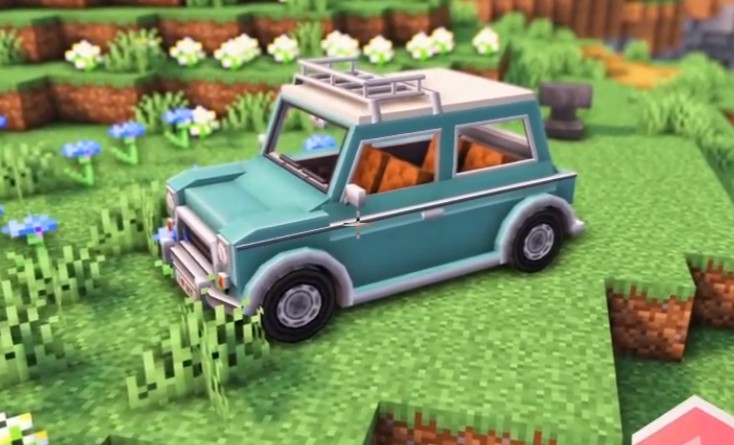
To place one, just set an “item frame” (it’s invisible) on the ground and put the car item inside — that’s it! Since it’s an item-frame display item, you can also click it to rotate its direction.