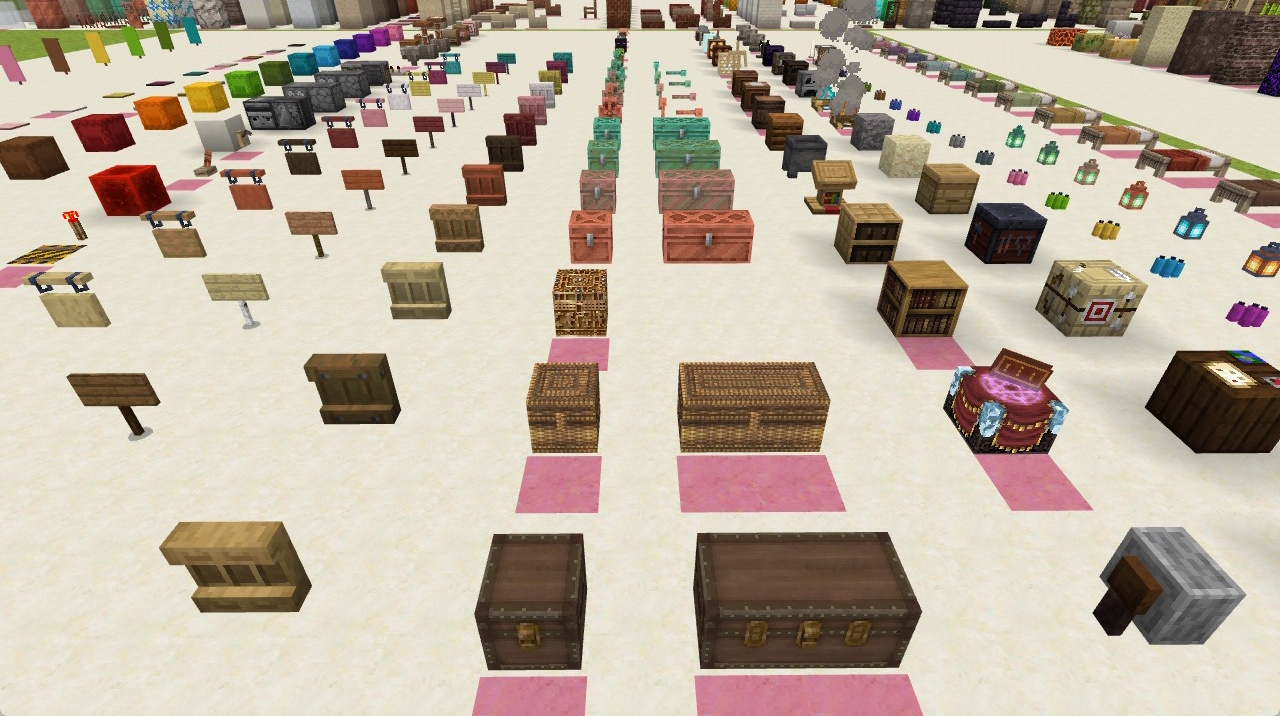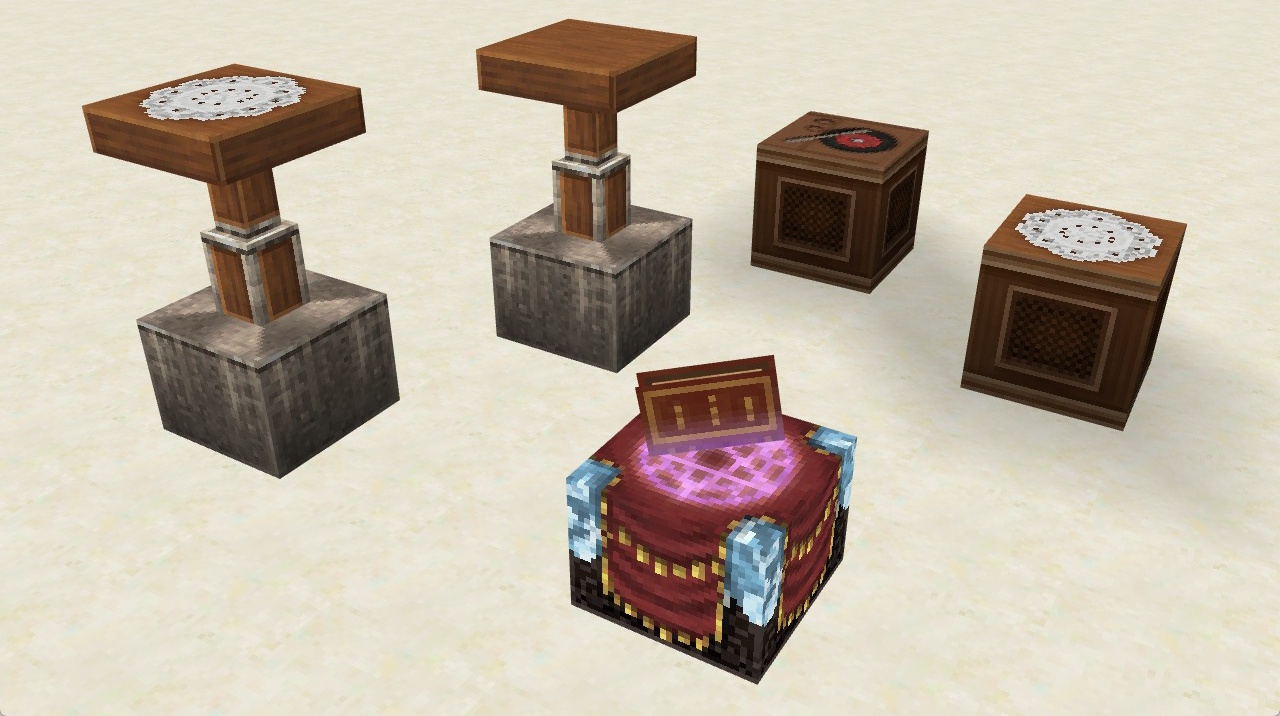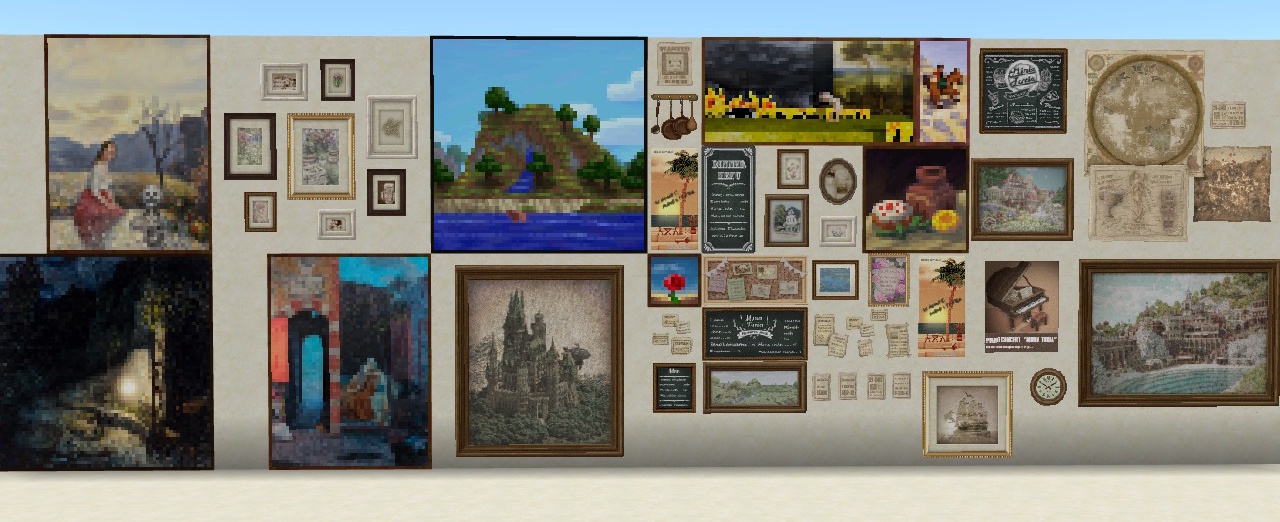
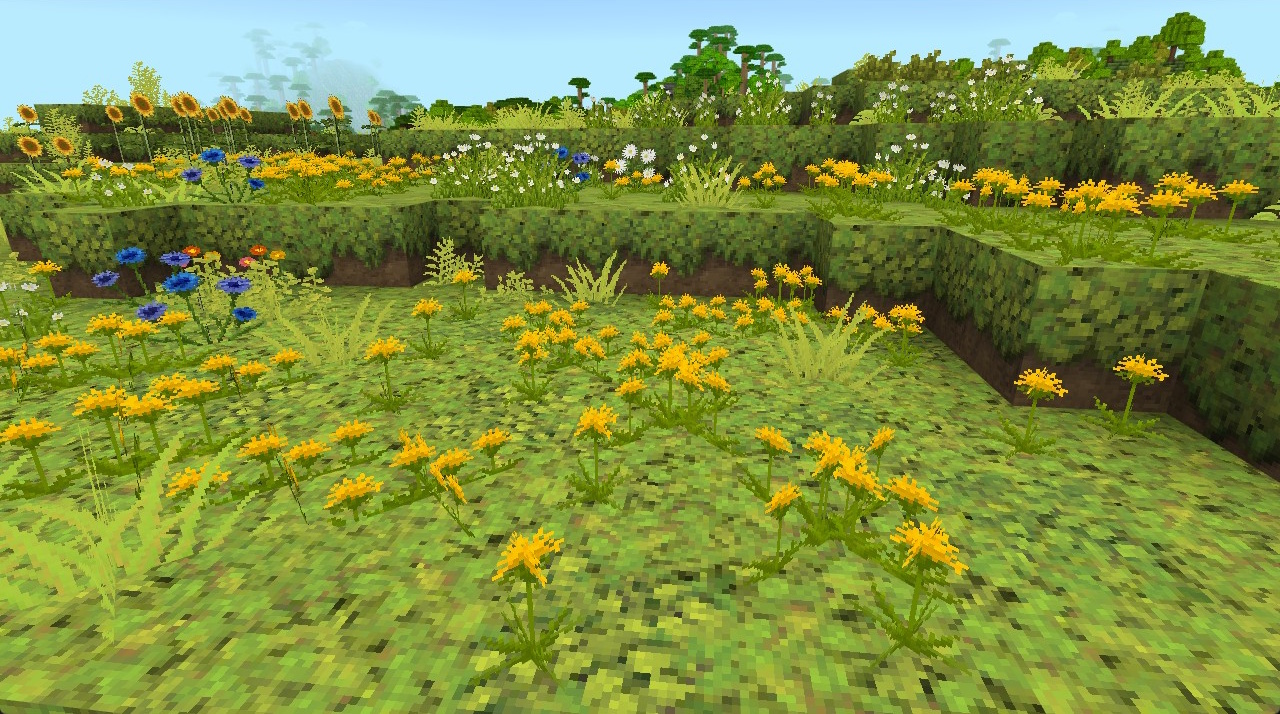
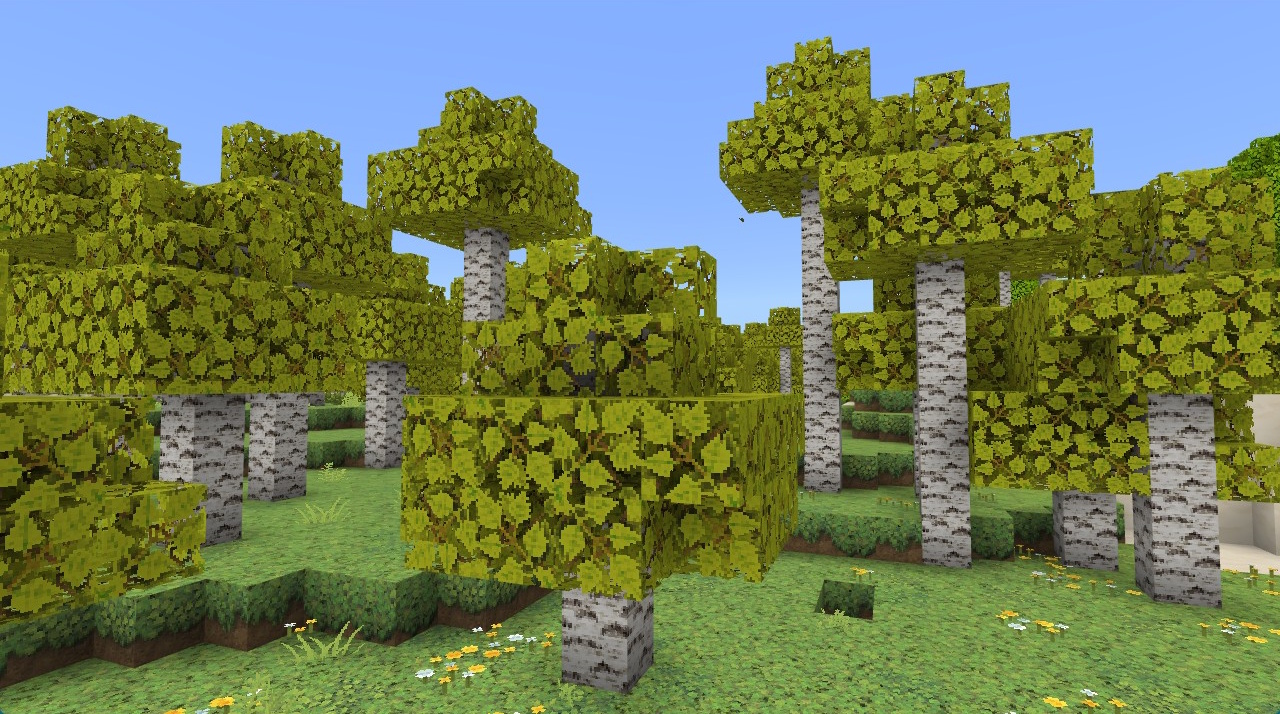
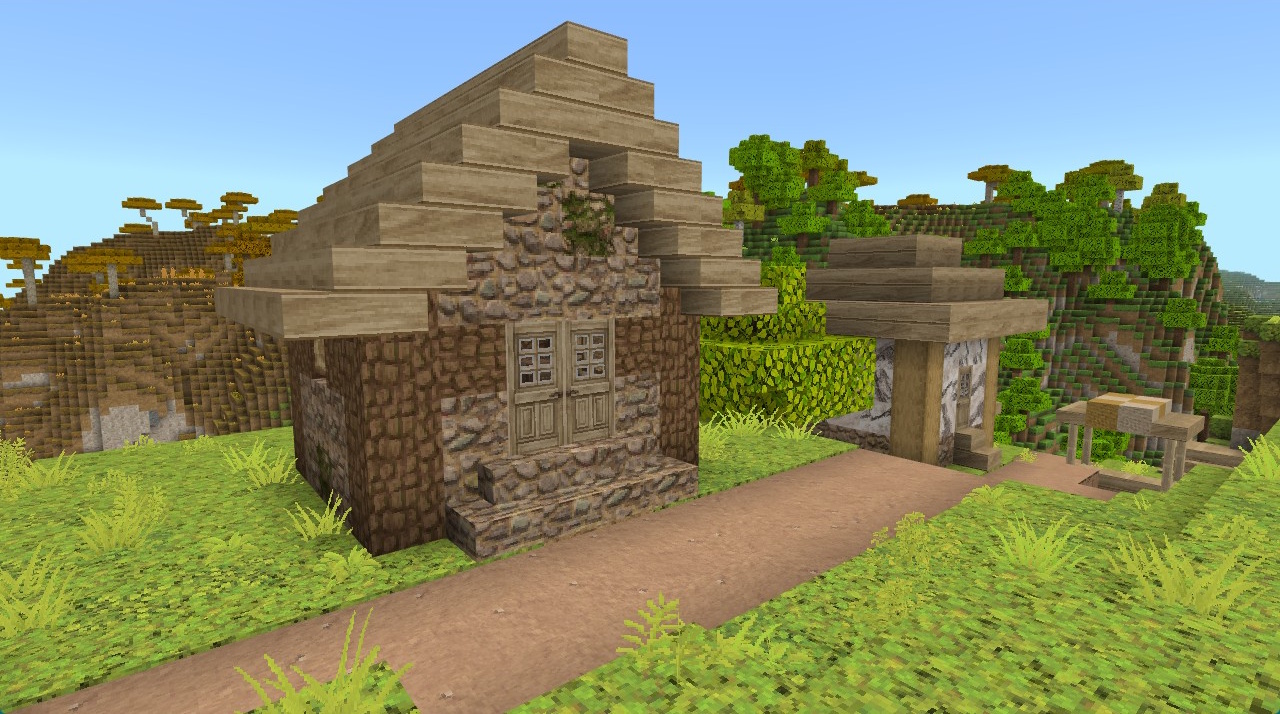
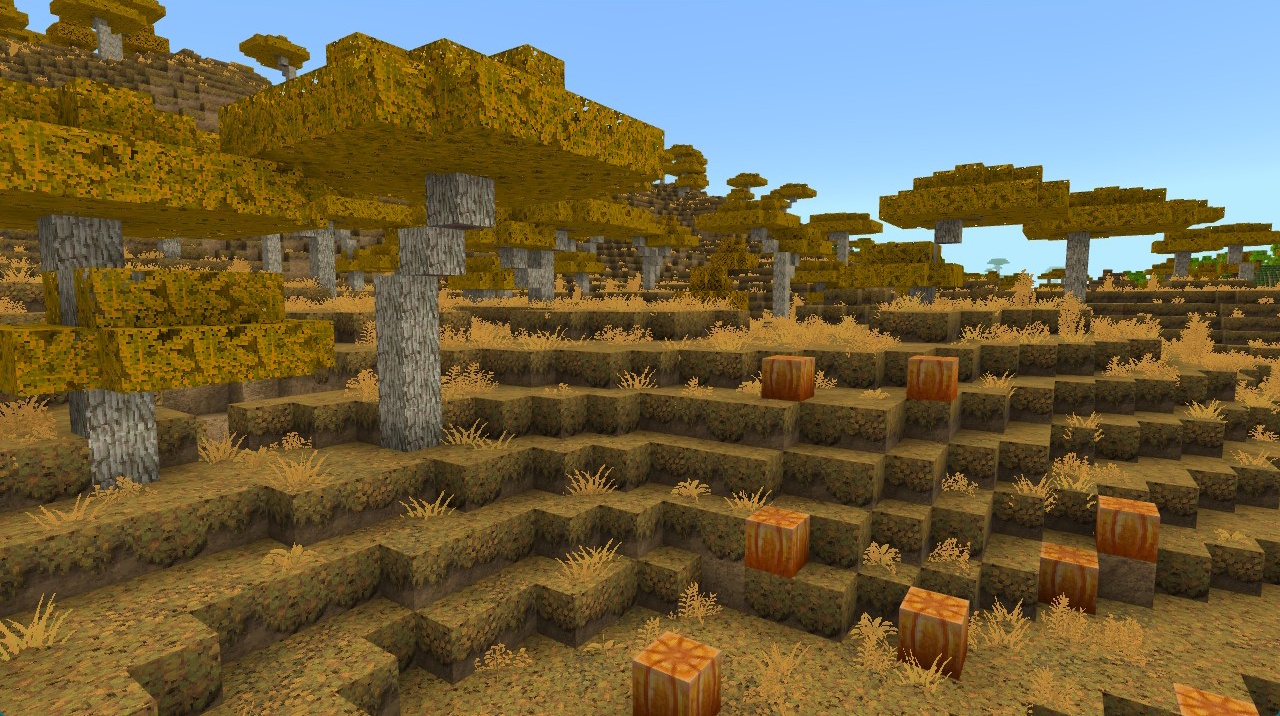
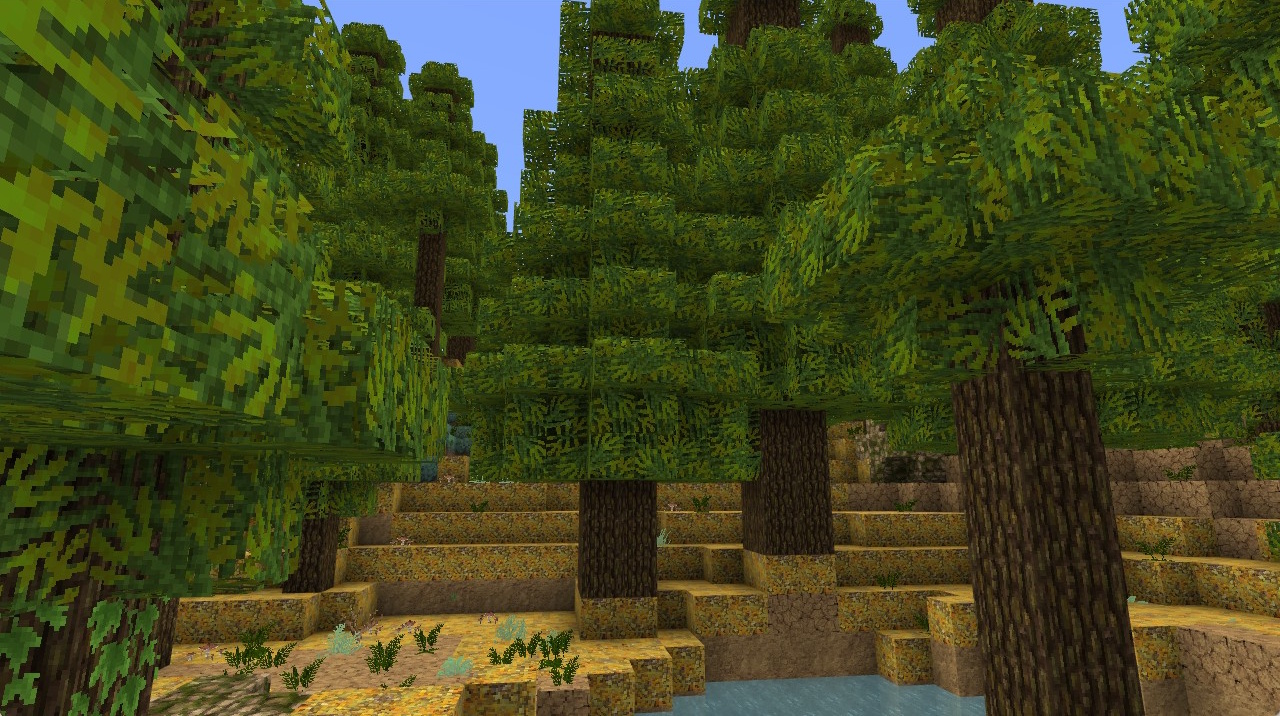
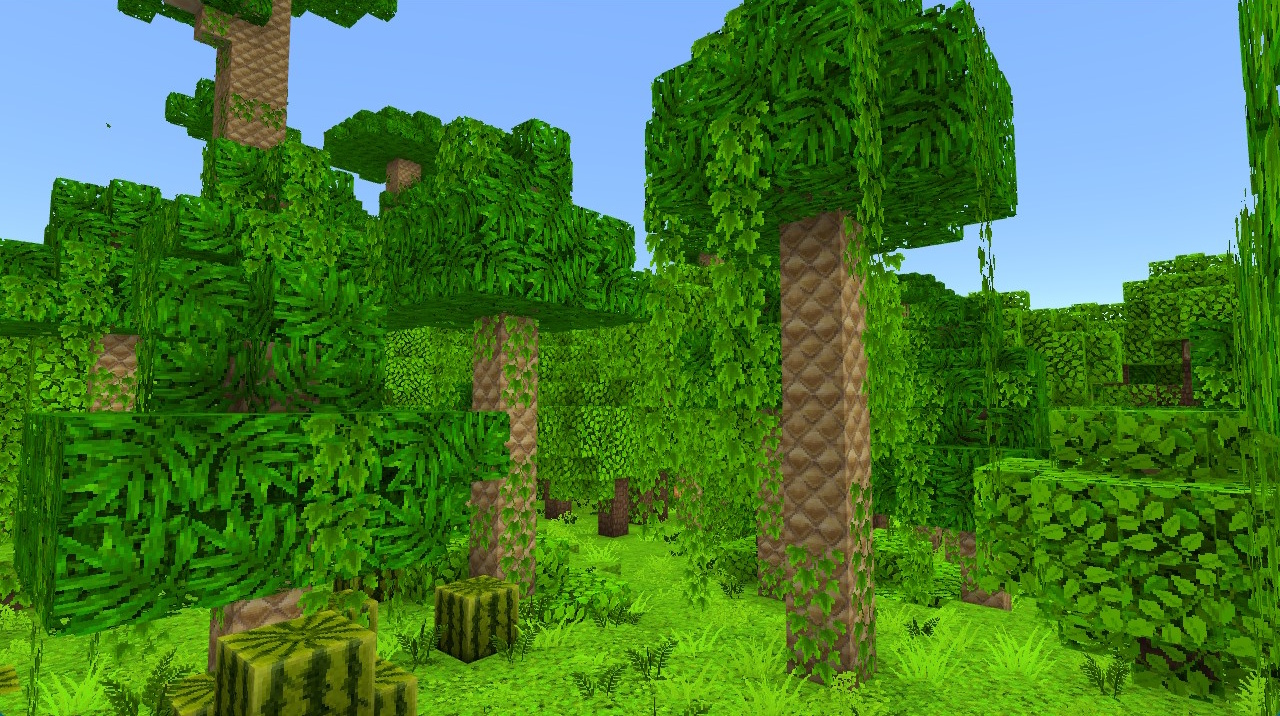
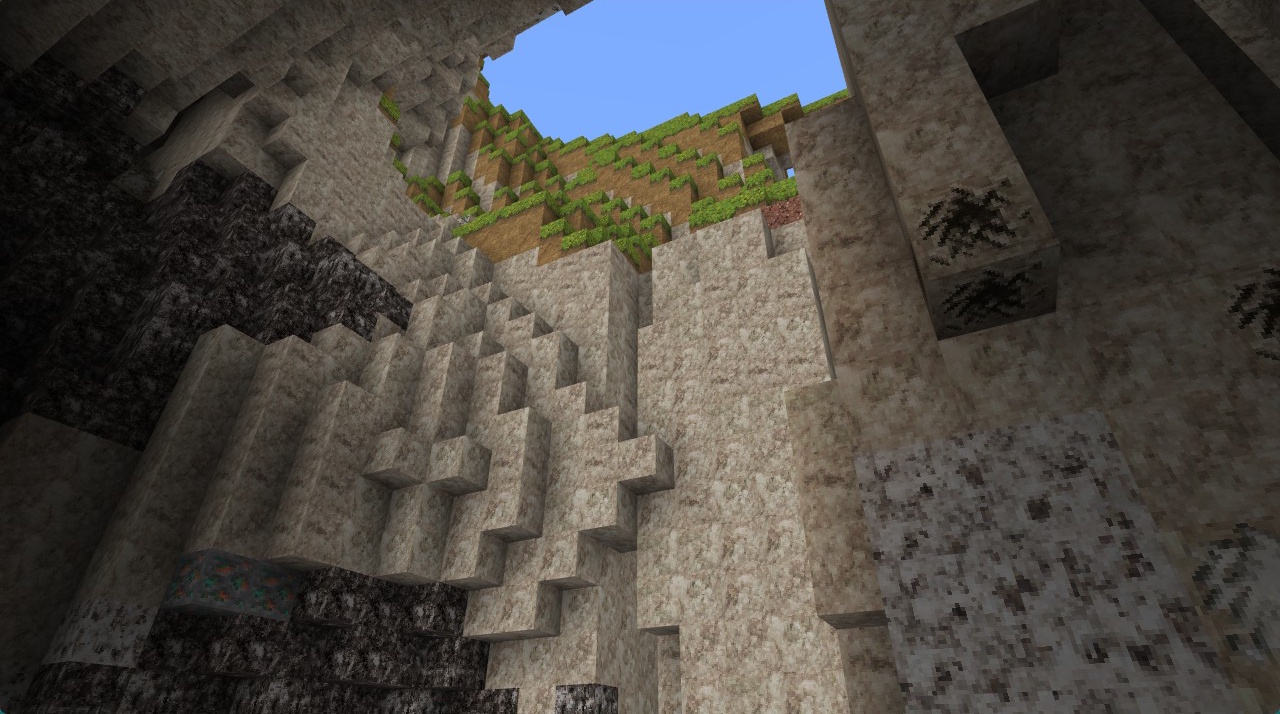
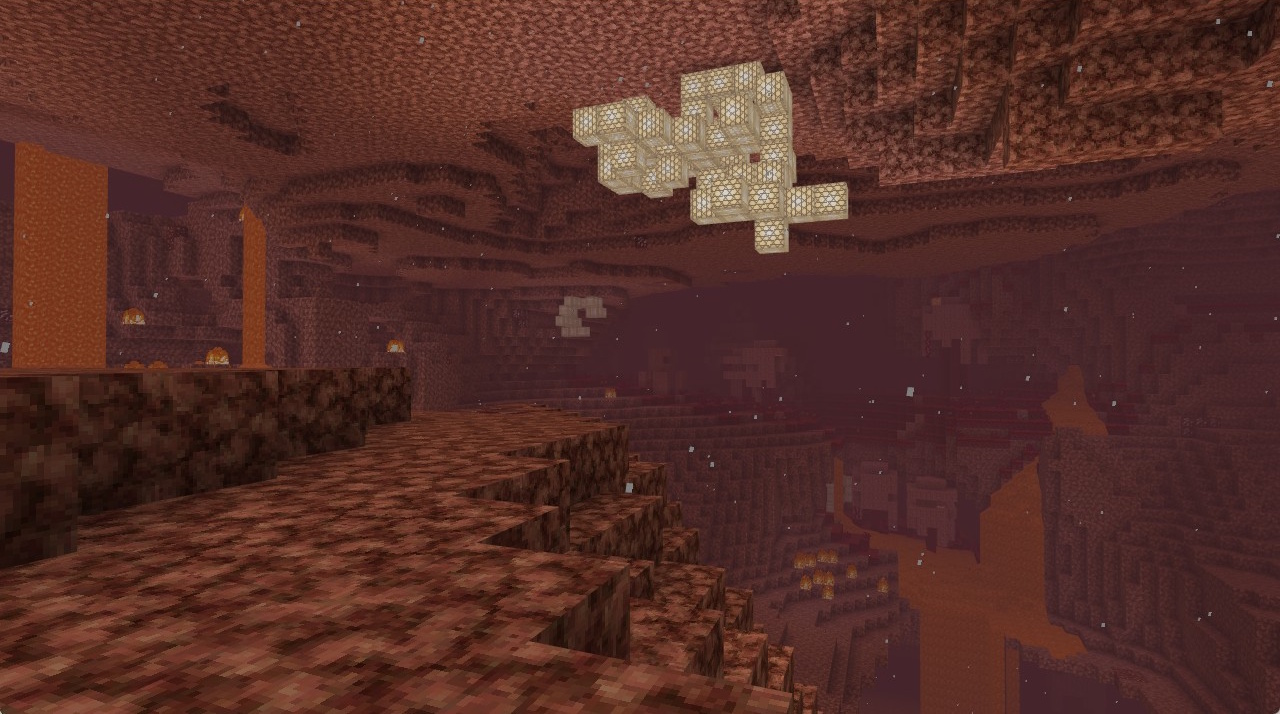
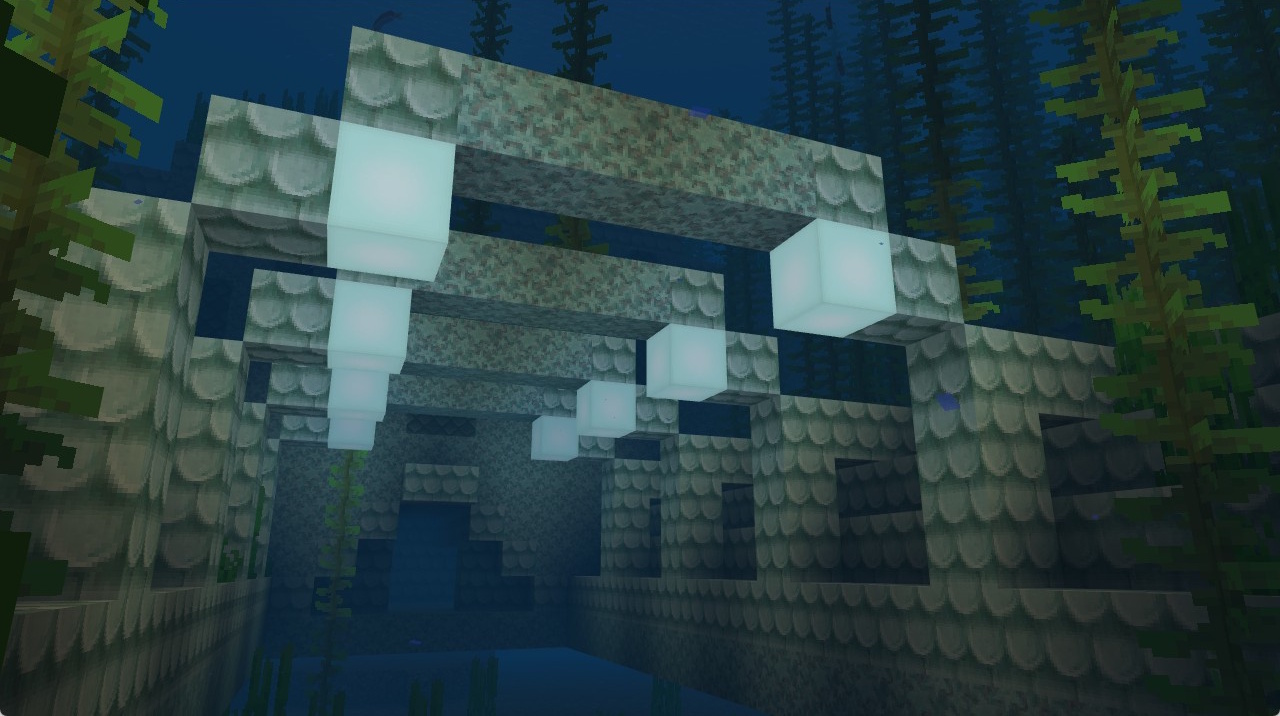
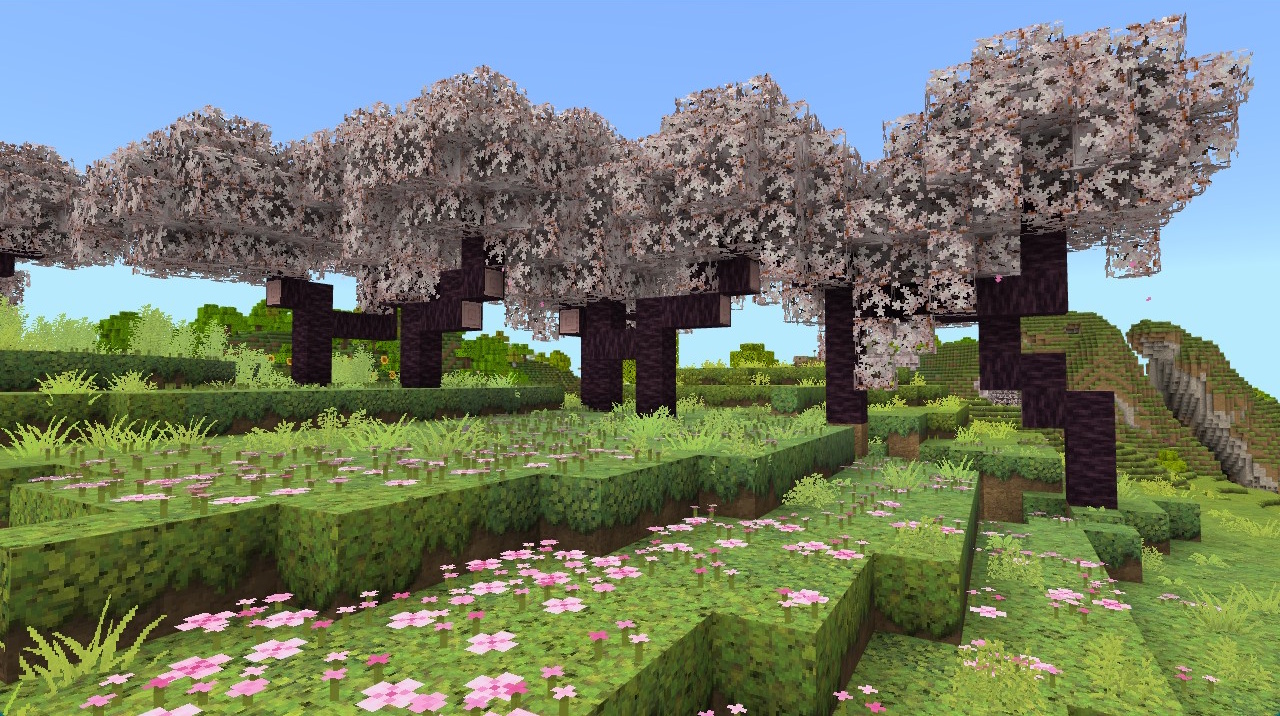
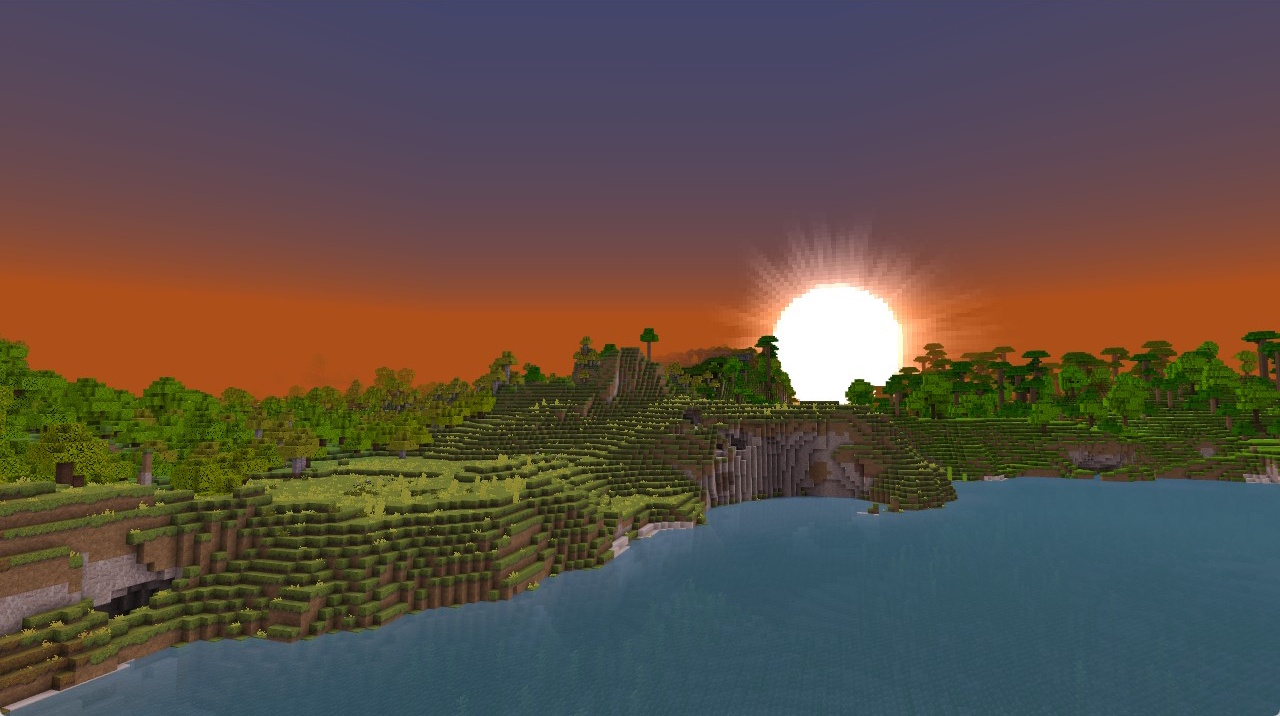
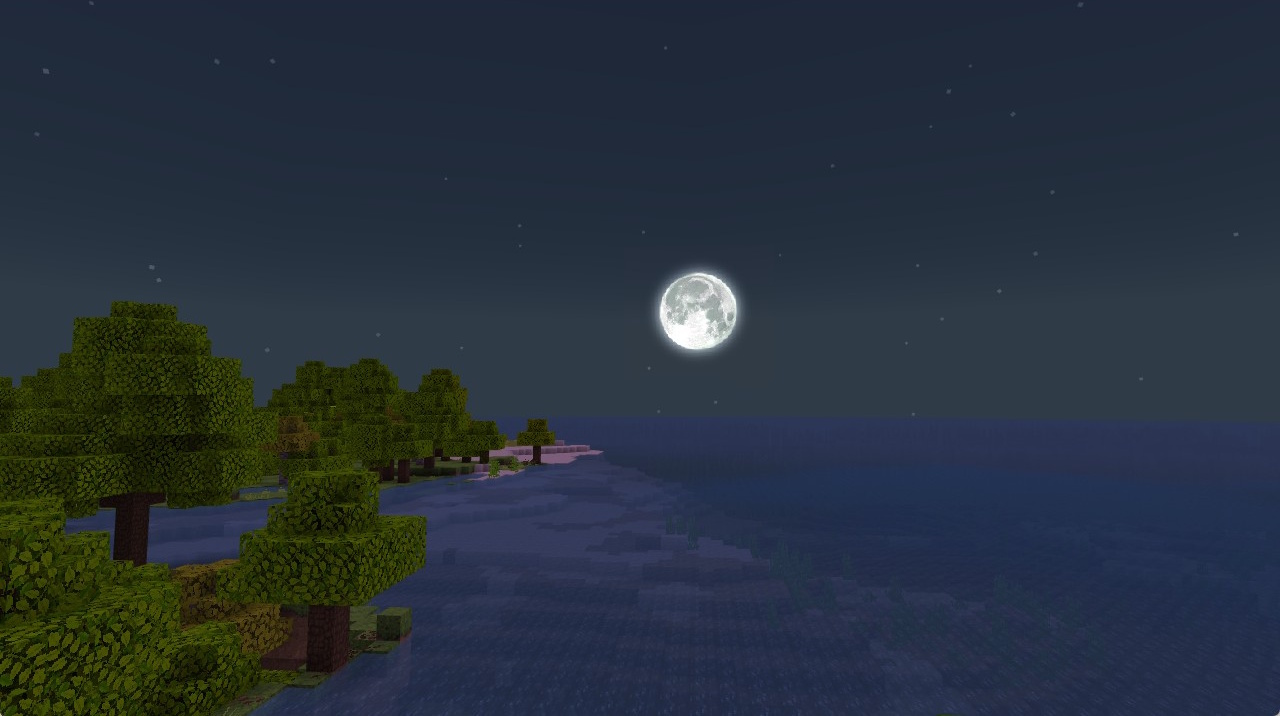
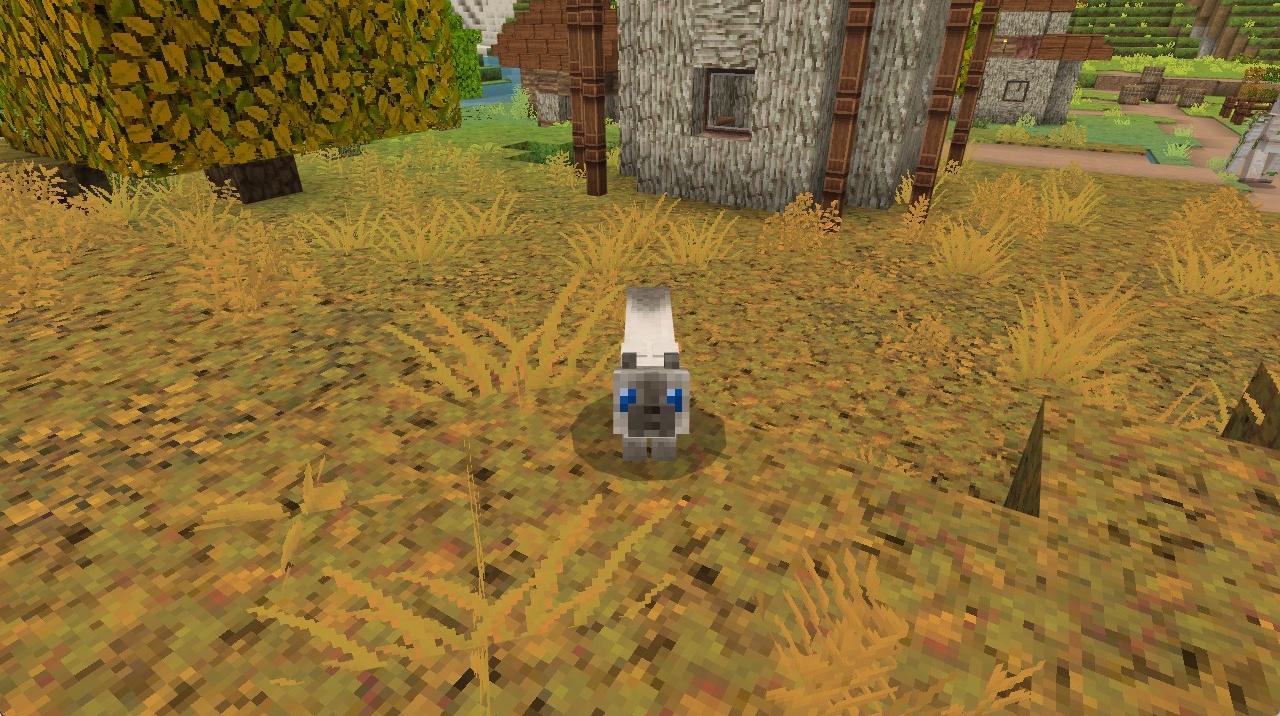
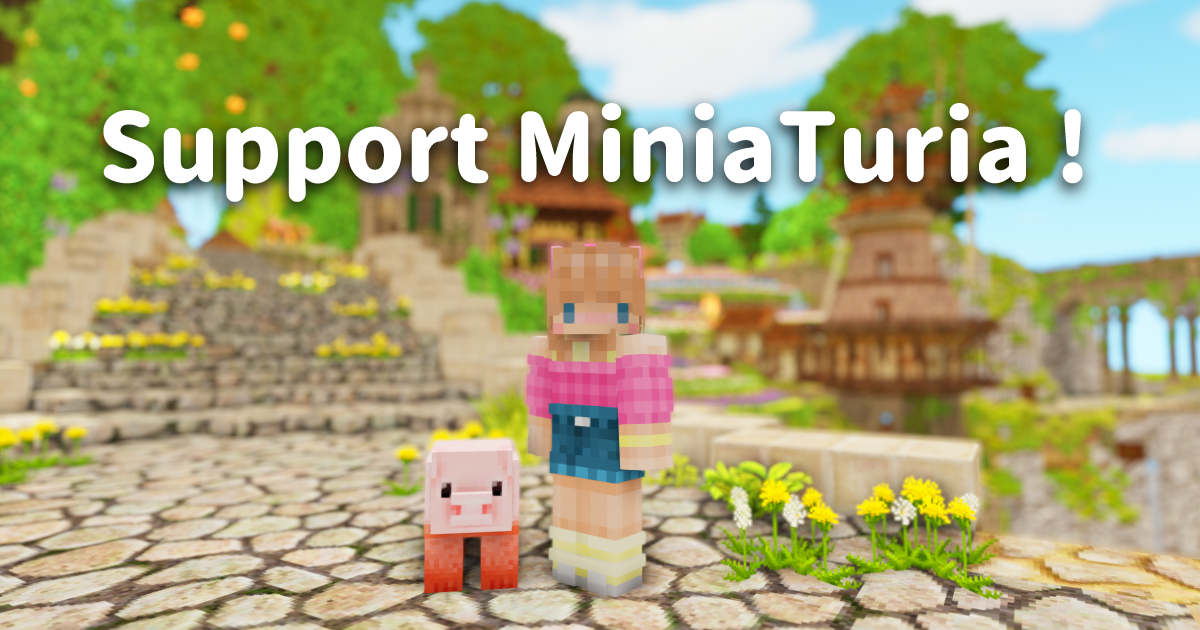
📌 A Bedrock Edition resource pack (MCPE supported) that changes the textures of blocks that already exist in Minecraft. You can play with it in both Survival and Creative! Using it together with MiniaTuria add-ons will expand your world 🙌
About this resource pack
⚠️ Not every block and item has a complete set of textures yet. It might not be enough for Survival play just yet… I’ll keep adding more in future updates!
Bedrock / PE
v1.21.40+
Win10/11 / iOS / Android
×32 / partially ×64 (plants, etc.)
Not available on PS / Xbox / Switch
Not compatible with Java Edition
Not compatible with Vibrant Visuals
FAQ
I clicked the file download button, but the agreement button on the Terms of Use screen remains disabled and I’m stuck.
- Cannot click the agreement button on the Terms of Use → Please read the terms and scroll all the way to the bottom; then the agreement button will become clickable.
When I reach the Linkvertise ad page, it says “Whoops!” and I can’t proceed to the file download.
- Retrying with a different browser (for example, Firefox if Chrome doesn’t work) often solves the problem.
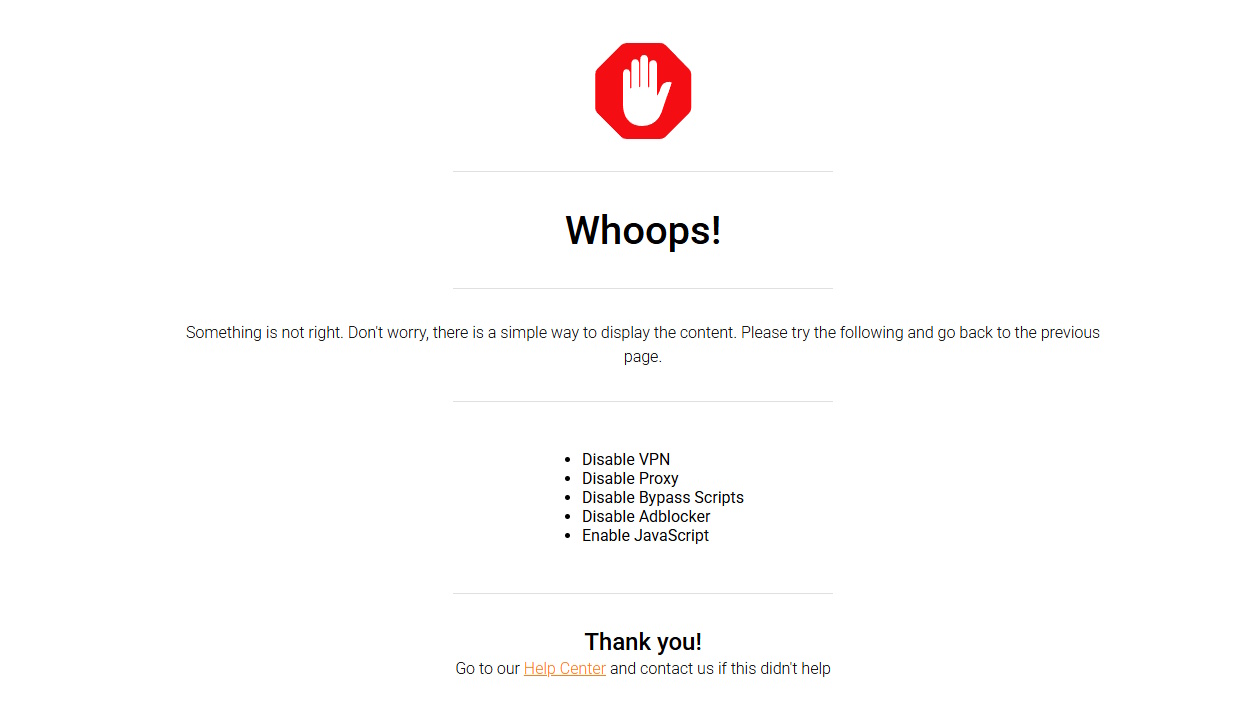
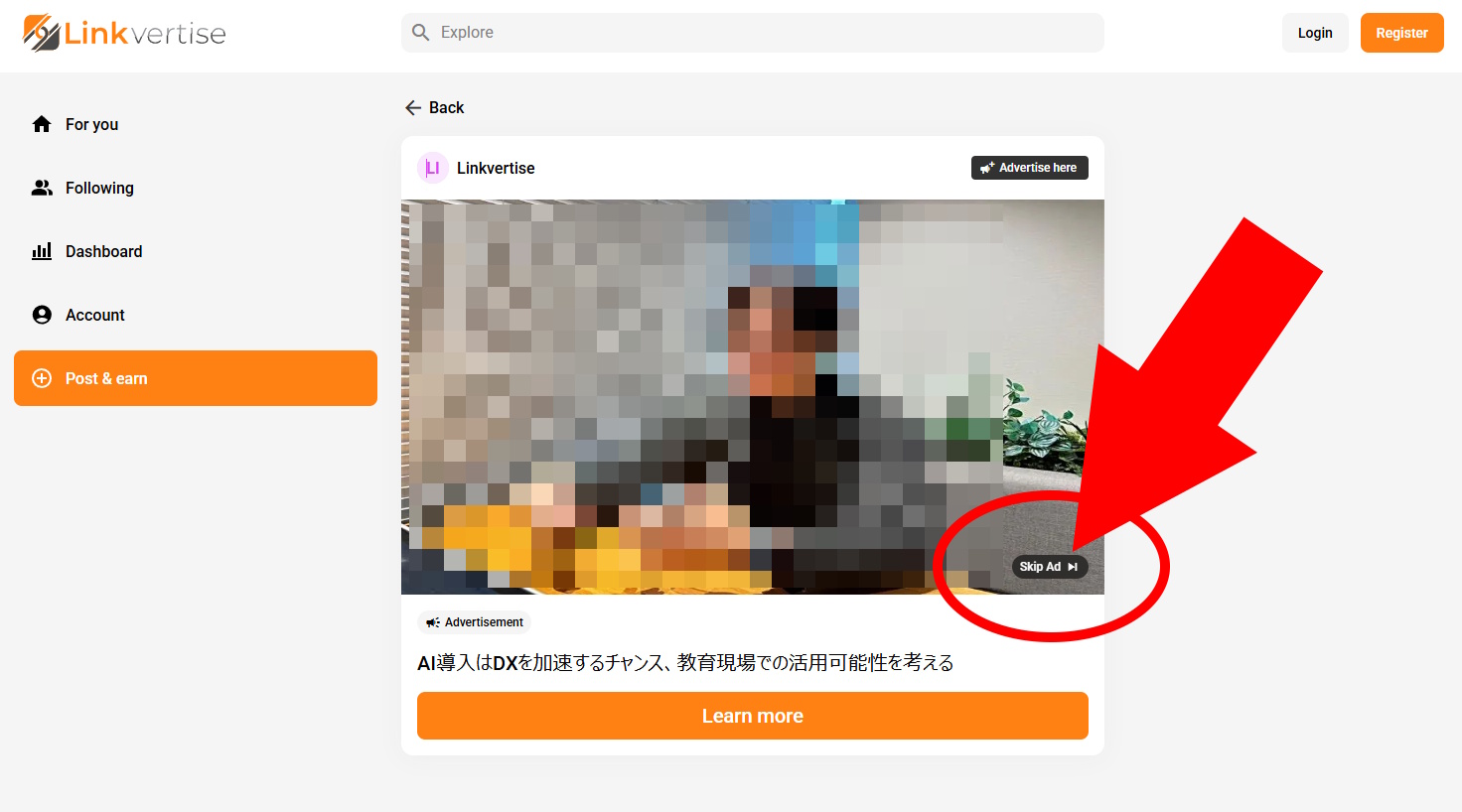
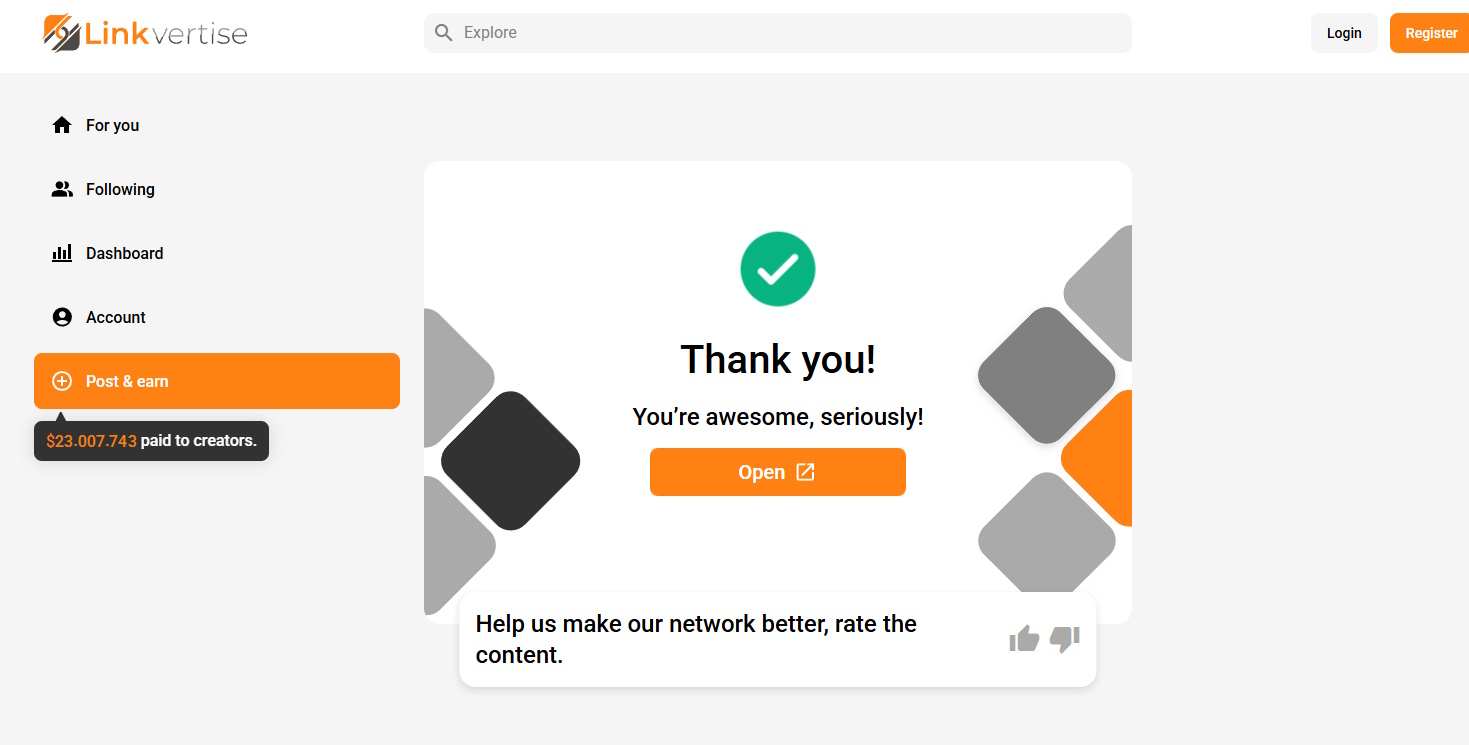
- If you cannot or do not want to change browsers, restart the ad process from the beginning. When you reach the point where you are supposed to click the orange button, do not click it; instead, click the small “Skip Ad” link shown at the bottom right of the ad. This will allow you to proceed, so then click “Open” to move on to the file download page.
I reached the file download page in Chrome, but the download is put on hold by the browser.
- Because the downloaded file is an executable file, the browser may display a warning like “This might be a virus!” and temporarily pause the download. In that case, click the confirmation button such as “Download anyway,” and the download should resume normally.
Some blocks/items still use the default Minecraft textures
- Sorry! I don’t have textures for everything yet.
- I decided to release a scenery texture pack (even though it’s not complete yet) so you can enjoy the building add-ons more.
- I’m planning to keep adding new textures gradually in future updates!
Can’t I play on Nintendo Switch / PlayStation / Xbox?
- Unfortunately, you can’t play on consoles like Nintendo Switch. 🙏
- To install packs on Switch, they must be obtained from the Marketplace. However, I’m not currently enrolled in the Minecraft Partner Program, so I can’t distribute it on the Marketplace.
- You can’t “directly import” to the Switch, but you can still play using Friend Invite!
Import MiniaTuria on a PC or smartphone, host a world with the Script API enabled, and invite your Switch account.
- Quick steps:
1) On the host (PC/phone), create a world with the add-on enabled
2) Send a friend invite to the Switch account
3) Join from Switch and play
- Quick steps: