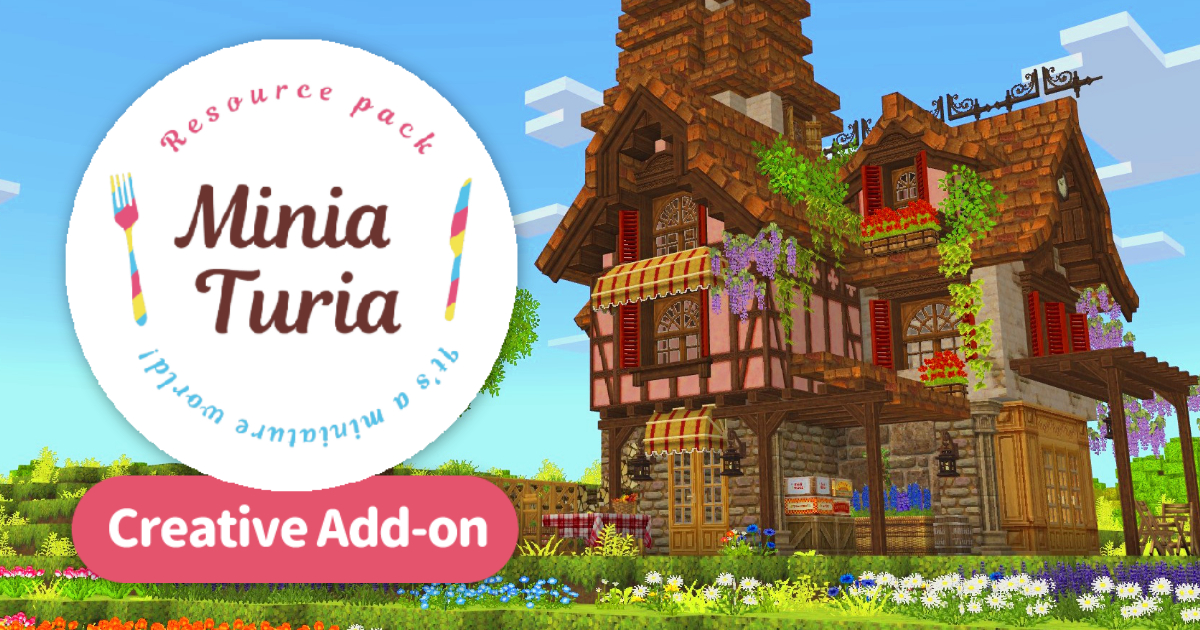
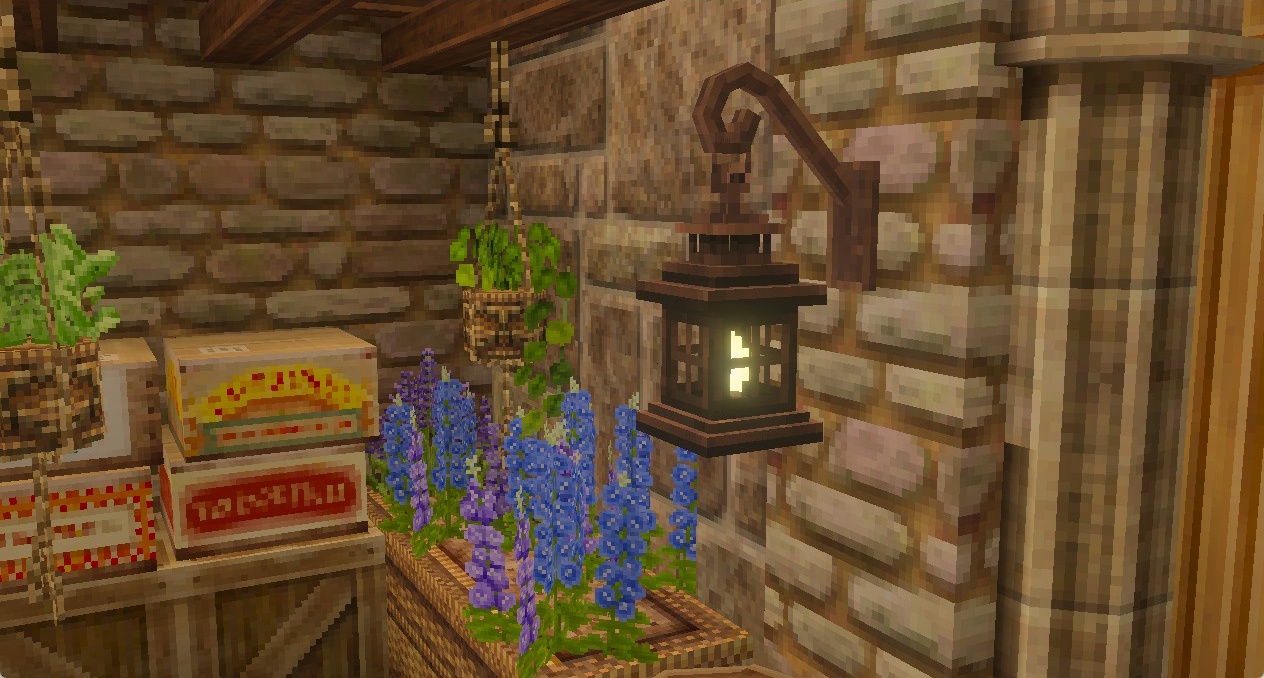
📌 A Minecraft Bedrock Edition add-on. A full-scale port of 3D decorations and building-material blocks from the Java Edition MiniaTuria Mod! Enjoy creative building with highly detailed parts!
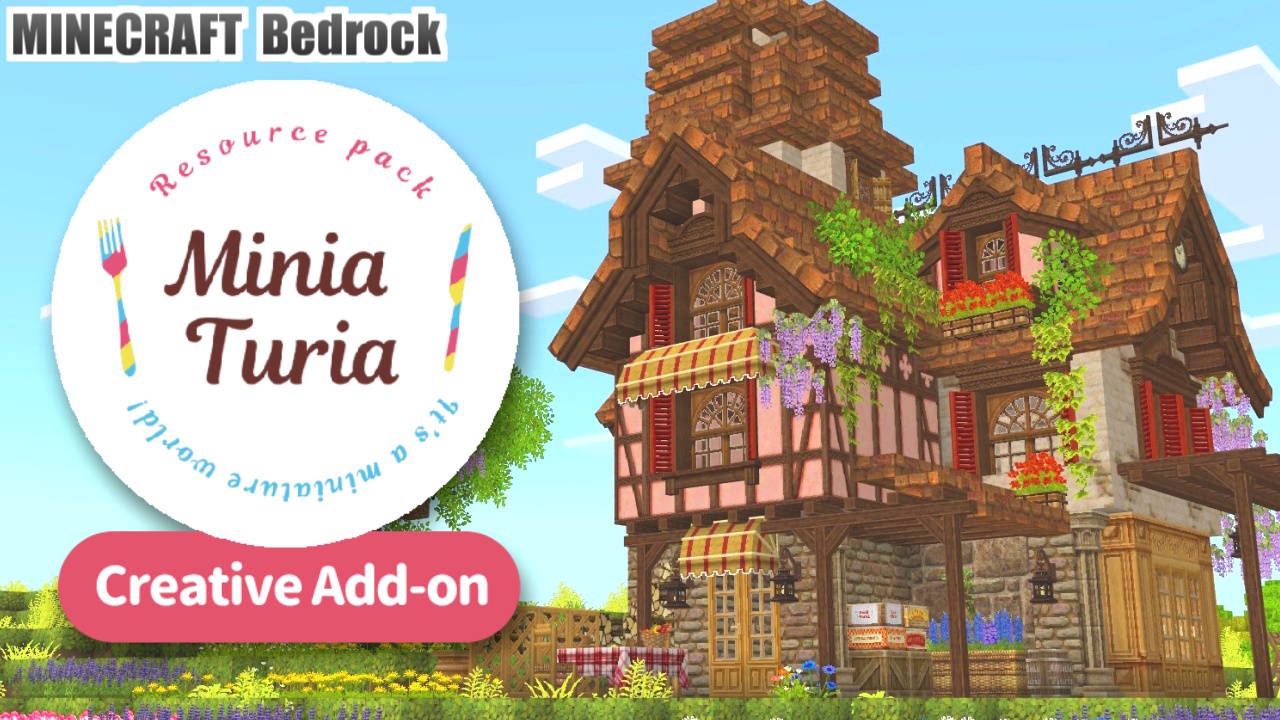
📌 A Minecraft Bedrock Edition add-on. A full-scale port of 3D decorations and building-material blocks from the Java Edition MiniaTuria Mod! Enjoy creative building with highly detailed parts!
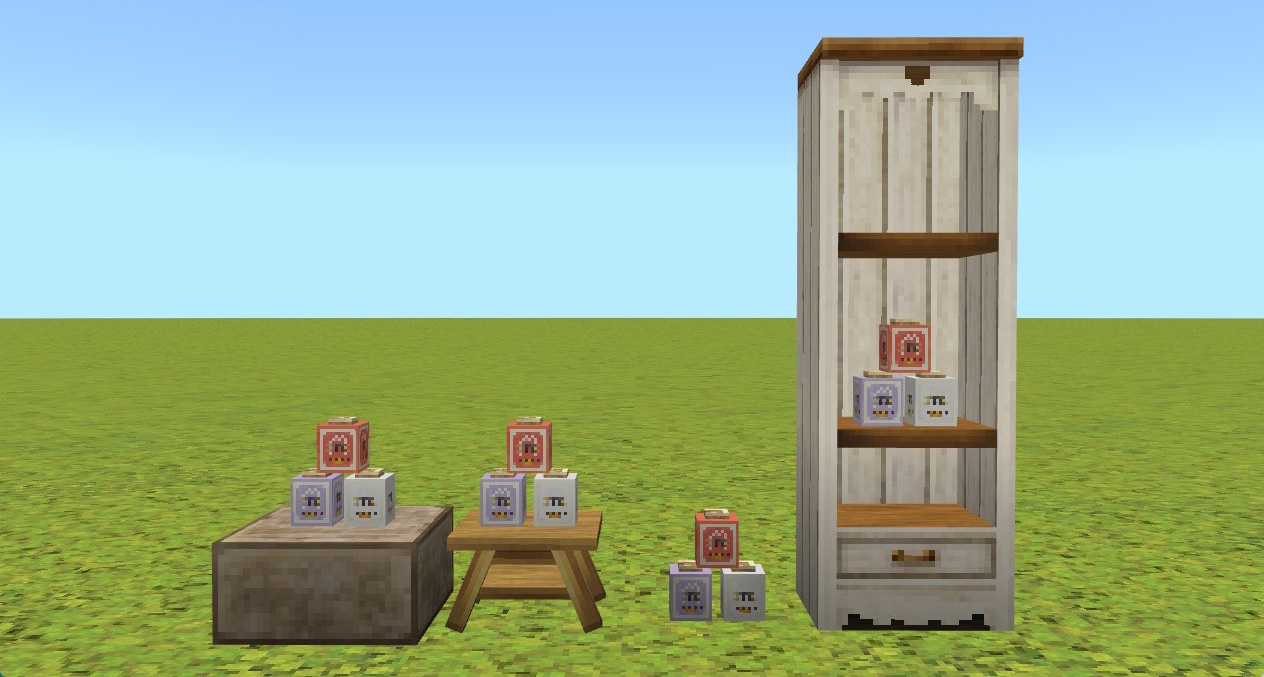
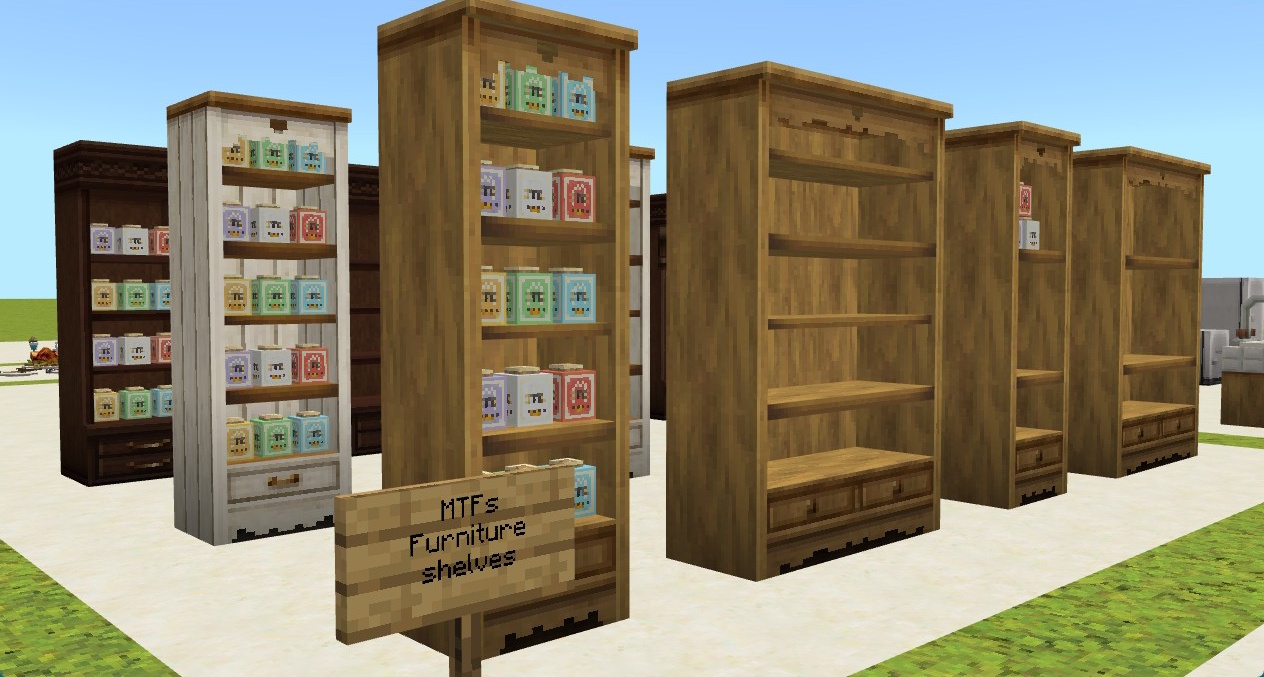
Small decorative blocks can be placed on slabs and low tables, or put into shelves! They automatically shift into position for you!
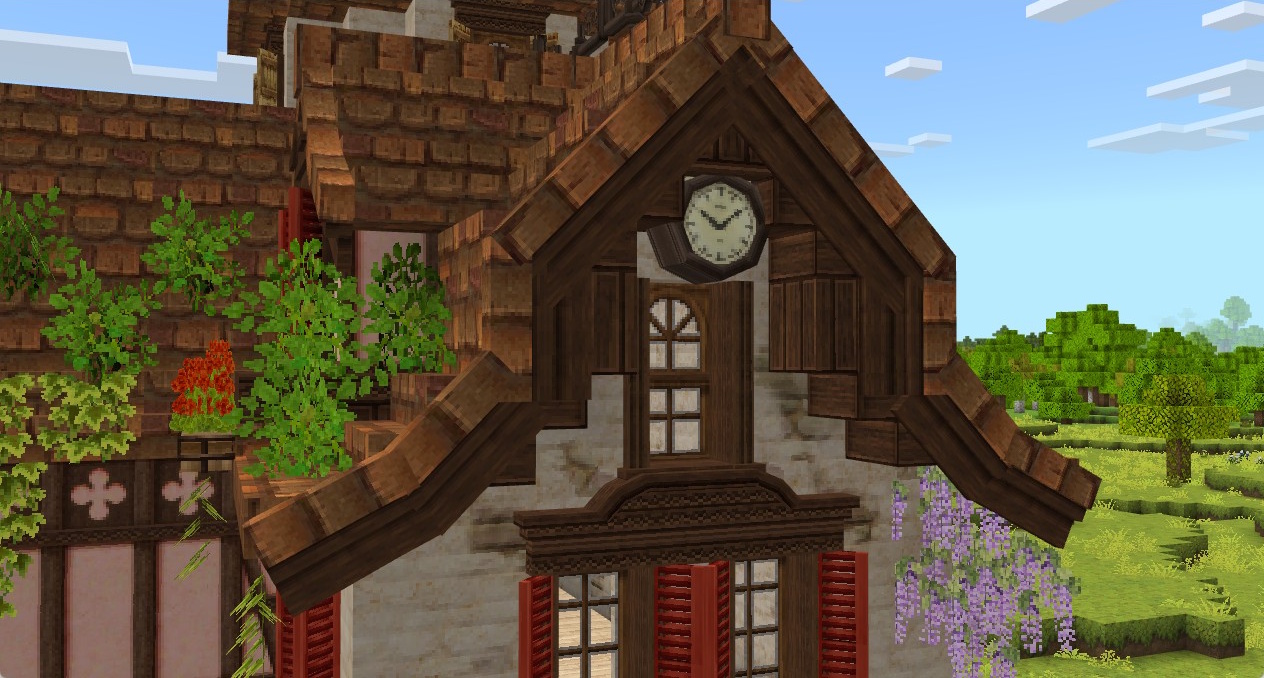
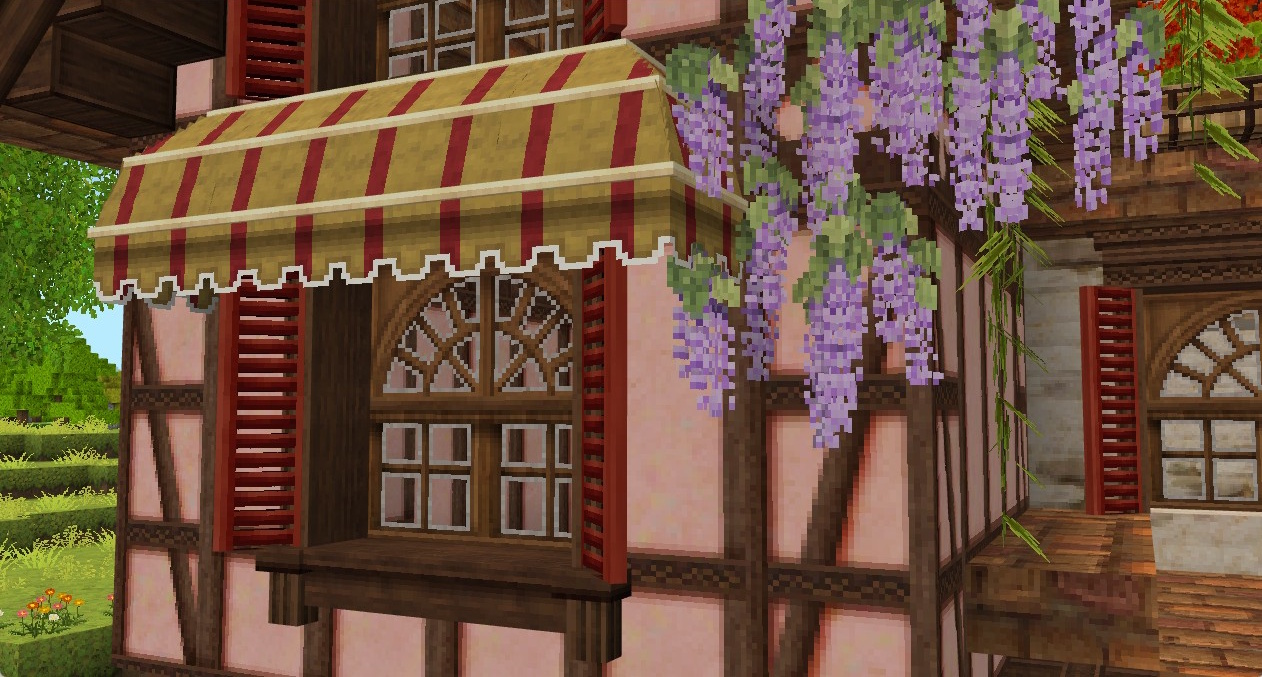
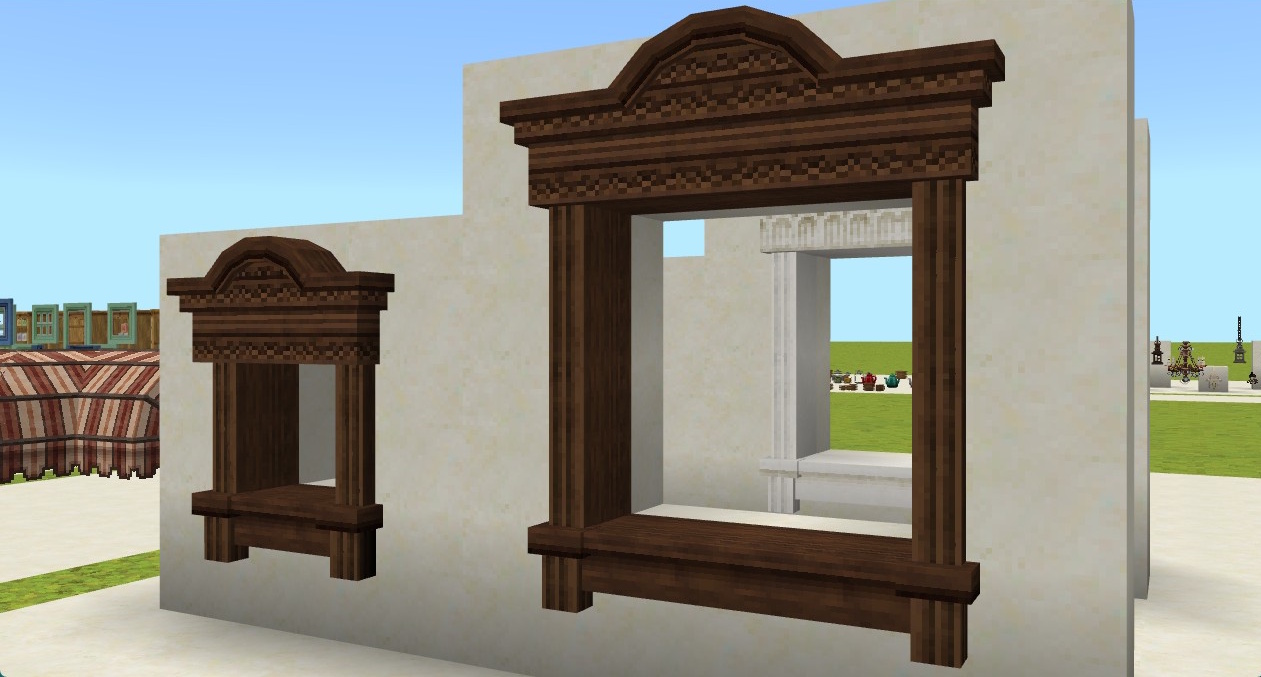
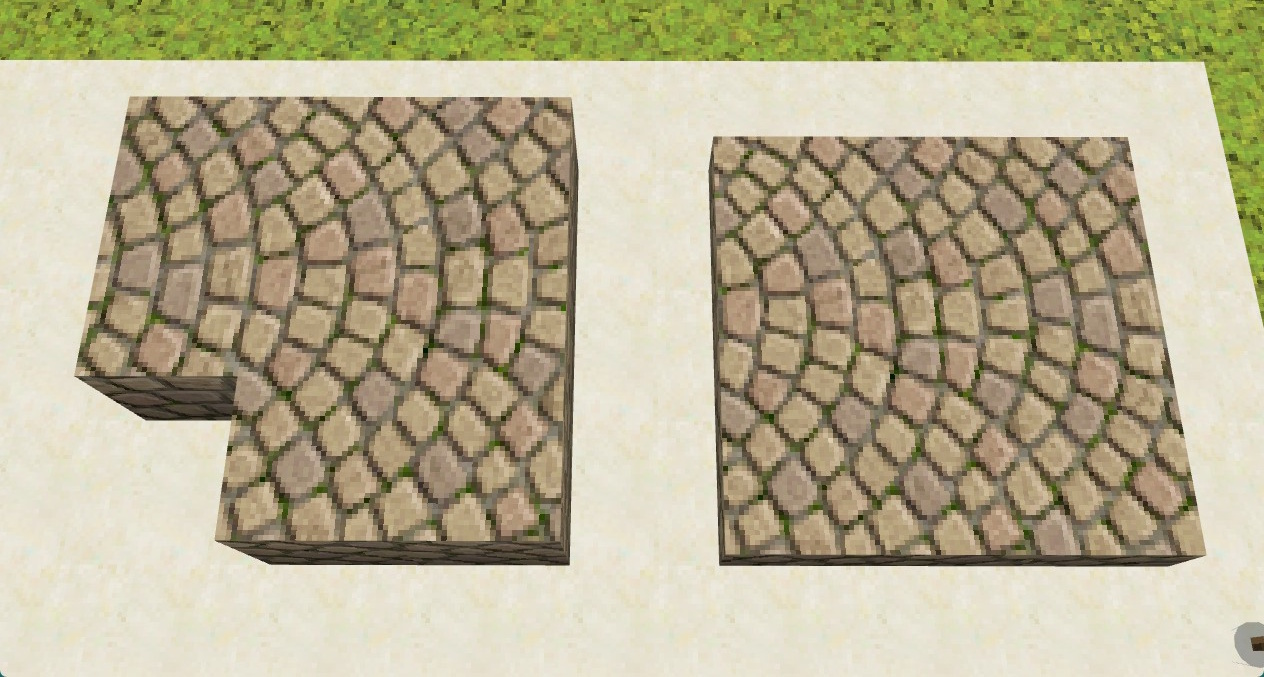
A wide variety of parts for window frames, roofs, and more! I use Bedrock’s slab placement behavior to switch left/right parts by placing blocks on the upper/lower half, and other tricks like that.
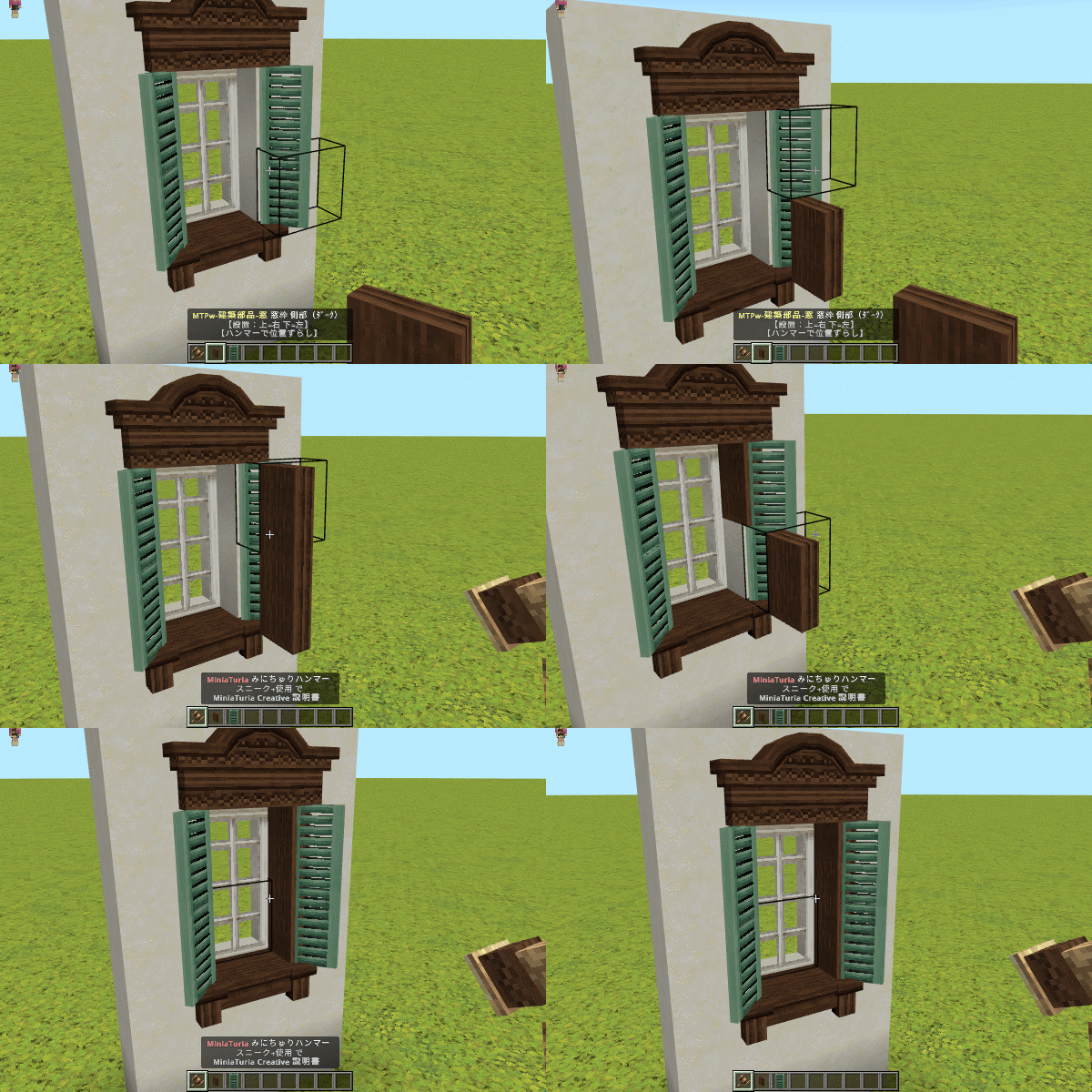
With the “MiniaTuria Hammer”, you can push parts inward or shift them to create “stacked placement” in spots that normally wouldn’t be possible! This lets you pursue realistic, highly detailed builds!
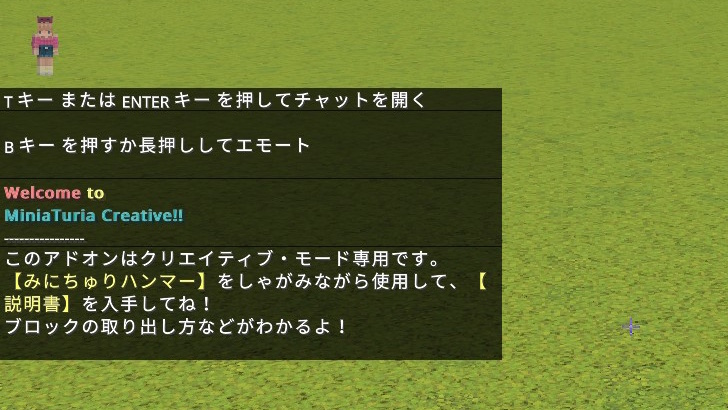
Because the hammer is essential for placing the added blocks, it will be automatically placed into your hotbar each time you enter the world (only if you don’t already have it).
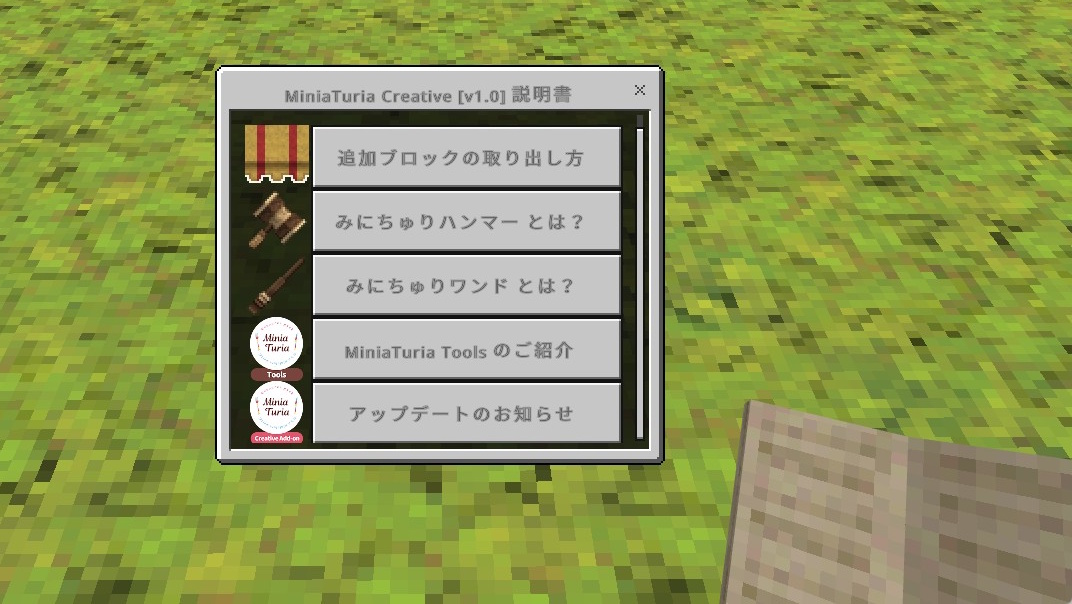
Use the hammer while sneaking to obtain the “MiniaTuria Creative Guidebook”! All instructions for the add-on can be found there!
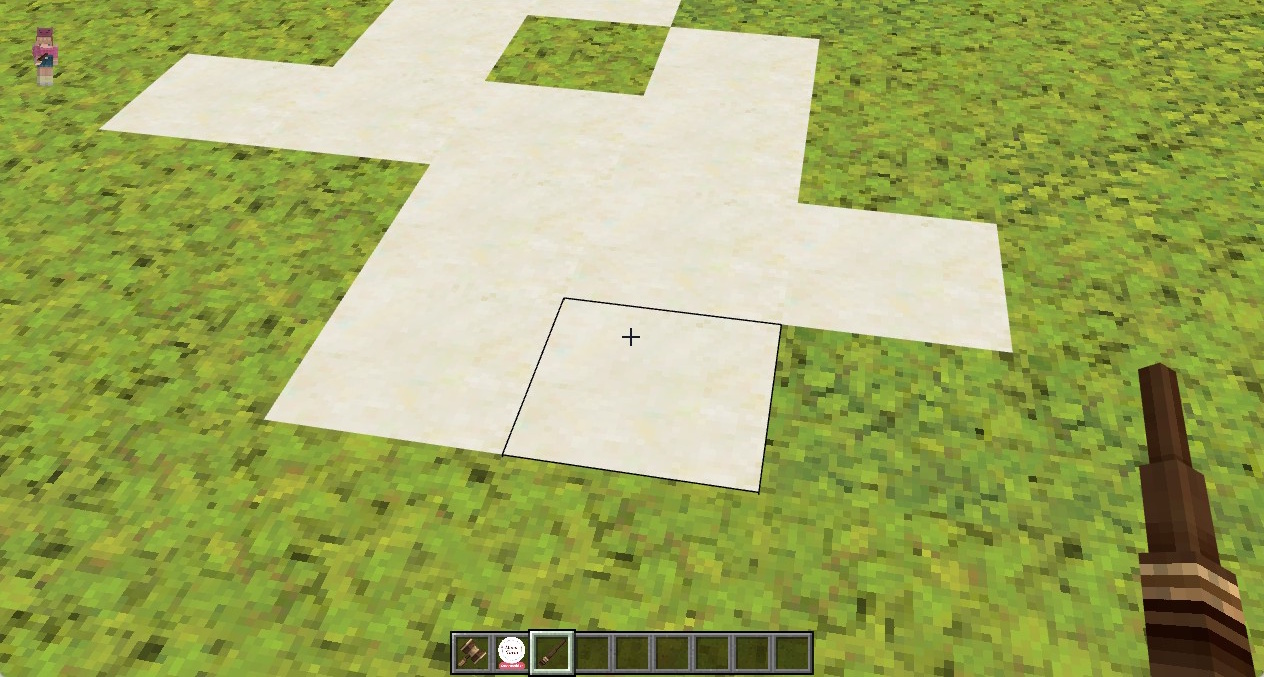
The “MiniaTuria Wand” is easy to obtain from the Guidebook. This is a magic wand that remembers the block you target on the first use, then pastes that block onto targets on subsequent uses! Replace blocks like coloring a picture!
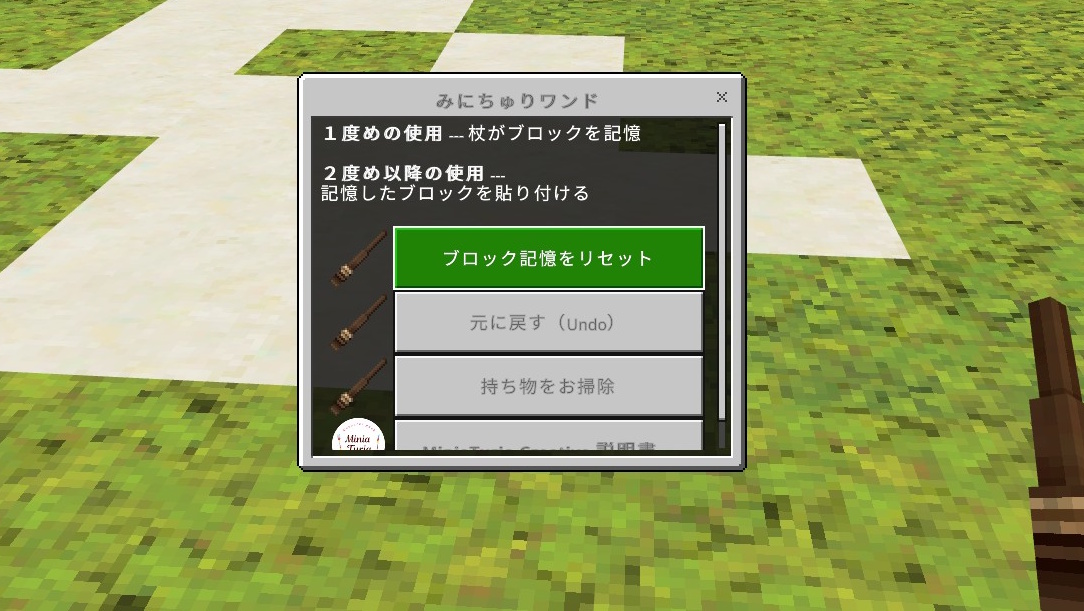
Sneak + use to reset the memory or perform Undo.
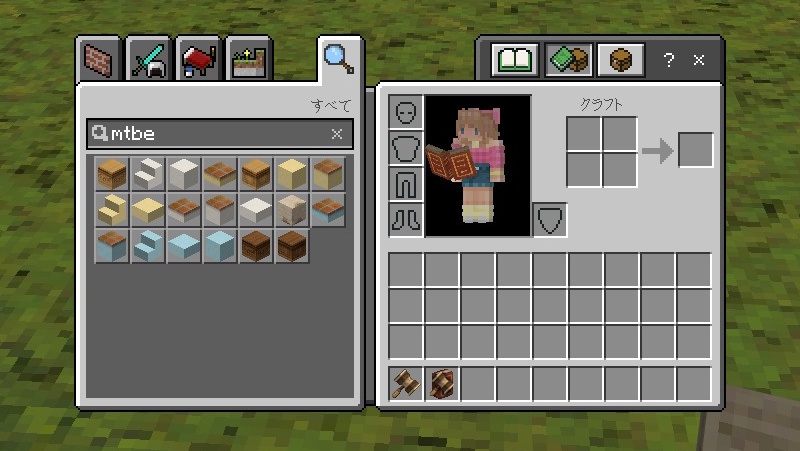
In Bedrock Edition, you can’t freely create custom tabs to organize added blocks… so I improved the search 🔍️ instead!
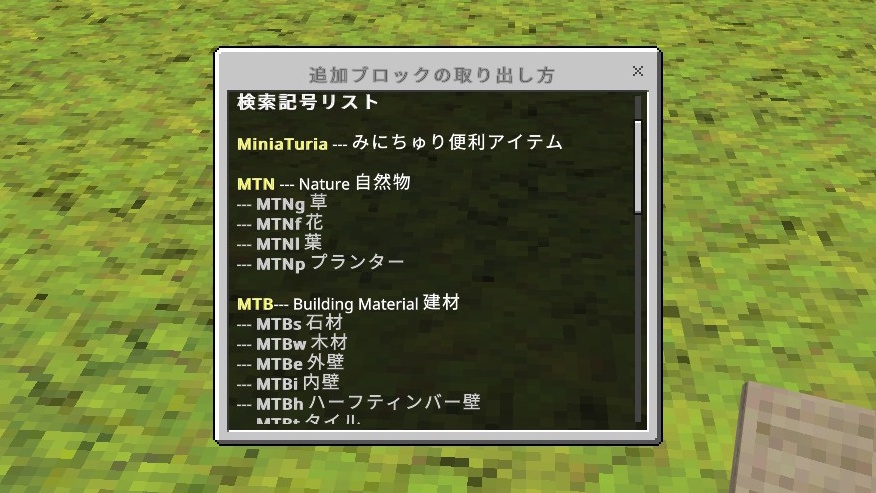
I added category symbols to the beginning of block names. Just type MT (= MiniaTuria) + major category + subcategory (4 letters total), and the blocks will appear neatly grouped. Easy to type on mobile, too! Check the category list in the “Guidebook”.
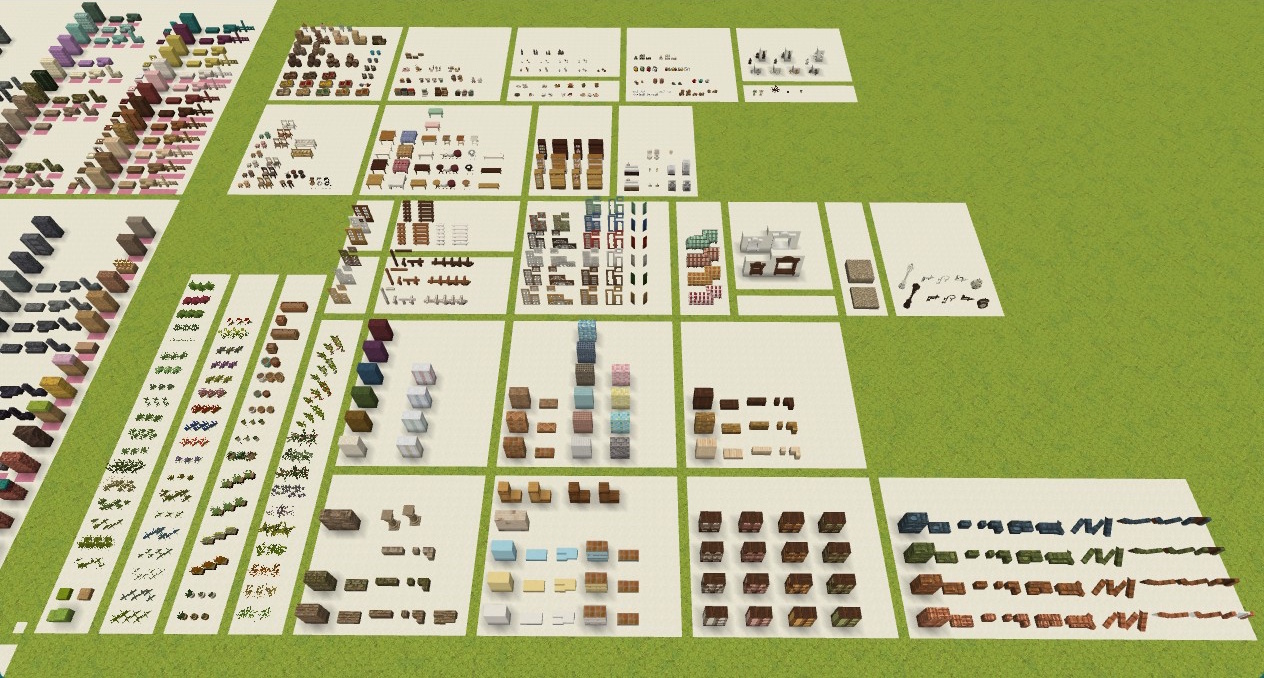
I’m porting 3D blocks from the Java mod one by one! I also prepared a sample world so you can see the full lineup at a glance! After importing the add-on, import the world’s .mcworld file, too!
📌 For detailed installation instructions, see the following page
⚠️ Using this together with the MiniaTuria Survival add-on is not recommended, because some blocks overlap ⚠️ This pack does not include full world textures ⚠️ Not available on PS / Xbox / Switch ⚠️ Not compatible with Survival Mode